The landscape of digital content creation is preparing for a notable shift as Maxon announces support for touch input across its flagship 3D software suite on Apple’s newly unveiled MacBook Pro. Featuring the tandem OLED PROLED XDR Display—the first display on an Apple laptop to introduce native touch interaction—the updated hardware environment provides digital artists, animators, and sculptors with new methods of directly manipulating three-dimensional geometry. Maxon’s industry-standard applications, Cinema 4D and ZBrush, will both receive touch-enabled updates scheduled for release in late November. Alongside touch support, Maxon is expanding its software capabilities into spatial computing by introducing an integration that allows Cinema 4D users to preview three-dimensional projects directly within Apple Vision Pro.
The hardware driving these software updates includes Apple’s new MacBook Pro powered by M5 Pro and M5 Max processor chips. Central to the laptop’s redesign is the PROLED XDR Display, which delivers exceptional contrast ratios, high brightness levels, and precise color reproduction necessary for high-end digital design work. Although touchscreen displays have been a fixture in the Windows laptop ecosystem for many years, the introduction of touch functionality to Apple’s primary portable creative workstation offers artists a new platform for direct manipulation of complex 3D environments.
Maxon’s upcoming software updates aim to introduce an entirely new dimension to professional visual production by integrating intuitive touch capabilities into established desktop software architectures. For digital sculptors using ZBrush and 3D animators working within Cinema 4D, touch interaction provides a direct, hands-on methodology for shaping digital assets. Instead of relying exclusively on traditional peripheral devices such as mice, trackpads, or external graphics tablets, artists will soon be able to interact directly with their models and scenes on the laptop’s primary display screen.
The introduction of touch input on the MacBook Pro is designed to complement existing input methods rather than replace them entirely. Creative workflows often depend on the precise keyboard shortcuts, hotkeys, and mouse-driven navigation systems that artists have perfected over decades. By adding touch support directly to the display, Maxon intends to offer a hybrid workspace where artists can quickly transition between typing, precision cursor movements, and direct tactile manipulation. Building and animating complex 3D worlds in Cinema 4D or developing intricate digital sculptures in ZBrush can now be performed through natural touch gestures right on the screen surface.
This expansion onto Apple’s touch-enabled laptop builds upon Maxon’s recent software developments across mobile operating systems. The company previously released ZBrush for iPad, an application specifically designed to translate the complex digital sculpting toolset into a mobile interface. That release allowed artists to carve, shape, and refine high-density polygon meshes using multi-touch gestures and the Apple Pencil, bringing greater mobility to professional sculpting workflows.
The upcoming late-November release brings that tactile sculpting experience directly to the familiar desktop environment. Artists who have become accustomed to the tactile feedback of sculpting on tablet screens will find a unified paradigm when working on the new MacBook Pro screen. By bridging the gap between desktop software functionality and tablet-style direct interaction, Maxon enables artists to maintain a continuous muscle memory across hardware formats, using direct screen interaction while retaining access to the full processing power of desktop-class M5 Pro and M5 Max chips.
Beyond touch interaction on the desktop, Maxon is also broadening the visual preview pipeline through a direct integration with Apple Vision Pro. Utilizing Apple’s Spatial Preview API and Mac Virtual Display technology, Cinema 4D will introduce an "Open in Spatial Preview" capability. This feature allows visual creators to output their three-dimensional scenes directly from their macOS workstation into an immersive spatial viewing environment hosted on visionOS.
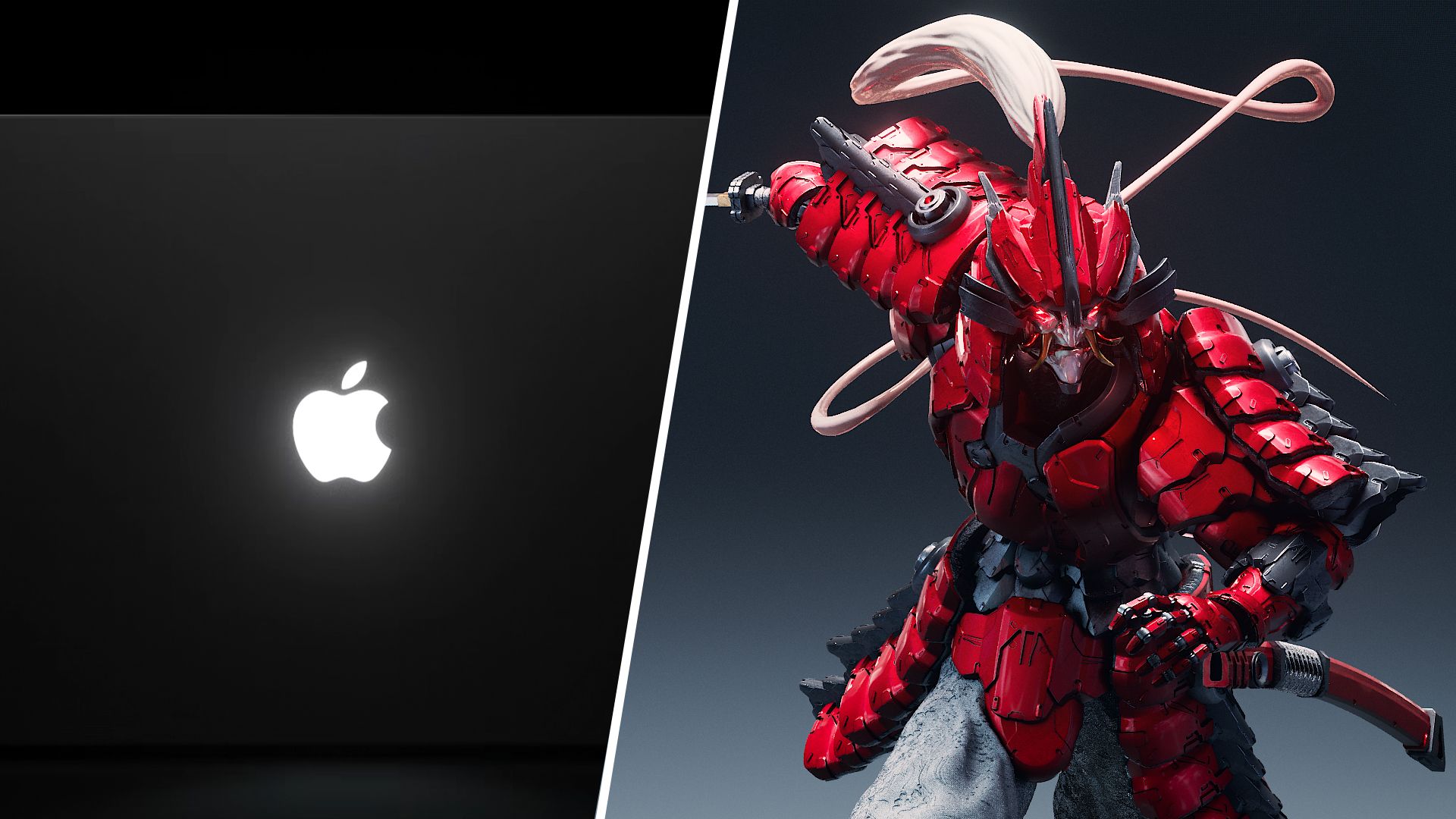
This spatial pipeline enables artists to move beyond the traditional boundaries of standard two-dimensional computer monitors. Historically, evaluating a three-dimensional model or scene required translating three-dimensional spatial data onto a flat screen, forcing designers to rely on orthographic viewports, camera angles, and static renders to judge scale, depth, and spatial balance. With the new integration, designers working in Cinema 4D can explore, preview, and interact with their assets in immersive, life-size detail within Apple Vision Pro, making it significantly easier to evaluate proportions and composition before moving forward with production rendering.
Rather than judging work based on a flat 2D image, artists and designers will be able to move through physical spaces virtually, such as walking through an interior room, evaluating a proposed installation, or exploring the layout of a space at real-world scale before anything is physically built. The ability to inspect 3D assets in life-size spatial environments holds broad practical utility across various design sectors, particularly architectural visualization, retail environments, exhibition spaces, and experiential design setups.
In architectural visualization, designers can walk through virtual interiors, evaluate ceiling heights, assess structural proportions, and analyze spatial flow before physical construction begins. Similar advantages apply to commercial retail planning, trade show booth design, and experiential event installations, where creators can test layouts, inspect sightlines, evaluate product placement, and check spatial relationships directly within a physical-scale digital environment.
In addition to aiding individual design decisions, the integration between Cinema 4D and Apple Vision Pro simplifies collaborative review processes with clients and project stakeholders. Explaining complex 3D projects to reviewers who are unfamiliar with navigating professional 3D design software can often present a hurdle. Non-technical clients frequently struggle with standard desktop viewports, making early-stage feedback on spatial arrangements difficult to gather accurately.
Through the Spatial Preview integration, multiple collaborators and clients using Apple Vision Pro can inhabit the same virtual space simultaneously. Collaborators can observe the project either from an immersive ground-level perspective—walking through the virtual space in real-time—or from a bird’s-eye view for a broader conceptual perspective. For reviewers who may not be familiar with navigating complex 3D software, this immersive capability allows them to better understand the space, identify potential design changes, and provide more informed feedback earlier in the creative process.
The hardware foundation for these software enhancements begins shipping on November 6, 2026, when Apple starts fulfilling orders for the new MacBook Pro featuring the tandem OLED PROLED XDR Display and M5 Pro/M5 Max processors. Maxon will follow shortly after with software updates bringing touch capabilities to Cinema 4D and ZBrush in late November.
To utilize the spatial capabilities, users will require the late-November software update featuring Open in Spatial Preview. This functionality operates across Mac systems running macOS 27 paired with Apple Vision Pro headsets operating on visionOS 27. The updates leverage Apple’s Spatial Preview API to establish real-time links between the desktop Cinema 4D environment and the visionOS headset interface.
Alongside the desktop updates and spatial computing features, Maxon is expanding its portable application suite further. The company confirmed that a new Cinema 4D iPad app is also slated for release before the end of the year. This upcoming tablet release will complement Maxon’s expanding touch-enabled software ecosystem, allowing digital artists to transition projects between iPad setups, touch-enabled MacBook Pro workstations, and spatial previews on Apple Vision Pro.