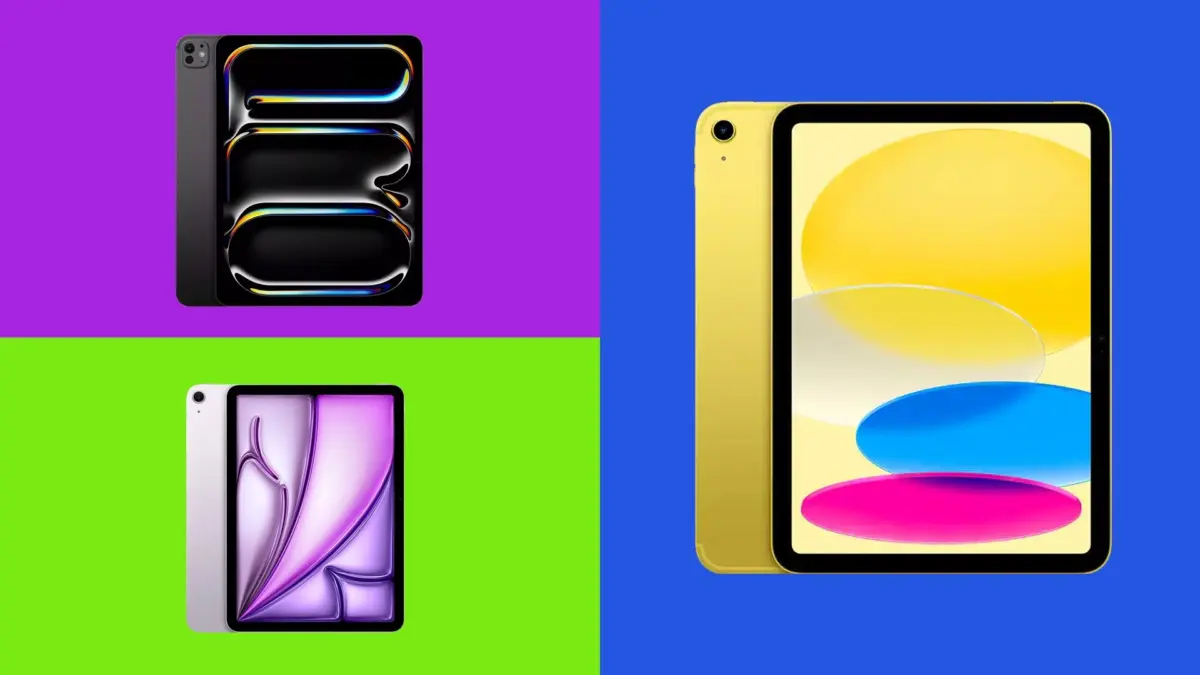
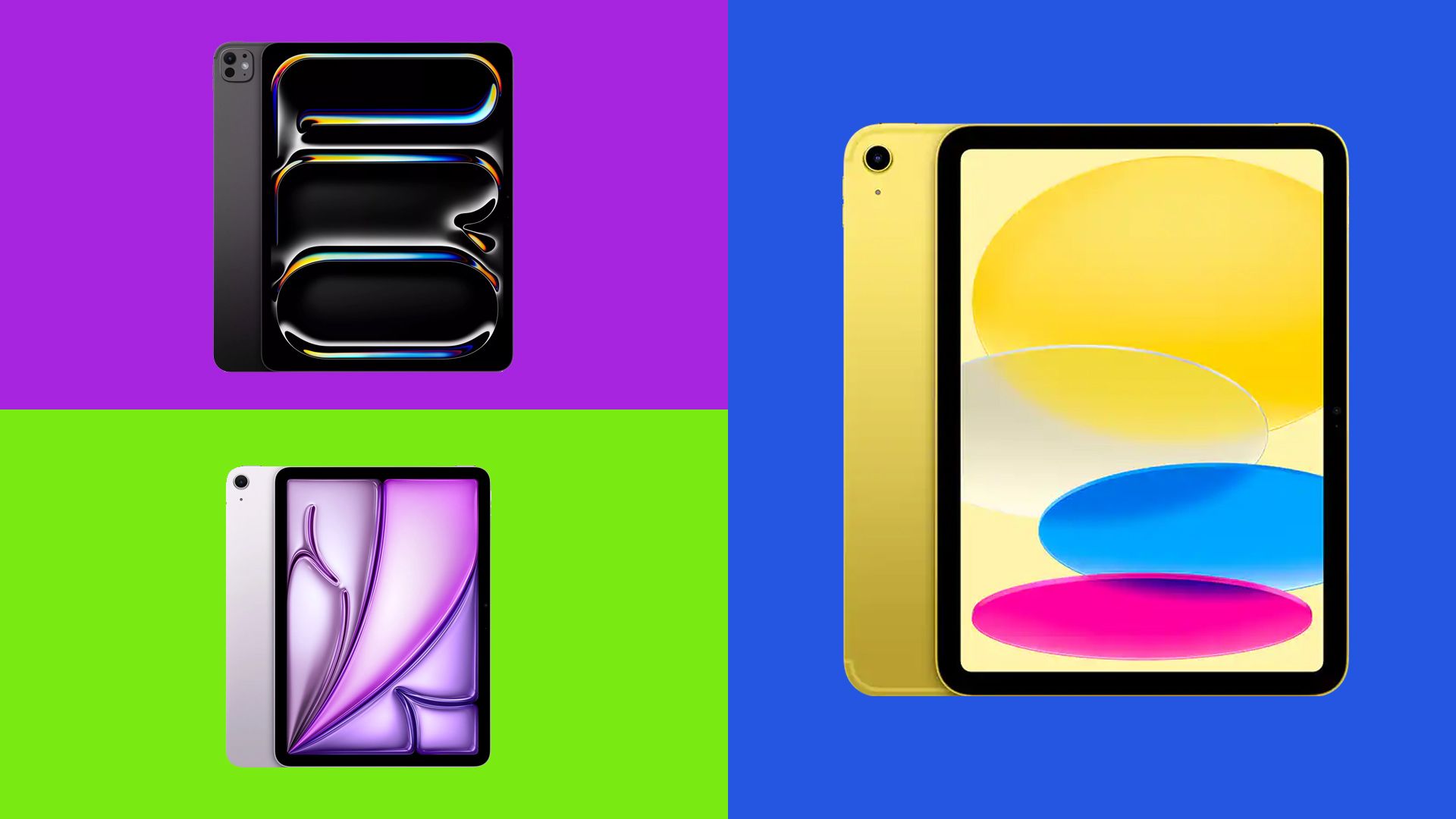
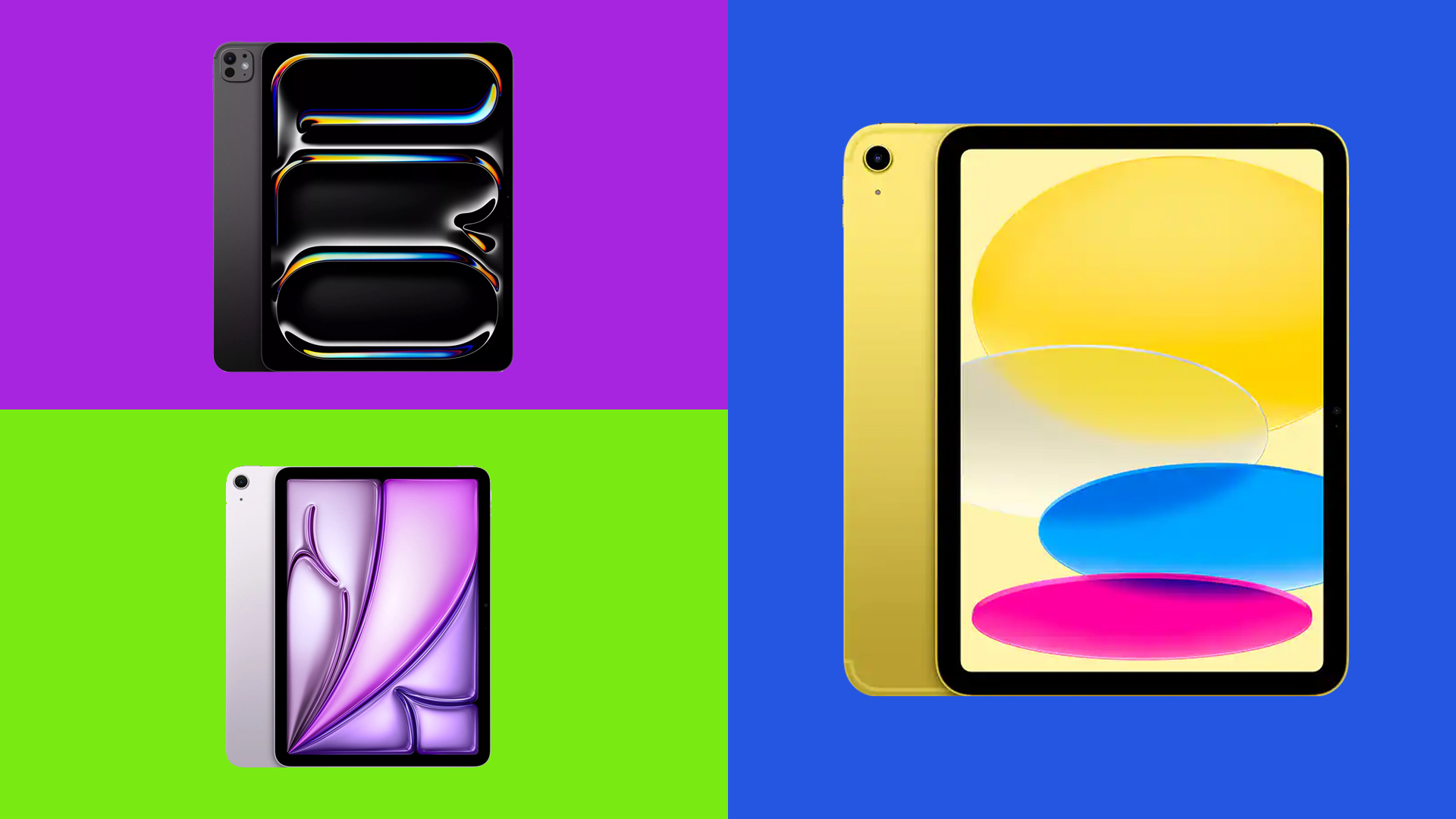
Choosing the right Apple iPad used to be a straightforward decision. In the early days of the tablet market, buyers had a single primary device to consider. Today, however, Apple’s ecosystem has expanded into four distinct product families: the entry-level standard iPad, the mid-tier iPad Air, the high-performance iPad Pro, and the ultra-portable iPad mini. With price adjustments introduced across the range in June 2026, alongside a variety of silicon architectures and screen technologies, navigating these options requires careful evaluation to ensure consumers do not pay a premium for processing capability they will not utilize.
For baseline tasks such as web browsing, media streaming, light gaming, and casual digital sketching, the standard 11-inch iPad (2025) provides all the performance most consumers require. However, users running specialized professional applications, demanding 3D design software, or requiring maximum portability may find the higher-tier iPad Air, iPad Pro, or iPad mini better suited to their workflows.
Drawing from extensive hands-on testing and review data compiled by evaluators who have tested Apple tablets since the launch of the first-generation iPad in 2010, this comparative analysis breaks down the latest iteration of each model family.
The best iPad for most people
For the vast majority of users, the baseline 11-inch iPad (2025) remains the most practical and cost-effective entry point into Apple’s tablet ecosystem. While often referred to as the "basic" iPad, that designation is strictly relative within Apple’s broader lineup.
Starting at $449 / £429, the 2025 entry-level model is the most affordable current-generation tablet Apple manufactures. It features an 11-inch Liquid Retina LCD screen with a resolution of 2360 x 1640 pixels, delivering 500 nits of brightness and a standard 60Hz refresh rate. Powered by the Apple A16 processor, the device is available in storage capacities of 128GB, 256GB, and 512GB, with total weights coming in at 477 grams for the Wi-Fi configuration and 481 grams for the cellular model. Battery life across standard daily usage is rated for up to 10 hours.
In practice, the A16 chip offers responsive performance for routine activities, including multitasking between web browsers, video conferencing, note-taking, and streaming media. It also serves as a competent gaming device for casual titles, though users demanding top-tier frame rates in AAA mobile games will encounter performance boundaries. For example, Call of Duty Mobile performs reliably until pushed to its 120fps mode, while visual-heavy titles like Infinity Nikki require setting graphical adjustments to medium for smooth playback. Furthermore, because it lacks an M-series Apple Silicon chip, certain high-end games developed exclusively for Apple’s desktop-class architecture remain unavailable on this device.
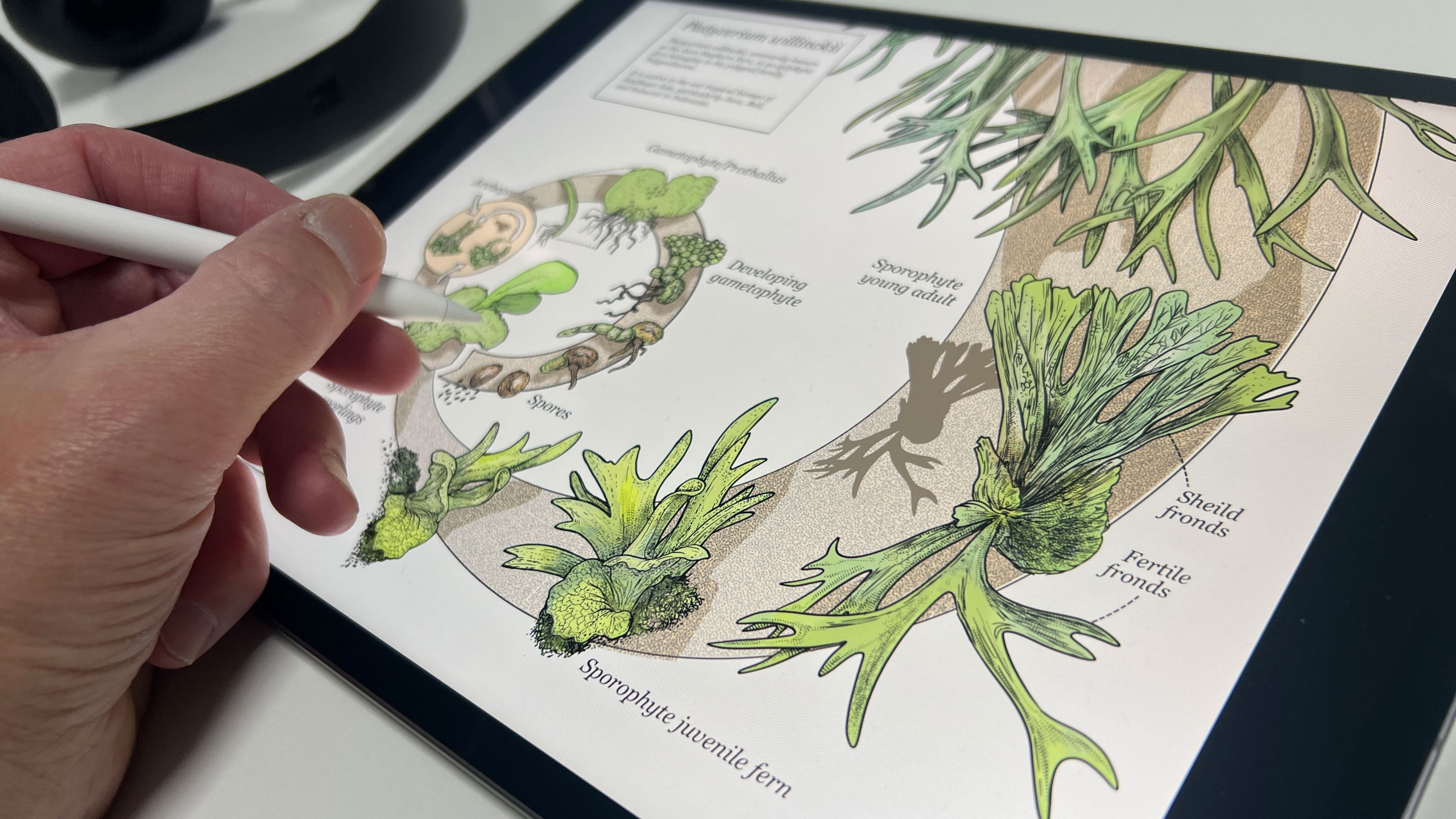
For digital illustration, the basic iPad handles apps such as Procreate efficiently when paired with a stylus. Consumers should note stylus compatibility nuances: while the tablet supports both the first-generation Apple Pencil and the Apple Pencil (USB-C), the first-generation Pencil is recommended for artwork because the USB-C version lacks pressure sensitivity.
Reviewer Ian Evenden notes the overall value proposition of the entry-level tablet: "You don’t get desktop-level processing power, but you do get one of the friendliest, most useful tablets around, especially if you combine it with a Pencil for sketching."
Trade-offs are present to maintain the lower price point. The display features an unlaminated architecture with an air gap beneath the top glass, making stylus interactions feel slightly less direct compared to premium models. Additionally, the device features a slower data transfer speed via its USB-C port, lacks support for the Apple Pencil Pro, and does not support Apple Intelligence software features. Industry reports suggest an updated baseline model could potentially arrive in early 2027, though Apple has not officially confirmed future product schedules.
The best step-up iPad
Positioned directly above the entry-level tablet, the iPad Air (M4) costs $300 / £320 more than the base model, with the 11-inch version starting at $749 / £749 and the larger 13-inch model starting at $949 / £949. In exchange for the higher price tag, the Air delivers a significant leap in computational capability, doubling the system memory, incorporating Apple Intelligence support, and expanding creative functionality with Apple Pencil Pro integration.
The iPad Air is offered in two display sizes: an 11-inch Liquid Retina LCD (2360 x 1640 resolution, 500 nits brightness) and a 13-inch Liquid Retina LCD (2732 x 2048 resolution, 600 nits brightness). Both panels run at a 60Hz refresh rate. Under the hood, every storage tier—ranging from 128GB up to 1TB—includes the M4 processor backed by 12GB of unified memory. The 11-inch model weighs 464 grams, while the 13-inch variant weighs 616 grams. Like the rest of the lineup, battery life is rated for up to 10 hours.
The performance distinction provided by the M4 processor is substantial. In Geekbench 6 benchmark evaluation, the M4 iPad Air achieved a multi-core CPU score of 13,168—more than double the 6,338 score turned in by the A16-powered standard iPad. Its graphics score reached 53,071, effectively matching the 53,252 GPU score delivered by the previous-generation M4 iPad Pro.
This surplus of computing horsepower directly benefits users operating intensive 3D applications and high-resolution creative workflows. Technical reviewer Glen Southern, a long-term iPad Pro user, tested the M4 Air with demanding 3D sculpts: "For a lot of creative users, 12GB of memory and an M4 chip may be more iPad than they’ll ever actually need," Southern explained, noting that the tablet successfully handled models containing up to 16 million polygons within Nomad Sculpt without destabilizing.
Despite its impressive processing envelope, the iPad Air omits certain display luxuries found exclusively on the flagship Pro line. It retains standard LCD panel technology rather than OLED and remains capped at a 60Hz refresh rate. For buyers who prioritize hardware speed over display refresh rates, however, the Air represents an optimal middle ground.
The best iPad for creative pros
The iPad Pro (M5) occupies the top tier of Apple’s tablet portfolio. Engineered specifically for professional creators, video editors, and 3D artists, the Pro model combines Apple’s fastest mobile silicon with its most advanced display hardware.

Pricing for the iPad Pro reflects its flagship positioning, starting at $1,199 / £1,199 for the 11-inch model and $1,499 / £1,499 for the 13-inch model, with higher storage tiers reaching up to 2TB. The 11-inch variant features a resolution of 2420 x 1668, while the 13-inch model operates at 2752 x 2064 pixels. Both sizes utilize tandem Ultra Retina XDR OLED panels featuring 120Hz ProMotion adaptive refresh rates, a standard brightness of 1,000 nits, and a peak HDR brightness rating of 1,600 nits. The hardware is designed to be remarkably thin and light, weighing 444 grams in the 11-inch size and 579 grams in the 13-inch configuration.
Performance metrics for the M5 processor establish a high ceiling for mobile computing. In benchmark evaluations, the M5 iPad Pro achieved a Geekbench 6 multi-core CPU score of 16,443 and a graphics score of 74,046.
Reviewer Ian Evenden highlighted the tablet’s performance headroom when managing complex professional assets: "Whether it’s for building up a lot of layers in Procreate or Illustrator, video editing in Final Cut Pro or DaVinci Resolve, or crazy stuff in ZBrush or Nomad Sculpt, the M5 iPad Pro barely breaks a sweat."
While the M5 iPad Pro delivers peak technical performance, its steep price point means it is unnecessary for general consumers. Furthermore, total investment rises quickly when outfitting the device with professional accessories such as the Magic Keyboard and Apple Pencil Pro. Unless a user’s daily work explicitly demands high-frequency OLED rendering or continuous heavy compute performance, the mid-tier iPad Air remains the more economically practical selection.
The best small iPad
Designed for maximum portability and single-handed use, the 2026 iPad mini (A20 Pro) caters to users who prioritize a compact form factor without sacrificing display quality or internal processing speeds.
The latest mini features an 8.5-inch Super Retina XDR OLED display with a resolution of 2316 x 1512 pixels, 600 nits of standard brightness, and a peak HDR brightness of 1,200 nits. Running at a 60Hz refresh rate, it is driven by the Apple A20 Pro chip and offered in storage capacities of 128GB, 256GB, and 512GB. The device weighs 255 grams in its Wi-Fi build and 263 grams in the cellular version, with an official battery rating of up to 10 hours. Notably, this model introduces an IP67 rating for water and dust resistance, along with compatibility for the Apple Pencil Pro.
For handheld tasks such as reading, field note-taking, compact sketching, and travel usage, the mini’s form factor offers clear physical advantages. Buyers opting for 256GB or 512GB storage models can also select an optional paper-like nano-texture display finish for an additional $100 / £100 premium, reducing reflections in high-glare environments.
In evaluation, hardware analysis from TechRadar commended the A20 Pro model for its high-contrast OLED screen and fast performance output. The primary trade-off of the iPad mini remains its pricing structure: positioned $250 / £270 above the baseline 11-inch iPad and just $50 / £50 below the 11-inch iPad Air, consumers pay a distinct price premium for miniaturization. For cost-conscious buyers seeking a small form factor, retailers continue to clear out remaining inventory of the previous-generation A17 Pro iPad mini at significant discounts.
FAQs
What’s the best iPad?
The iPad Pro represents the highest-performing tablet in Apple’s hardware lineup. It incorporates the fastest processor (M5), the highest-quality tandem OLED display, and a 120Hz refresh rate. For users who prioritize pure performance and screen quality regardless of cost, the Pro is the primary choice. However, for those seeking maximum portability, the iPad mini is the alternative recommendation, while general users will find better overall value in the baseline iPad.
Which iPad is best for most people?
The standard 11-inch iPad (2025) is the ideal recommendation for average consumers. It provides the lowest price entry point while delivering ample hardware performance for web browsing, video streaming, document processing, video calling, and casual gaming. Higher-priced tiers offer capabilities that typical users rarely require.
Which iPad is best for students?
The baseline iPad is optimal for most students requiring a tablet for general academic tasks such as reading textbooks, managing schedules, writing documents, and media consumption. However, students enrolled in specialized creative disciplines—such as digital illustration, graphic design, architecture, or film production—should consider upgrading to the iPad Air to utilize its faster M4 chip, expanded memory, and support for the Apple Pencil Pro.
Which iPad is best for drawing as a hobby?
Hobbyists starting out with digital illustration will find the standard iPad paired with a compatible stylus to be an accessible entry point. Users seeking a refined drawing experience may prefer the iPad Air, which upgrades to a fully laminated display panel, adds Apple Pencil Pro compatibility, and offers a larger 13-inch canvas option.
Which iPad is best for professional artists?
Professional artists who require color accuracy, deep black levels, high frame rates, and peak computational performance for high-layer raster files or complex vector projects will benefit directly from the iPad Pro’s 120Hz tandem OLED screen. However, many working professionals can achieve identical artistic workflows on the 13-inch iPad Air without incurring the added cost of the Pro hardware.