Spending the majority of the working day anchored to a desk makes professionals intimately familiar with its minor yet persistent frustrations. There is the office chair that never quite provides the right lumbar support, the accumulating stack of loose paperwork that slowly encroaches upon the mouse’s territory, and the charging cable that inevitably slips off the edge to hide on the floor. Addressing these daily friction points requires more than standard corporate replacements; it calls for thoughtful design interventions. Five distinct home office products are tackling these everyday irritations, ranging from advanced ergonomic seating that accommodates fluid shifts in posture to compact desktop objects designed to restore breathing room to crowded workspaces.
A typical workday rarely involves remaining in a single, static position from morning until evening. Professionals frequently transition from intense typing sessions in the morning to leaning back for lengthy video conferences, and finally reaching for a pencil or notebook when a creative idea defies digital documentation. The latest wave of workspace design acknowledges these natural physical shifts. Each of the newly highlighted products addresses a different aspect of the daily routine without forcing a home office to resemble a sterile corporate equipment catalog.
LiberNovo Maxis Airflow Makes Room for Changing Positions
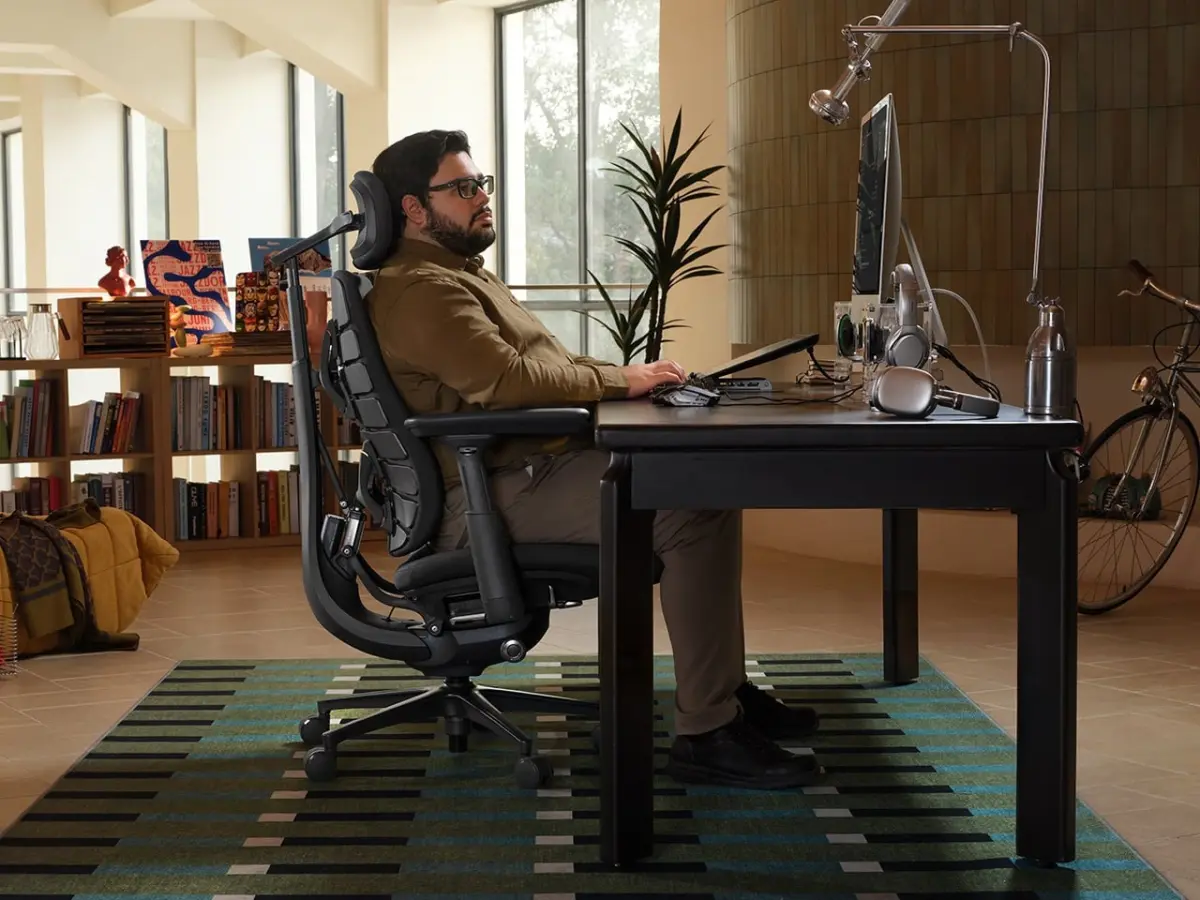
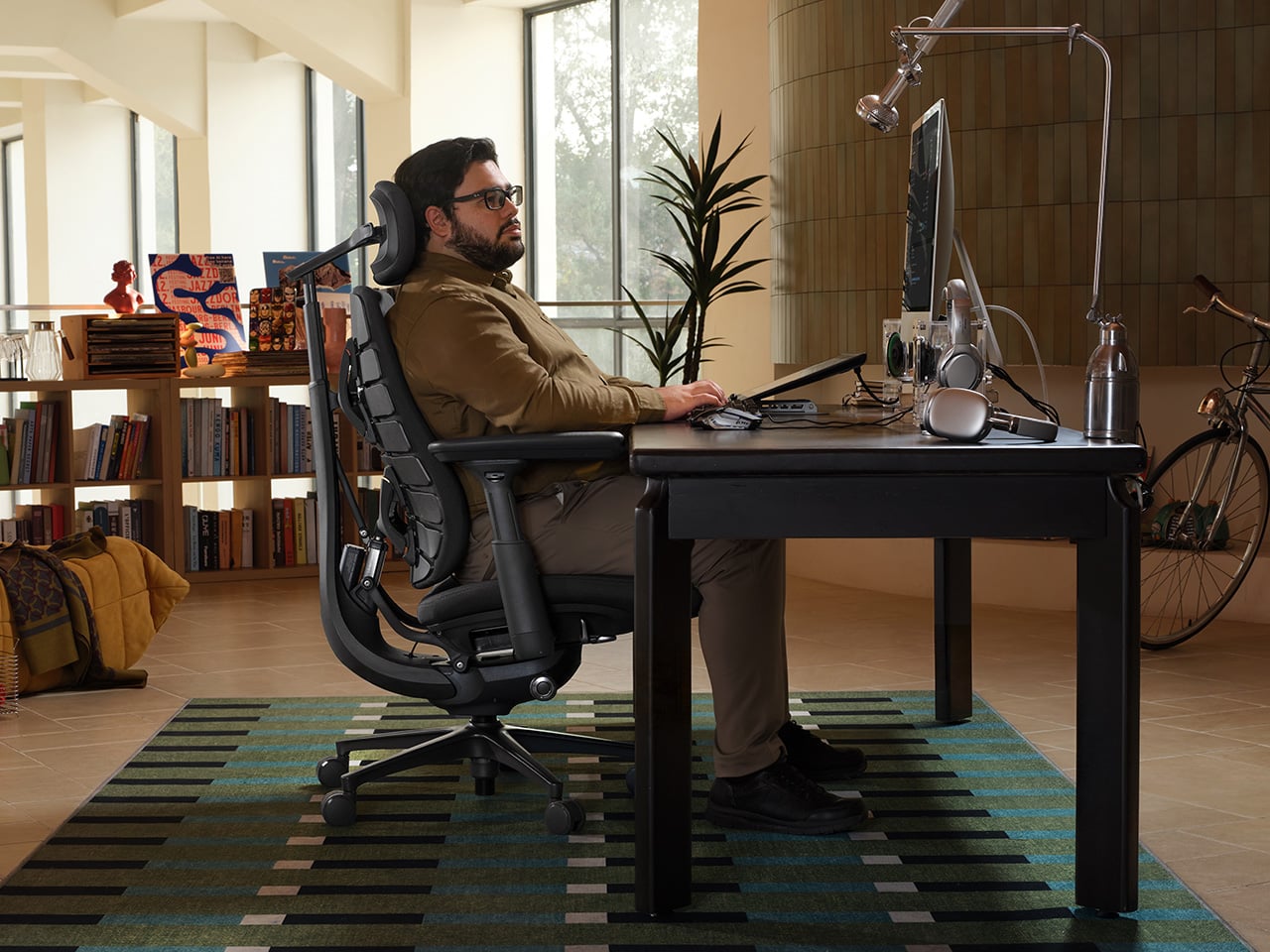
Finding an ergonomic chair that offers a proper fit becomes noticeably more difficult for individuals who are taller or broader than the average dimensions anticipated by mass-market manufacturers. To solve this discrepancy, LiberNovo designed the Maxis Airflow specifically for users ranging approximately from 5 feet 10 inches to 6 feet 7 inches in height. Its fixed 20.5-inch-deep seat is carefully proportioned to support longer thighs adequately, while a broader backrest, an extended-travel headrest, and roomier, curved armrests address the common issue where merely scaling up a standard chair’s dimensions misses fundamental ergonomic requirements.
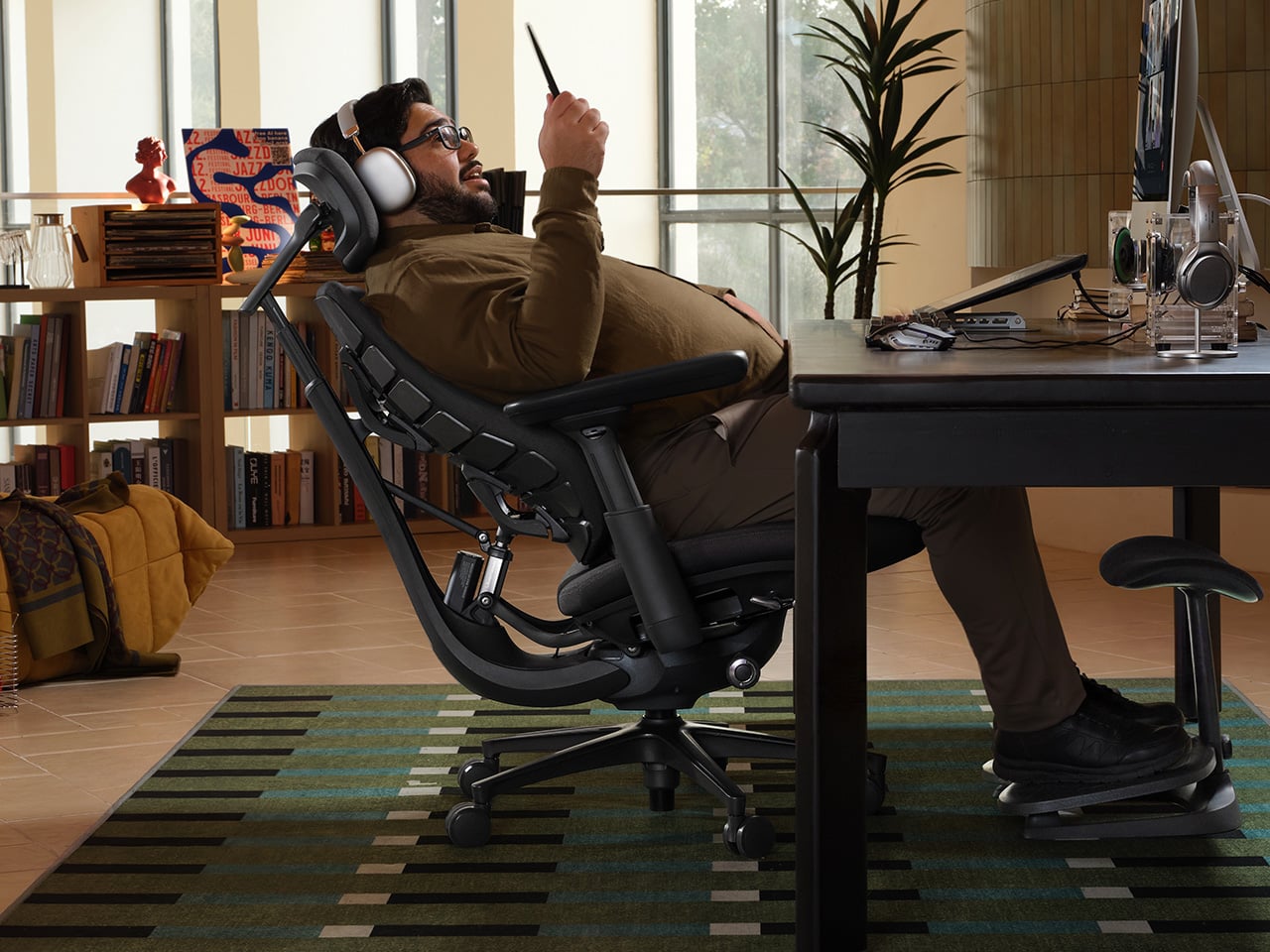
These foundational proportions represent only the beginning of the chair’s engineering. Once the user adjusts the motorized lumbar support, armrests, seat height, and neck support, the chair’s integrated Dynamic Support system utilizes a SyncroLink mechanism. This mechanism works continuously to maintain proper bodily contact as the user shifts positions. Furthermore, the Bionic FlexFit backrest incorporates eight flexible panels that contour independently to the spine, while the neck, arm, and seat supports actively follow the recline angle. The overarching objective is to preserve the initial ergonomic fit throughout various posture adjustments, thereby eliminating the need to constantly pause work and manually readjust the chair.
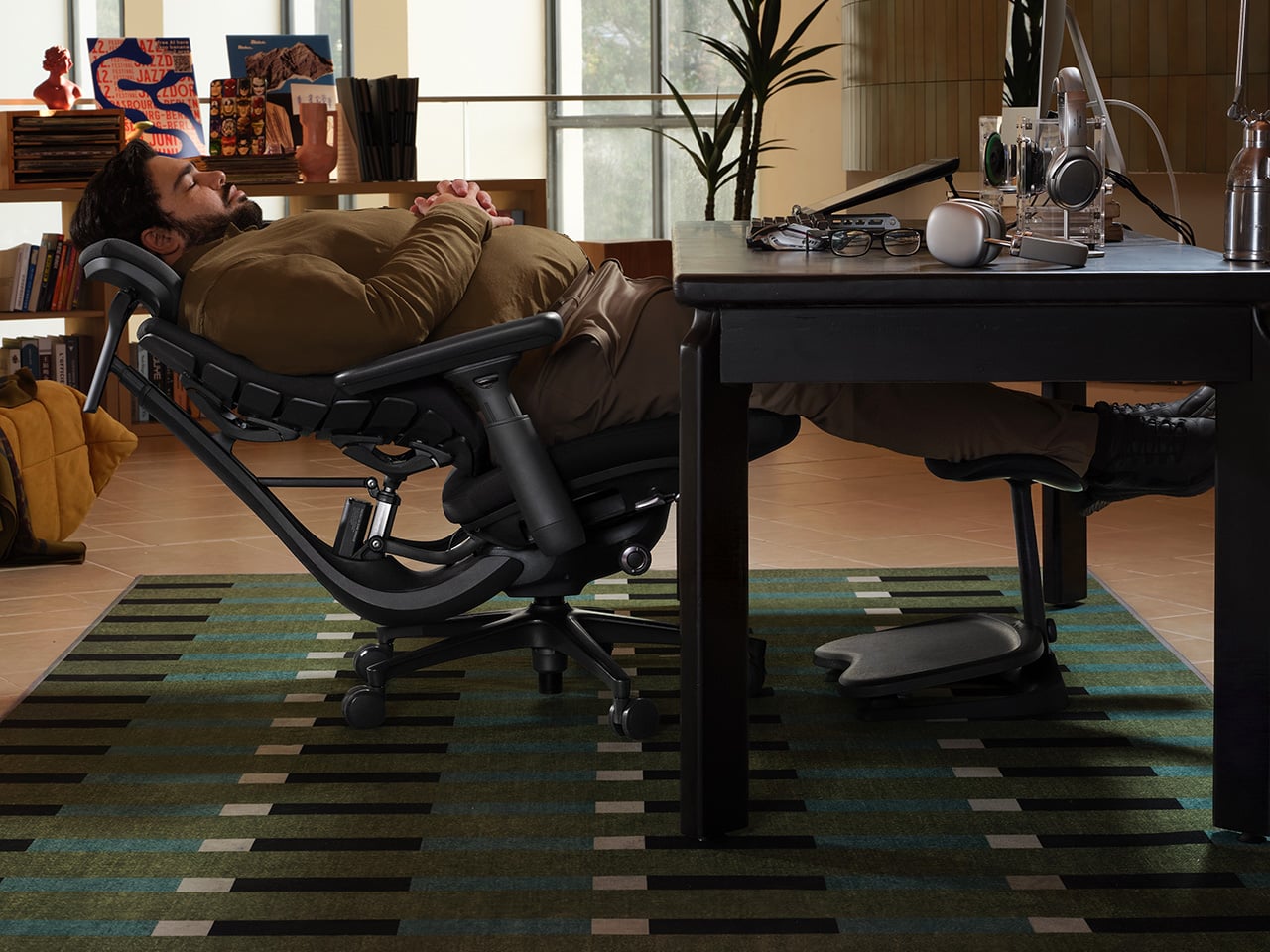
When routine typing gives way to extended conference calls or periods of reading, the six-spring Controlled Recline System becomes particularly functional. LiberNovo explains that these springs engage progressively according to the angle and weight applied, building proportional resistance throughout the movement as the user leans back. Five distinct fixed positions span an operational range from 105 to 160 degrees, transitioning smoothly from a slight working recline to a near-flat resting posture. For moments when work is completely set aside, an OmniStretch function introduces a five-minute motorized stretch sequence while the chair is in deep recline.
The Airflow model also addresses the practical discomfort of heat accumulation during prolonged sitting. A built-in centrifugal fan draws air directly through the five-layer cushion, offering two selectable speed settings rather than a simplistic all-or-nothing alternative. An integrated seat sensor automatically pauses ventilation when the user stands up and resumes airflow immediately upon their return. Both the Active AirFlow and OmniStretch features operate on the chair’s internal rechargeable battery, eliminating any trailing cords to the wall and allowing users the freedom to roll away from the desk untethered. To back these engineering choices, the manufacturer provides a six-year warranty on the frame and a two-year warranty on the electronic components.
Orbitkey Desk Mat Pro Gives Clutter Somewhere to Go
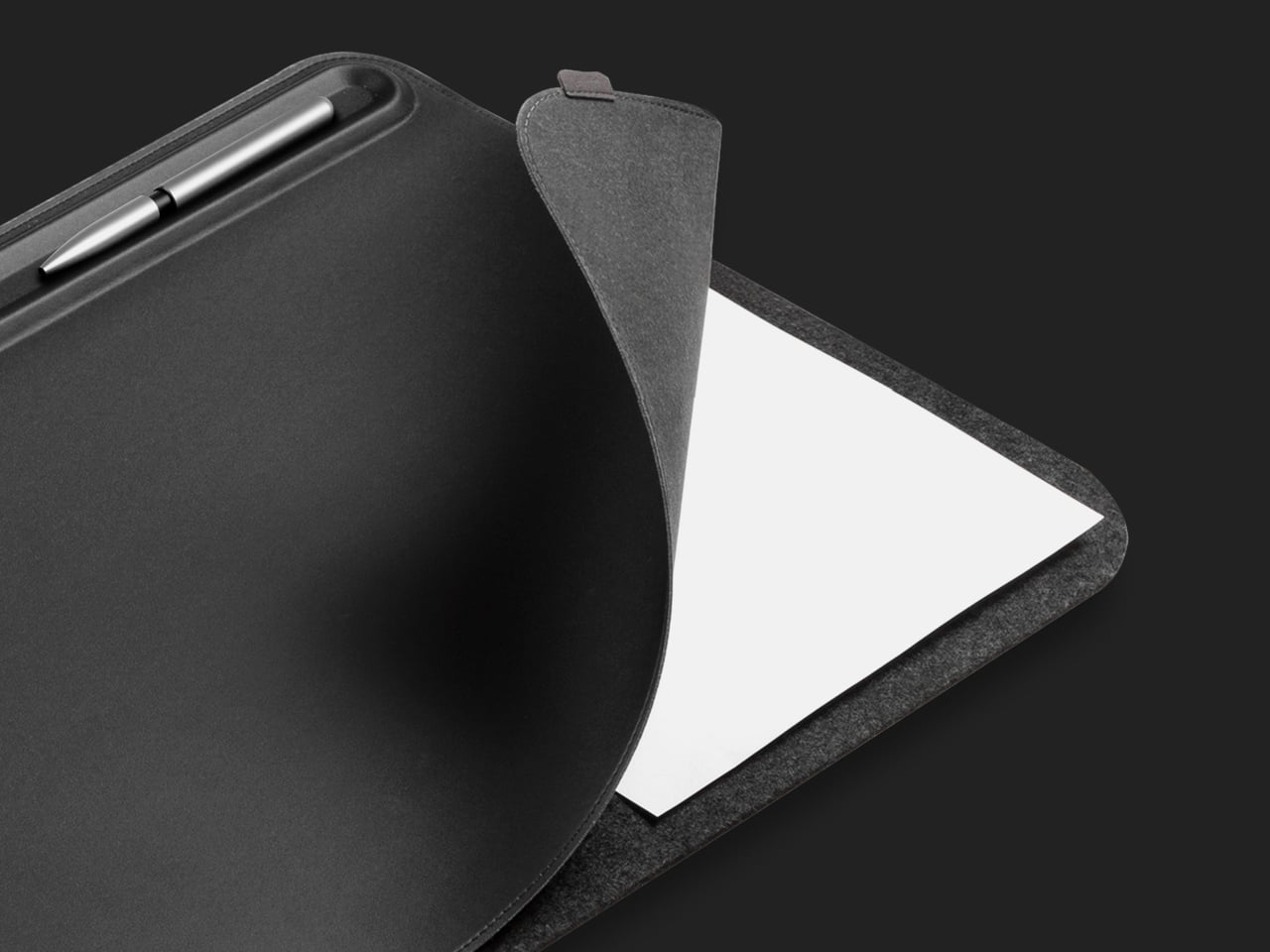
Modern desks frequently accumulate a surprising volume of physical paperwork, despite the widespread adoption of digital workflows. The Orbitkey Desk Mat Pro directly addresses this phenomenon by carving out dedicated space for loose notes directly beneath its primary top layer. This layout keeps vital references close at hand without allowing them to spill over into the mouse navigation area. This document hideaway serves as a practical layering solution, allowing yesterday’s meeting notes to remain accessible while today’s active tasks occupy a completely clear surface.
Positioned along the upper edge of the mat, a built-in stationery toolbar provides a designated resting place for small writing essentials, while a movable magnetic holder prevents stray charging cables from sliding off the desk. Constructed from durable vegan-leather paired with recycled felt, the broad pad defines clear boundaries for where keyboards and mice belong. This organizational layout effectively separates active tools from reference materials without cluttering the broader workspace with extraneous storage containers or boxes.

Modhaus Upright Makes Charging Part of the Furniture
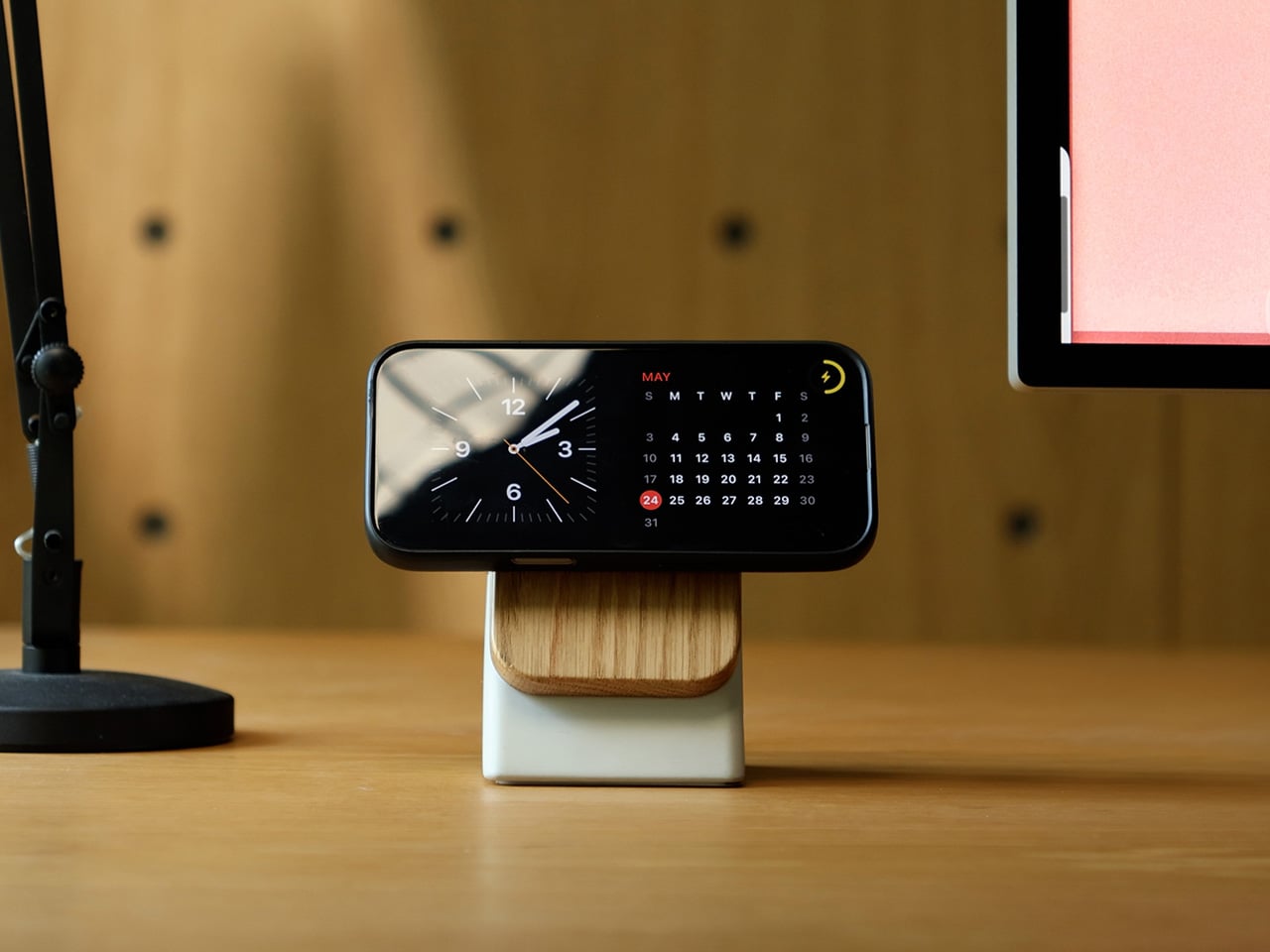
Charging a mobile device at a desk frequently results in the addition of another anonymous plastic accessory to an already crowded workspace. Modhaus takes a different material approach with its Upright stand, utilizing elements more commonly found in residential furniture: cast concrete and solid hardwood. The heavy concrete base provides substantial weight, enabling effortless, one-handed docking and removal of devices. Meanwhile, the addition of natural walnut or oak introduces a familiar domestic warmth, ensuring the charging accessory feels less like surplus hardware borrowed from an IT department.
Magnetic alignment technology secures compatible smartphones in position, keeping the screen upright and easily visible for incoming messages or video calls. Qi2.2 wireless charging capabilities support power delivery of up to 25W, depending on the specific phone model, with maximum output requiring at least a 30W USB-C Power Delivery wall adapter. This advanced charging hardware is housed seamlessly within the wooden top structure, transforming the act of setting down a phone into a deliberate, integrated part of the desktop environment.
Ugmonk Gather Wood Zigzag Tray Keeps Your Pencils Close
Even the most heavily digital, screen-centric desk environments occasionally require traditional writing instruments. The persistent challenge, however, is locating a pen or pencil immediately following a sudden burst of inspiration. The Ugmonk Gather Wood Zigzag Tray solves this minor inconvenience by providing individual, dedicated grooves carved into solid walnut, keeping writing tools neatly laid out rather than buried vertically inside a standard desk cup. The ridged surface integrates storage directly into the object’s physical form, requiring no separate compartments or moving parts.
Measuring 6.75 inches wide and 3.25 inches long, the compact tray occupies minimal surface area beside a standard notebook. Integrated magnets allow it to attach securely to compatible Gather base plates or monitor stands, though it remains fully functional as a standalone item. This flexibility enables users to keep favorite writing tools within arm’s reach without committing to an extensive organizational system, particularly on desks that already feature carefully curated items.
Logitech Pebble Up Changes Shape for the Working Day
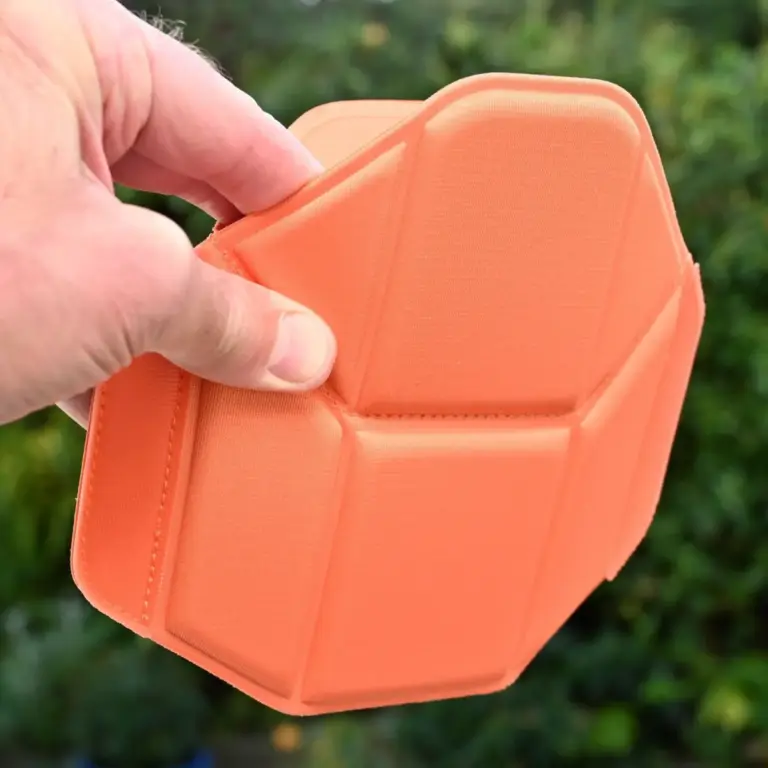
While ultra-slim computer mice are exceptionally convenient for travel and sliding into laptop bags, their low-profile designs often fail to provide adequate support beneath the palm during extended desk sessions. The Logitech Pebble Up offers a versatile alternative by eliminating the need for a secondary desktop mouse. Its upper housing structure can be physically lifted into an angled configuration for stationary desk work, and subsequently flattened back down for easy portability. This physical transformation alters the grip profile dynamically without requiring an oversized, heavily sculpted shell.
Connectivity is handled through Bluetooth and Logi Bolt receivers, allowing the device to transition seamlessly across multiple setups, while an Easy-Switch function manages pairing with up to three distinct devices. A built-in rechargeable battery removes the ongoing need to store disposable batteries in desk drawers. When a primary desktop setup handles major project work and a laptop is later moved to a meeting space elsewhere in the office, the same mouse adapts to the environment before flattening for transport back into a work bag.