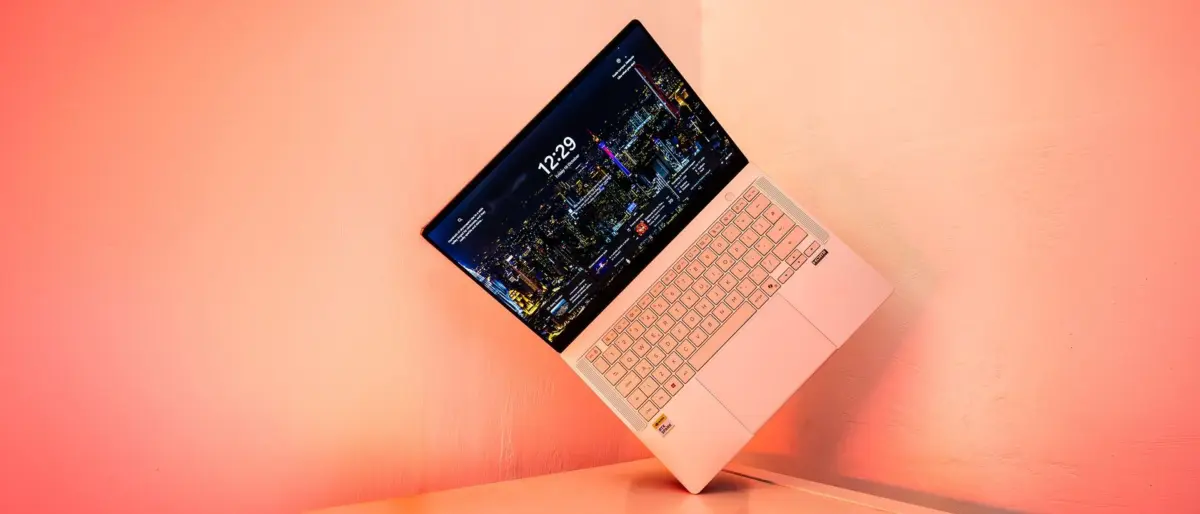
The arrival of new silicon architectures in mobile computing always generates intense interest among digital creators, engineers, and software developers eager to see how technological promises translate into real-world performance. The ASUS ProArt P14 serves as one of the flagship launch laptops for Nvidia’s ambitious RTX Spark platform. Combining an Arm-based Grace CPU with a high-performance Blackwell-generation GPU, this compact 14-inch machine provides a clear window into the future of ultraportable workstation design.
While this assessment focuses specifically on the ASUS ProArt P14 hardware implementation rather than serving as a blanket rating for the entire RTX Spark ecosystem, the underlying architecture shows remarkable potential. In rigorous testing, the ProArt P14 yields strong synthetic and AI benchmark scores, offers a robust and beautifully slim metal chassis, and achieves all-day battery life during everyday productivity tasks. However, like most first-generation hardware releases, it faces initial friction in the form of software translation overhead, pending application optimizations, and a premium price tag that places it alongside the industry’s most expensive laptops.
Key Specifications and Architecture
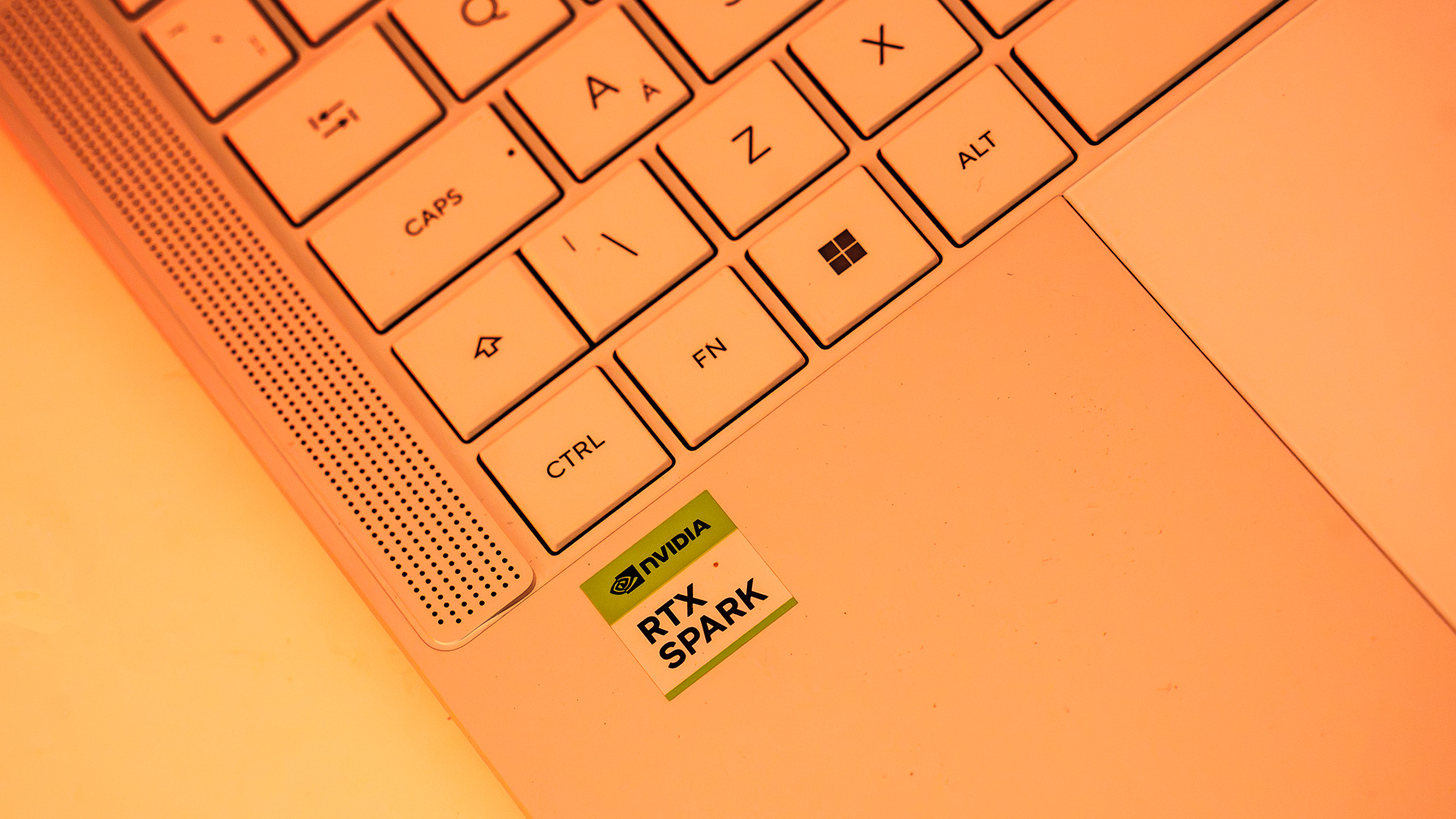
At the heart of the ASUS ProArt P14 lies Nvidia’s RTX Spark N1X system-on-chip (SoC). Built around Nvidia’s Grace microarchitecture—a technology previously deployed in enterprise data centers—this system represents the first time the design has appeared in a consumer laptop. The Grace CPU features a 20-core configuration that pairs ten high-performance ARM Cortex-X925 cores for intensive single-threaded tasks with ten energy-efficient ARM Cortex-A725 cores to manage background processing and power conservation.
This Grace CPU is paired directly with an integrated Blackwell-generation Nvidia RTX GPU equipped with 6,144 CUDA cores. This graphics configuration positions the platform’s core compute capability between the mobile versions of the RTX 5070 and RTX 5080 graphics processors. Inter-chip communication is handled via Nvidia’s proprietary NVLink-C2C interconnect, which delivers an impressive 600 GB/s of bidirectional bandwidth. This high-speed interface eliminates typical PCIe bus bottlenecks, enabling true unified memory operation across the system.
Unlike traditional x86 Windows laptops that split physical memory between dedicated system RAM and separate graphics VRAM, the RTX Spark architecture utilizes a unified memory pool shared dynamically between the CPU and GPU. In the tested configuration, the laptop features 32GB of high-speed memory operating at 9,400 MT/s. By default, the system assigns 12GB of this shared pool to the graphics processor, though users can manually adjust memory allocation within the included ASUS ProArt Creator Hub software to suit specific application demands. Storage is handled by a 1TB solid-state drive, accompanied by an integrated full-sized SD card reader for rapid media ingestion.
The entire SoC operates within a maximum total graphics power (TGP) limit of just 85W. This power envelope is significantly lower than high-end gaming laptops, which can draw up to 175W, allowing the ProArt P14 to run cooler and quieter while achieving extended battery life on portable power.
Design, Build Quality, and Display Performance
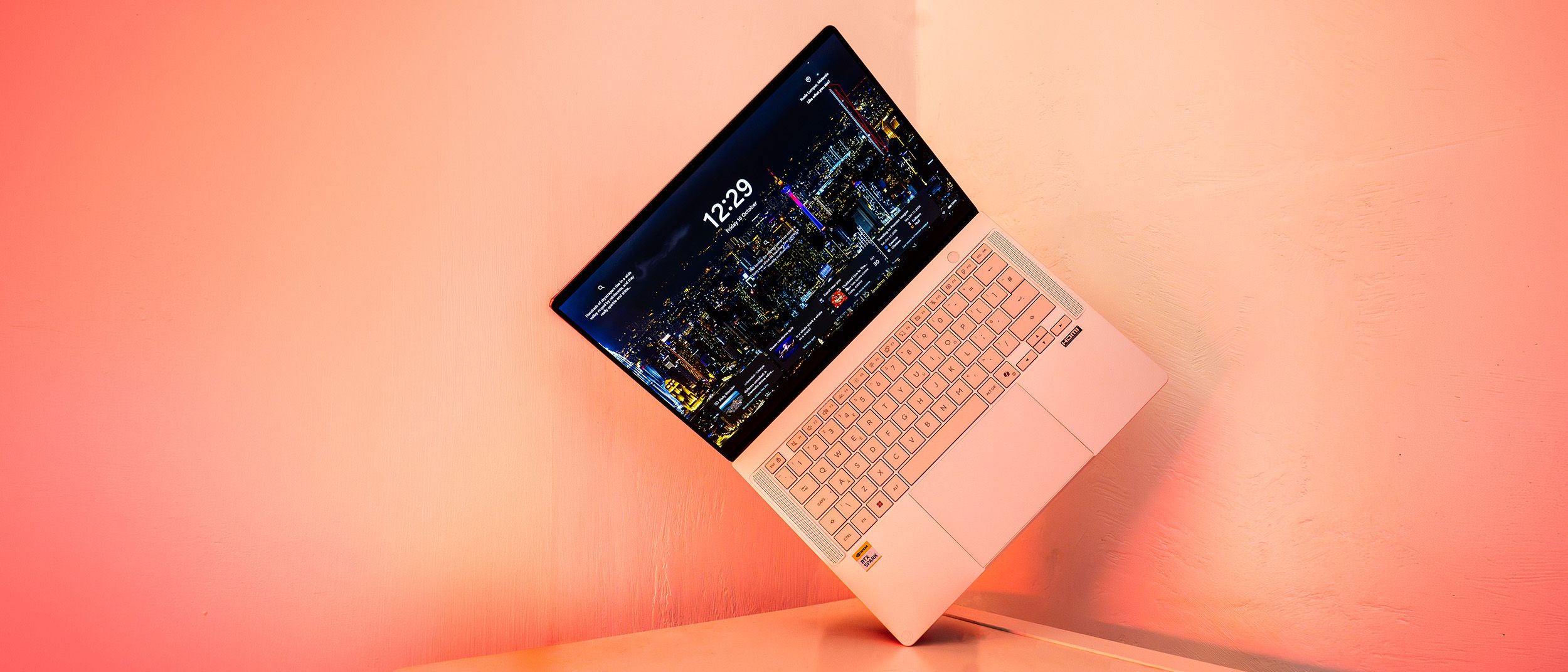
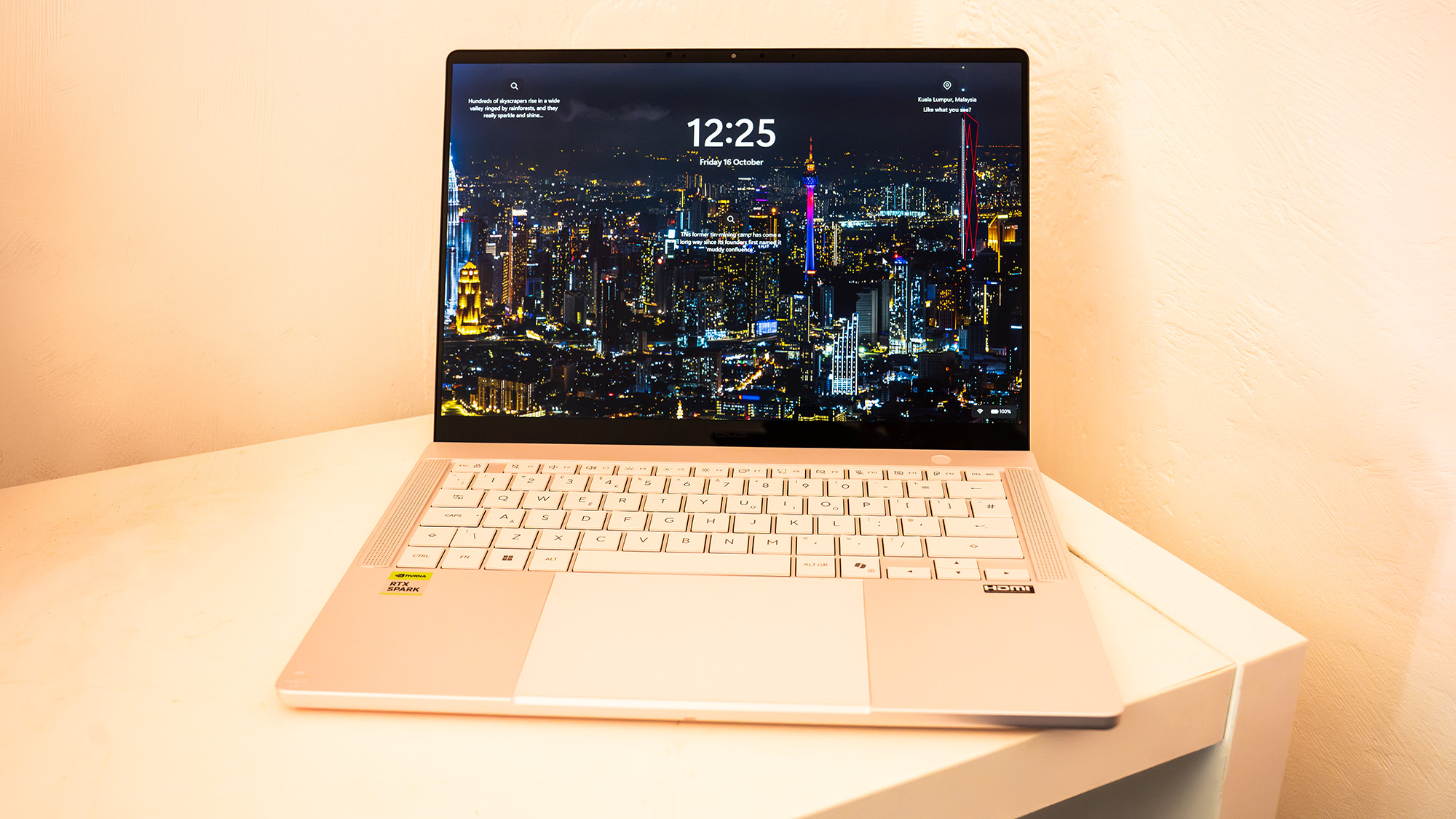
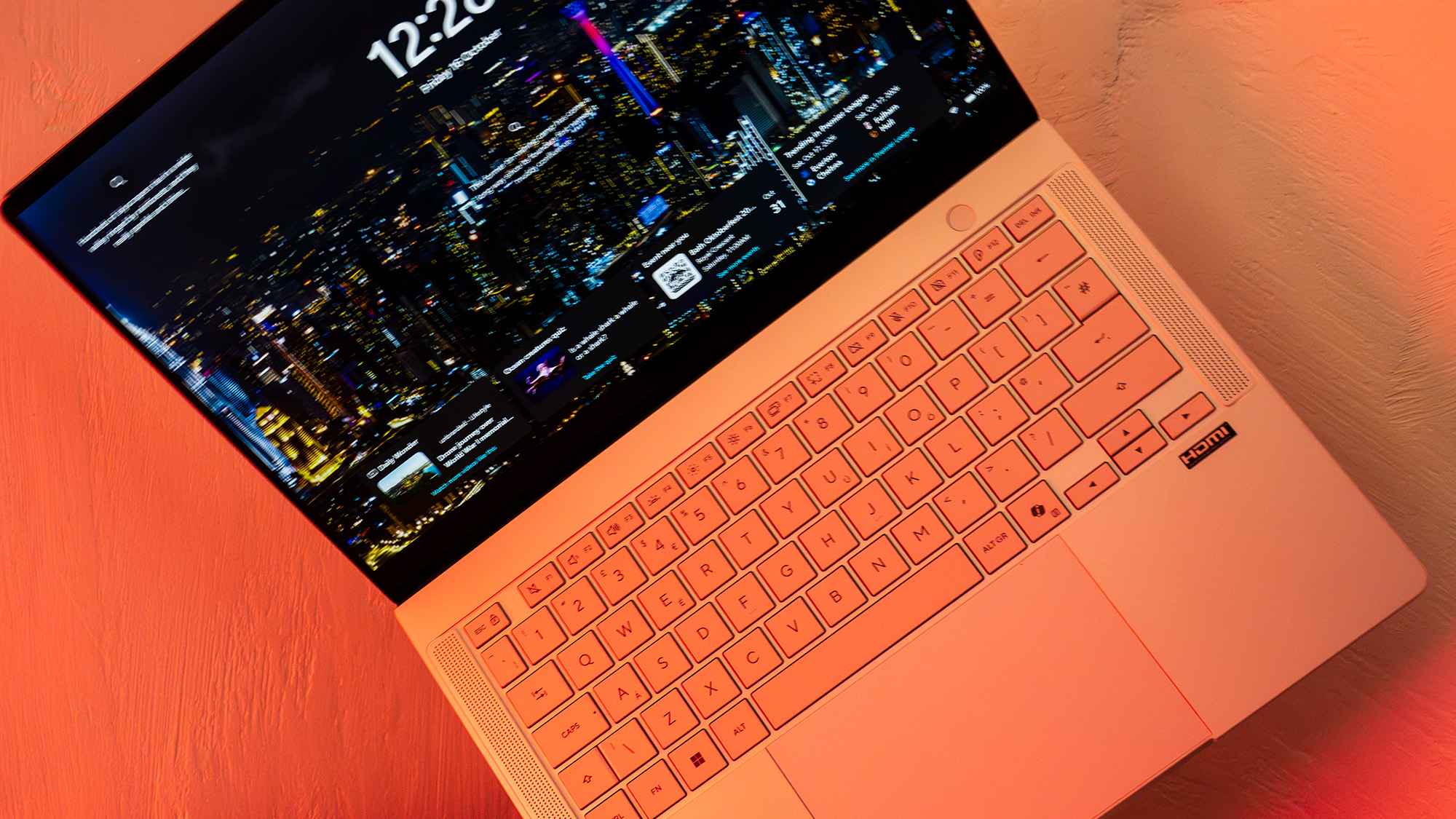
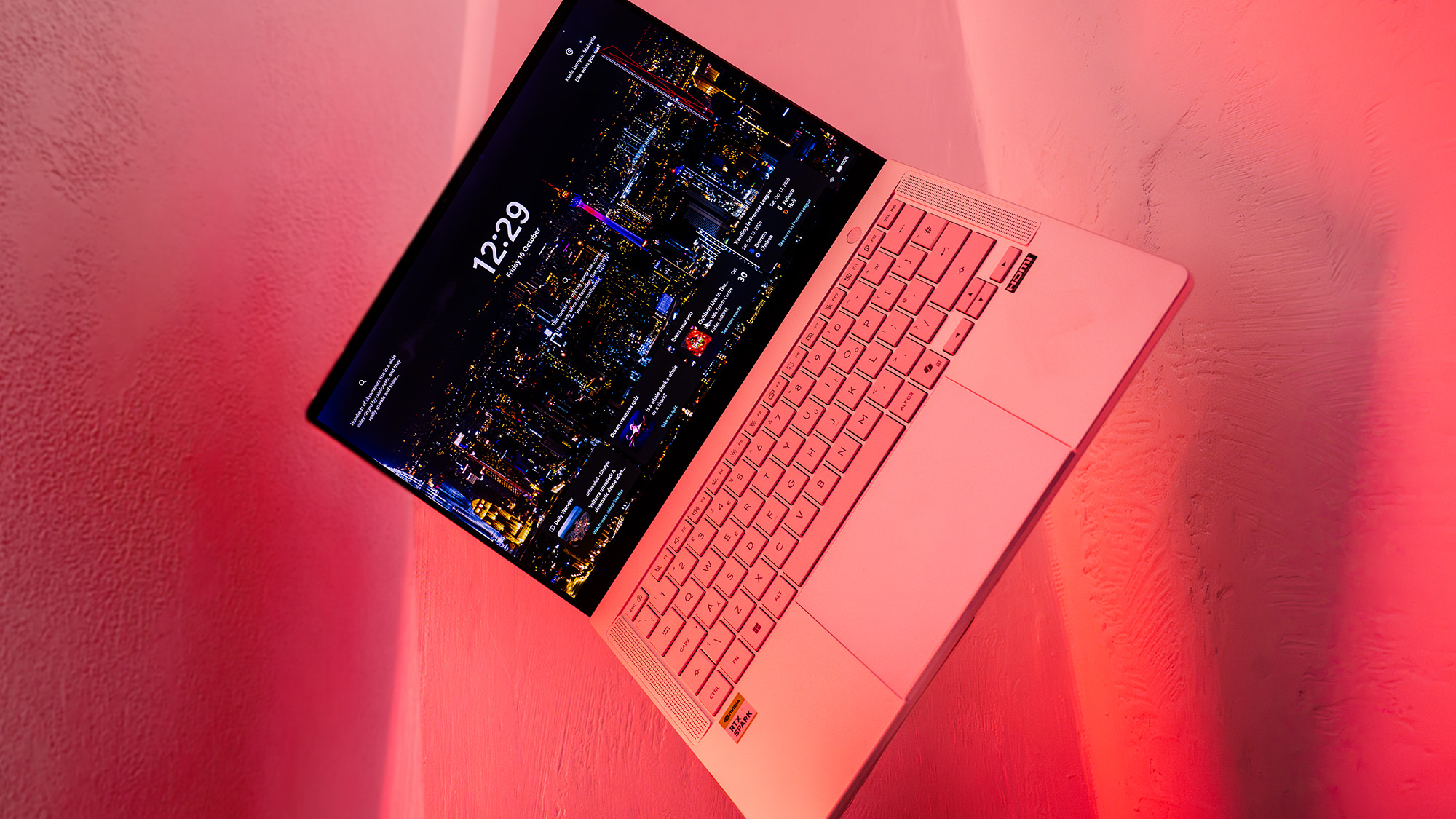
As the smaller model in ASUS’s updated lineup alongside the larger 16-inch P16 variant, the ProArt P14 is designed as a compact, highly portable machine suited for mobile professionals and engineers. Measuring 310 mm by 22 mm by 16 mm and weighing 1.48 kg, the laptop features a clean, professional aesthetic anchored by a matte metallic shell with minimal external branding.
Placed next to a 14-inch Apple MacBook Pro, the design intent behind the ProArt P14 is immediately recognizable. ASUS is targeting demanding professionals who expect premium construction and materials. The chassis uses a lightweight magnesium-style finish that resists smudges while feeling rigid under pressure. The keyboard layout is flanked by dual speaker grilles, and the keys offer a slightly deeper travel distance than Apple’s current laptop keyboards, providing a highly tactile typing experience.
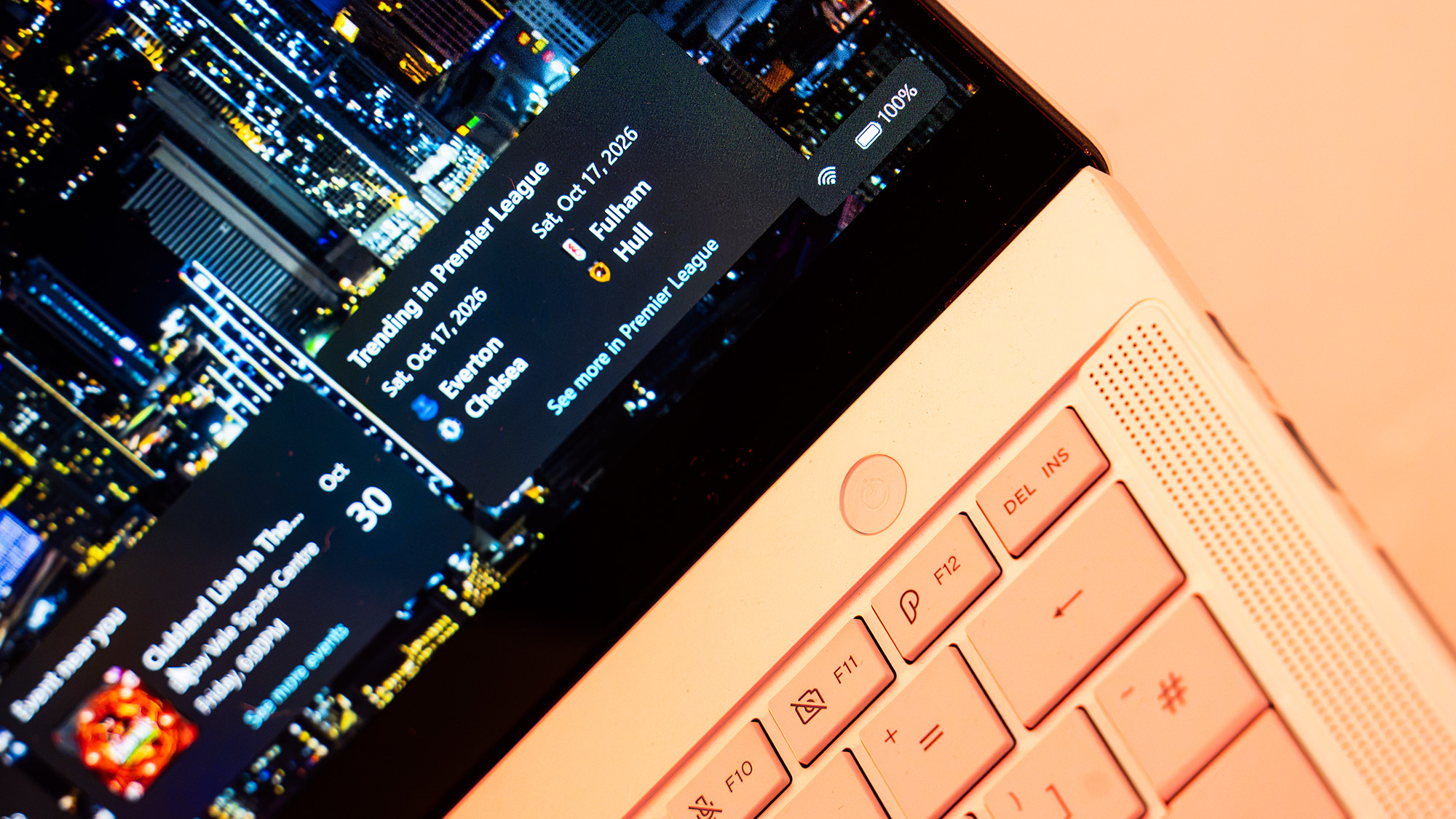
The visual experience centers on a 14-inch Lumina Pro OLED touchscreen running at a resolution of 2880 x 1800. With its 120Hz maximum refresh rate, interface animations and navigation remain exceptionally fluid. In lab color testing, the display delivered impressive color accuracy, measuring 97% coverage of the DCI-P3 color gamut on its default profile, alongside 100% of sRGB and 94% of Adobe RGB. Tested standard dynamic range (SDR) brightness reached a peak of 640 nits—exceeding its standard baseline rating of 460 nits—making it a strong choice for visual artists, colorists, and designers working in varied lighting environments.
Features, Connectivity, and Battery Endurance
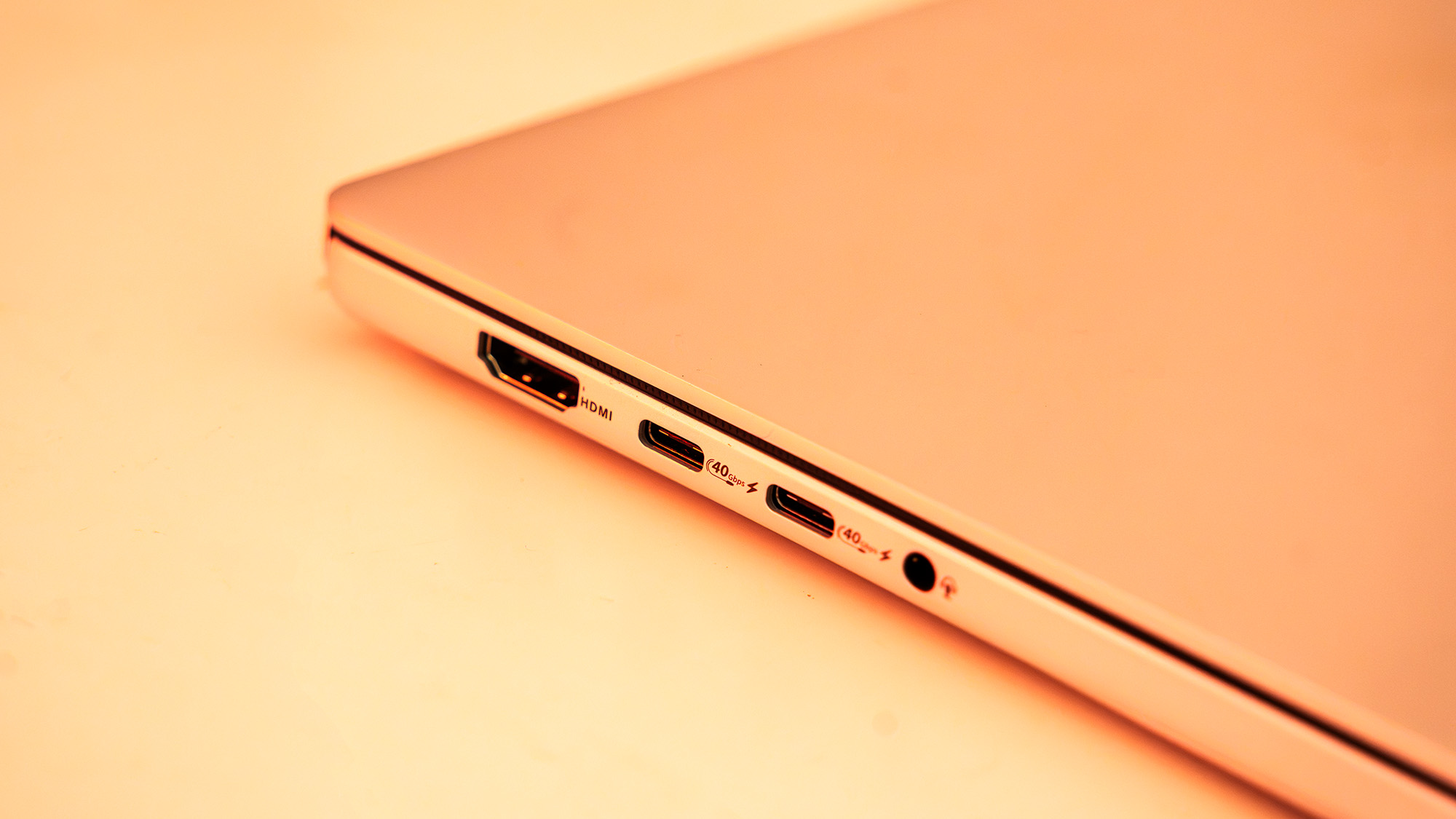
Despite its slender footprint, the ProArt P14 maintains a broad selection of physical connectivity. The chassis houses three high-speed USB4 ports, a single USB 3.2 Gen 2 Type-A port for traditional accessories, a full-sized HDMI 2.1 display output, a 3.5mm headphone jack, and an SD card reader. Wireless connectivity is fully updated, offering support for Wi-Fi 7 and Bluetooth 5.4 networks.
System cooling and operational volume vary depending on selected software power profiles. When locked into Performance Mode during heavy testing and software updates, internal fans activate noticeably to manage heat from the 85W SoC. For noise-sensitive work environments, switching to Whisper Mode reduces fan activity while maximizing power conservation.
Battery performance highlights the efficiency benefits of the Arm-based platform. Operating in Whisper Mode during routine office tasks, web browsing, and document editing, the system delivered approximately 8.5 hours of continuous use. In continuous video playback loops, battery life extended beyond 11 hours. However, executing intensive local AI workloads causes power draw to increase rapidly, with demanding machine learning benchmarks consuming several percentage points of battery capacity in roughly 15 minutes.
Software compatibility remains an ongoing factor for early adopters. Operating on Windows 11 on Arm, legacy x86 software must pass through Microsoft’s Prism translation layer. While functional, translation adds CPU cycle overhead that can impact execution speed compared to native code. Native software development is accelerating, with optimized builds—including early beta versions of Adobe Photoshop and Premiere Pro—already emerging to leverage the new silicon directly.
Performance Deep-Dive and Benchmark Analysis
Evaluating the ProArt P14 requires analyzing both standard creative workflows and local artificial intelligence execution. Because Nvidia designed the RTX Spark platform specifically around running local AI agents and large-scale machine learning models, benchmark testing emphasized real-world AI processing alongside graphical performance.
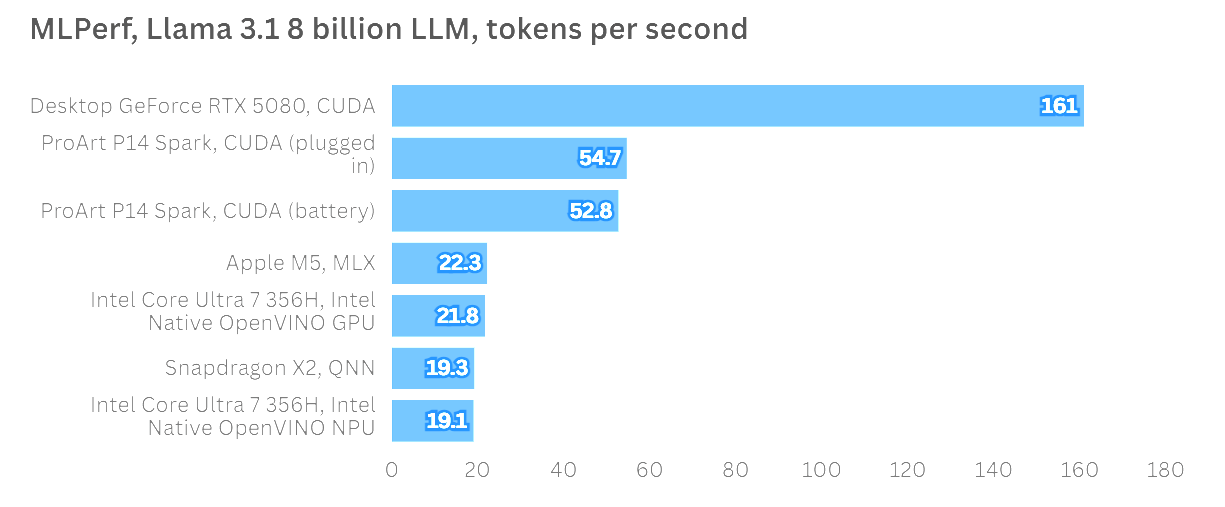
In artificial intelligence inference tests using the MLPerf framework running the Llama 3.1 8-Billion Instruction model, the ProArt P14 demonstrated strong performance, generating more than twice the tokens per second (TPS) recorded by Apple’s base M5 chip. Testing also verified Nvidia’s performance consistency claims, showing virtually identical scores whether the laptop operated plugged into a wall outlet or running solely on battery power. While desktop hardware like a 350W RTX 5080 card yields higher raw output, the ProArt P14 leads its class among 85W mobile systems.
Graphical execution proved steady across traditional tests. Although not engineered explicitly as a gaming platform, the system achieved a steady 60 frames per second in Cyberpunk 2077 at native screen resolution using Ray Tracing Ultra settings with Nvidia DLSS upscaling and frame generation enabled. This result places the system’s gaming capabilities on par with laptops powered by standard mobile RTX 5070 graphics cards.
In creative media tools lacking full platform optimization, performance landed closer to mid-range configurations. In Topaz Video AI upscaling tests, the P14 performed similarly to entry-level gaming devices like the Lenovo LOQ 15i Gen 10 and ASUS TUF Gaming A16 powered by RTX 5050 GPUs. In ON1 Resize AI photo processing tests, the system placed just behind machines equipped with mobile RTX 5070 GPUs, such as the Acer Predator Triton 14 AI. Certain traditional benchmarks, including Cinebench, could not fully utilize the GPU during initial testing due to driver optimization gaps expected to be addressed in upcoming software revisions.
Pricing, Value, and Market Positioning
The ASUS ProArt P14 commands a premium price tag that reflects its specialized hardware architecture and unified memory components. The base model, equipped with 24GB of unified RAM and a 1TB SSD, starts at £2,699.99 in the United Kingdom and $2,599 in the United States. Choosing the upgraded version with 32GB of RAM increases the price to £3,199.99 or $3,099.99.
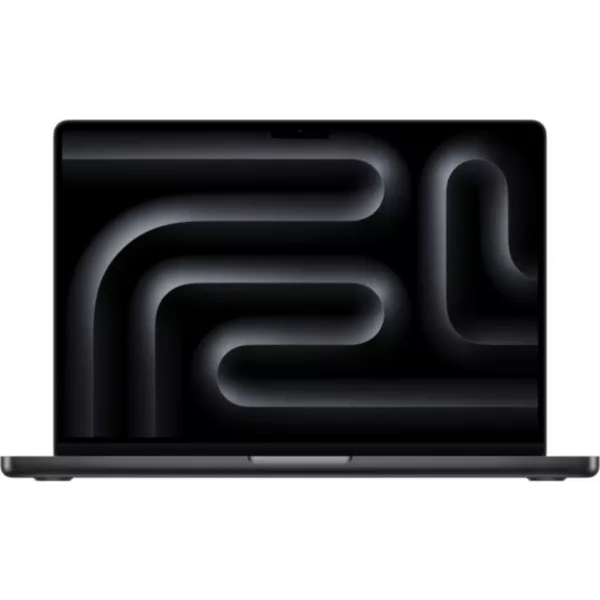
This pricing places the device directly in competition with top-tier professional workstations. For context, a 14-inch Apple MacBook Pro configured with an M5 processor and 32GB of memory can be purchased for less money while offering a mature native software library. As a result, the value proposition of the ProArt P14 is tied heavily to whether a buyer’s workflow specifically requires local AI execution on an Arm-based Windows architecture.
Who Should Buy the ASUS ProArt P14?
The ASUS ProArt P14 and the broader RTX Spark ecosystem are engineered primarily for software developers, AI researchers, and early adopters focused on running local AI agents and machine learning workloads without relying on cloud connections. For creators whose primary tasks center strictly on standard 4K video editing, 3D animation, or graphic design, existing x86 or Apple Silicon laptops currently offer higher performance per dollar spent.
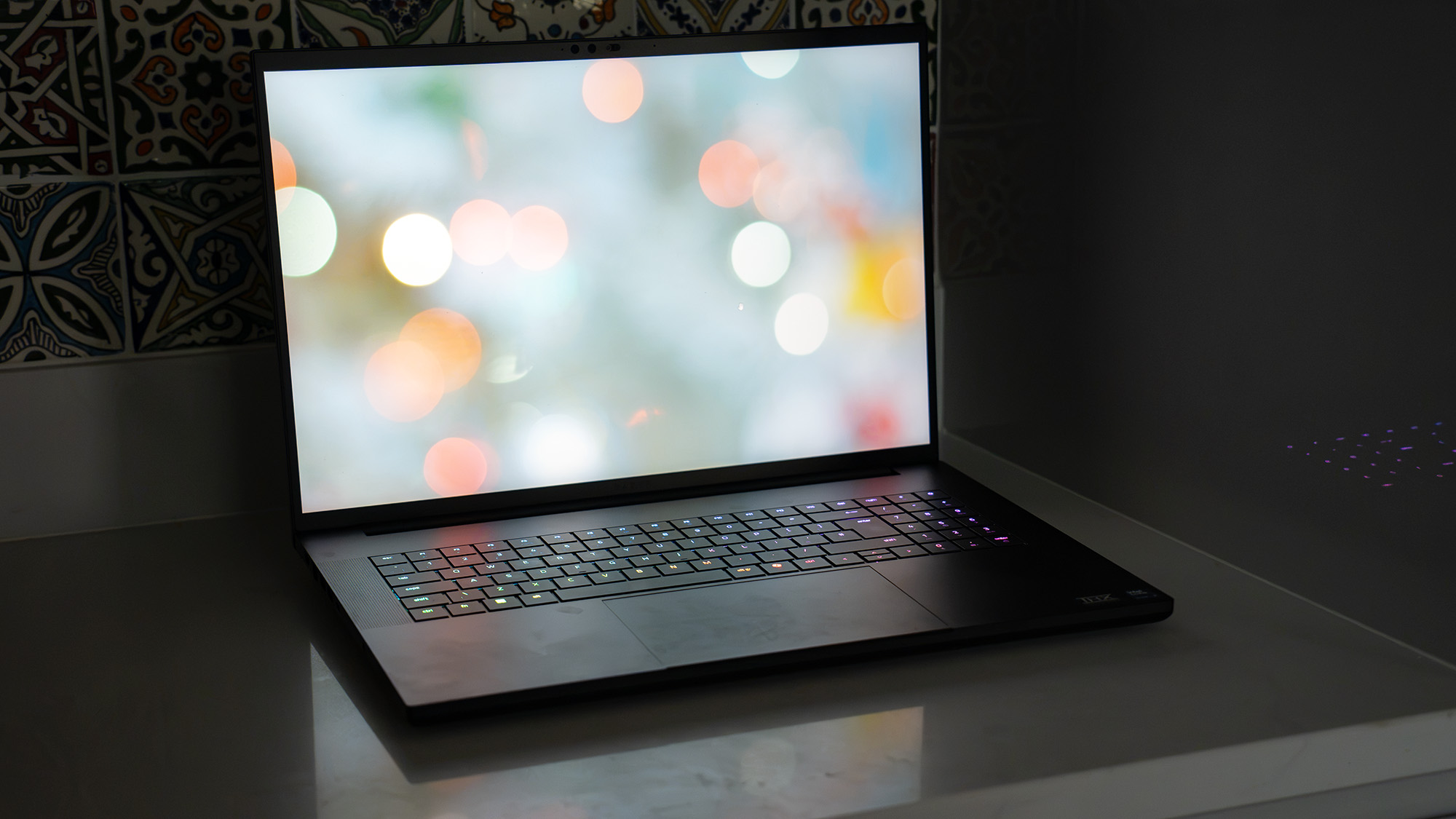
Prospective buyers considering options in this price class may also evaluate several comparable alternatives:
- Apple MacBook Pro (M5 Max): Offers exceptional raw compute efficiency, long battery life, and a mature software environment for creative professionals seeking a refined 14-inch or 16-inch workstation.
- Razer Blade 18: A much larger alternative that prioritizes unthrottled desktop-class graphics performance and high thermal limits for heavy 3D rendering and gaming workflows.
- ASUS ROG Zephyrus Duo 16: Features an innovative dual-screen design that appeals to content creators, video editors, and multitaskers seeking expansive digital workspace in a portable chassis.
Verdict
The ASUS ProArt P14 represents an impressive engineering achievement and a compelling preview of Nvidia’s mobile silicon direction. With its ultra-slim chassis, vibrant 120Hz OLED screen, strong battery life, and high AI processing speeds, it sets a solid baseline for the RTX Spark platform. While software compatibility hurdles and a high initial price tag limit its immediate appeal for traditional creative users, it stands out as an exceptional mobile machine for those pioneering local AI development.