The landscape of front-end web engineering continues to evolve at a rapid pace, marked by a growing effort to transition complex visual logic from client-side JavaScript into declarative HTML and CSS primitives. The latest insights highlighted in the community roundup "What’s !important (#18)" show that developers and specification authors are tackling long-standing interaction quirks, ranging from awkward tooltip triggers and cumbersome geolocation requests to performance-heavy syntax highlighting and uncoordinated flexbox layouts.
These recent community contributions showcase how cutting-edge specifications—many currently debuting in browser engines like Chrome—are reshaping default user interface patterns while maintaining a firm commitment to progressive enhancement.
Modernizing Tooltips: Intentional Delays and Interest Invokers
Tooltips remain one of the most deceptively complex components in modern user interface design. Because they are typically triggered by pointer movement across the screen, poorly calibrated tooltips frequently pop up unintentionally, obscuring underlying content as a user simply passes their cursor across a busy layout.
Developer Abhishek Jakhar recently examined this usability friction, making the case for why tooltips must implement an initial delay before appearing, yet dismiss instantly once the user moves away. The primary objective of an initial display delay is to filter out accidental mouse passes. When a user intentionally pauses over an interactive target, the system confirms intent and renders the contextual help. Conversely, once the user decides to dismiss the information or focus elsewhere, the overlay should vanish immediately without lingering on screen.
Jakhar demonstrated practical methodologies for realizing this behavior, while noting a crucial edge case: when interactive targets feature small hover target areas, cursor jitter or slight accidental movements can cause the tooltip to de-trigger prematurely. In such cases, maintaining a slight delay before hiding the element helps preserve context for the user.
Building on Jakhar’s exploration, CSS developer Chris Coyier offered a forward-looking implementation utilizing interest invokers—a proposal designed to handle user intent natively in the browser. This standard introduces explicit CSS control via properties such as interest-delay-start and interest-delay-end.
These properties allow authors to specify exact timing windows for when an element should react to user interest declaratively, removing the need for manual event listener orchestration or fragile JavaScript timer implementations. While native browser support for interest invokers is presently confined to Chromium-based experimental builds, adopting the feature alongside fallback strategies exemplifies modern progressive enhancement in CSS architecture.
<geolocation> and How to Use It Today
Handling geographical data on the modern web has historically been fraught with browser and system-level complications. The traditional JavaScript Geolocation API relies on underlying system hardware—ranging from GPS satellites and cell tower triangulation to local Wi-Fi networks—making signal acquisition asynchronous and occasionally slow. Furthermore, user consent management presents persistent design challenges; once a user declines a location permission prompt, updating or resetting that permission state often requires navigating buried browser privacy menus.
To resolve these friction points, web platform developers have proposed a dedicated <geolocation> HTML element designed to encapsulate location requests directly within native browser UI components. By shifting location requests into a declarative markup element, the web platform can present standardized, accessible user permission flows directly within the DOM flow.
However, the element brings a unique set of developer constraints. Most notably, early browser experiments enforce strict styling restrictions on <geolocation> tags to prevent malicious UI redressing or clickjacking attempts. Because security models require that users clearly recognize location access prompts, authors cannot arbitrarily hide, mask, or visually alter certain interactive bounds of the native control.
Because native engine adoption is currently led by Chrome, implementation techniques focus on hybrid strategies. By combining the new <geolocation> HTML element with existing JavaScript Geolocation API mechanisms, developers can leverage native browser permissions where available while maintaining reliable functionality across older user agents.
MicroLighter: A ::highlight()-Based Syntax Highlighter
Code syntax highlighting on the web has historically relied on heavy JavaScript parsers that inspect code blocks and wrap individual tokens, keywords, and strings in hundreds of nested <span> elements. This approach bloats the DOM tree, increases memory consumption, and often leads to performance degradation on long documents.

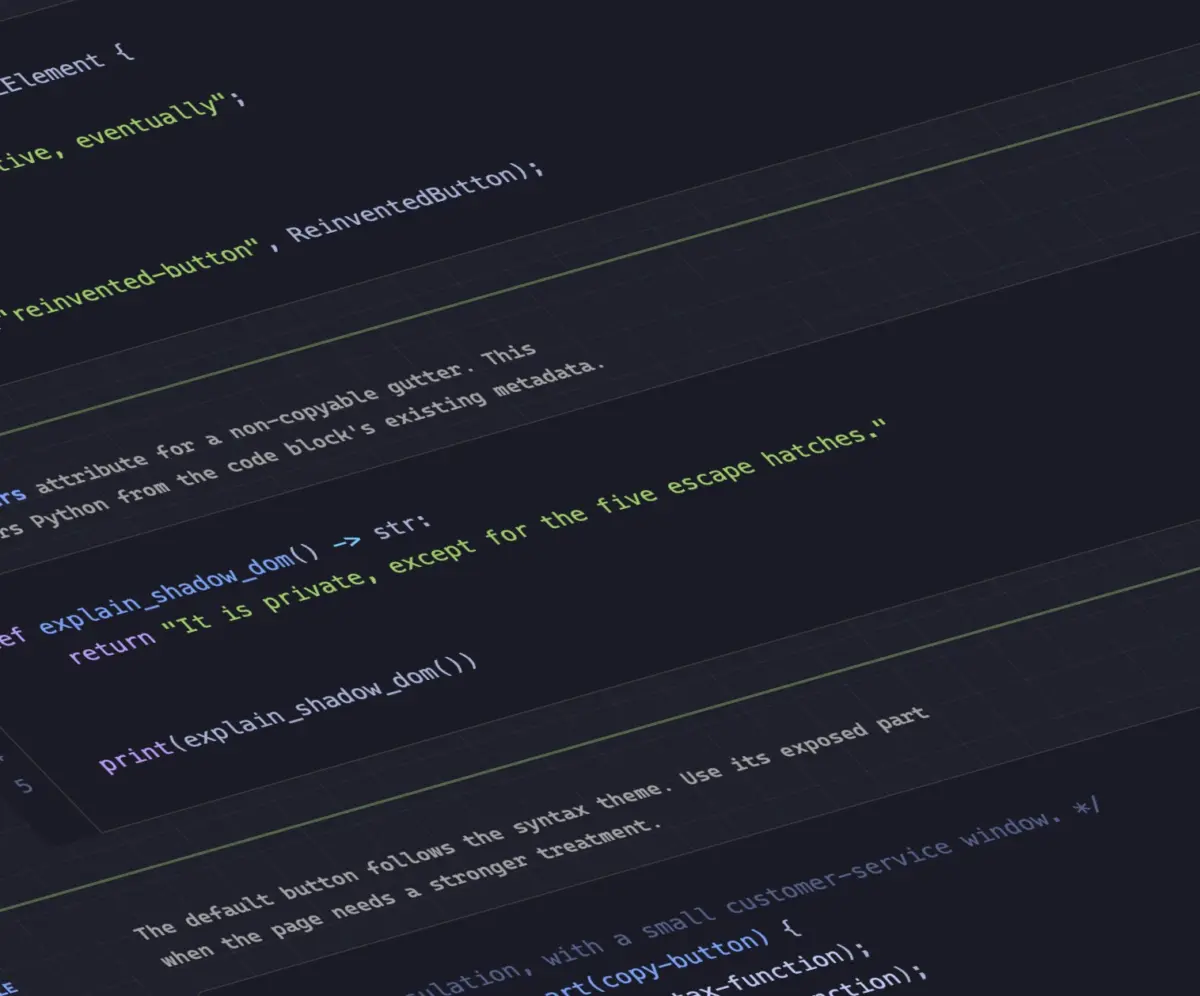
To address this inefficiency, developer Dave Rupert created MicroLighter, an experimental syntax highlighter built upon the CSS Custom Highlight API. Rather than altering document markup by injecting structural tags, the Custom Highlight API allows developers to programmatically create text ranges via JavaScript and style them directly in CSS using the ::highlight() pseudo-element.
Under this approach, the source code remains clean, unformatted text within the document object model. JavaScript acts purely as a lightweight tokenizer, identifying index ranges for syntax keywords, variables, and string literals, and assigning those ranges to named highlight registries. CSS then targets those named regions to apply typography, colors, and font weights.
As analyzed by Rupert and web developer Geoff Graham, this separation of concerns drastically reduces rendering overhead. MicroLighter illustrates how native browser styling APIs can deliver rich text formatting without polluting the DOM structure.
How to Get CSS Grid Information Into CSS Variables
CSS Custom Properties (variables) have revolutionized front-end architecture, but accessing layout metadata directly within style rules has long been a missing piece of the spec. Frontend engineer Temani Afif introduced a technique that exposes detailed CSS Grid parameters into CSS custom properties natively.
Afif demonstrated how mathematical patterns in CSS can calculate dynamic spatial data—such as the total number of rows and columns, as well as the exact index coordinates ($x, y$) of an individual grid item. Currently, the methodology relies on a key operational condition: grid tracks must be defined with equal widths to maintain dynamic mathematical symmetry across the spatial matrix.
/* Conceptual representation of CSS coordinate exposure */
.grid-item
  --col-index: calc(...);
  --row-index: calc(...);
The practical implications of exposing layout metadata to CSS variables extend well beyond structural alignment. Afif showed how extracting spatial coordinate variables allows developers to build hover proximity effects directly in CSS. By calculating the relative distance between a hovered cell and its surrounding neighbors using custom properties, layouts can dynamically adjust scale, opacity, or color based on cursor proximity—a visual effect that previously required continuous JavaScript event listeners tracking mouse movement across coordinate grids.
Dark Mode Toggles: Two-State, Tri-State, or Adaptive Dynamics?
The architectural design of color scheme toggles remains a subject of active debate among UI engineers. The core discussion centers on whether a modern theme controller should offer a simple two-state switch (Light and Dark) or a tri-state selector (Light, Dark, and System Default).
Design engineer Lea Verou argues for a simplified two-state toggle, asserting that interface choices should remain lightweight and predictable, avoiding unnecessary cognitive overhead for users who simply want to invert their current contrast preference. Conversely, web standards developer Bramus advocates for a tri-state approach, pointing out that explicit "System" settings allow users to delegate theme choices to operating-system schedules (such as sunset-to-sunrise transitions) while preserving the ability to lock a site into a specific mode when desired.
An alternative solution gaining traction in developer discussions is the "auto-until-overridden" two-state model, as outlined by developer Vale.Rocks. In this paradigm, the web application defaults dynamically to the user’s system preferences using the standard @media (prefers-color-scheme) media query. The moment a user explicitly clicks the two-state theme toggle, the application sets an explicit preference in local storage that overrides the system behavior. This approach provides an intuitive user experience without requiring complex drop-down selectors or three-way radio buttons.
An Introduction to the Class Prefix Selector
Targeting groups of utility classes or themed module elements often requires verbose or inefficient selector patterns. To streamline this workflow, Bramus introduced a proposal for a dedicated class prefix selector syntax.
Currently, targeting elements with variable class suffixes requires reliance on CSS attribute selectors:
/* Matching class names starting with a prefix */
[class^="something-"]
  /* Matches class="something-xxx" */


[class*=" something-"]
  /* Matches class="xxx something-xxx" */


[class*="something-"]
  /* Matches class="my-something-xxx" */
While functional, attribute selectors operating on class strings carry rendering performance costs because browser style-matching engines must run string comparison passes over full class attribute values. Furthermore, variations in white space or class ordering within HTML markup can produce unexpected selector matching failures.

The proposed class prefix selector simplifies this pattern into native class syntax:
.something-*
  /* Directly targets any class starting with 'something-' */
As Geoff Graham noted in an analysis of the specification proposal, native class prefix matching provides a cleaner developer syntax while enabling browser rendering engines to optimize class-index lookups during style calculation phases.
Advanced Capability Querying with named-feature()
Feature queries via @supports have long been a foundational tool for defensive CSS development, allowing authors to conditionally apply styles based on whether a browser engine supports specific properties or value pairs. However, modern CSS specifications frequently introduce complex behavior flags, layout modes, or sub-features that cannot be detected simply by querying a basic property-value pair.
To address this limitation, Bramus detailed Chrome’s experimental support for the @supports named-feature() function. This specification extension allows developers to query targeted rendering engine capabilities directly.
For instance, determining whether a browser correctly honors visual CSS transforms on elements that utilize CSS Anchor Positioning has traditionally been impossible via standard property checks, as a browser might support both anchor positioning and transforms individually while failing to combine them correctly in rendering pipelines.
@supports named-feature(anchor-transforms)
  /* Styles applied only if the engine explicitly supports transformed anchors */
By providing direct feature flags for engine behaviors, named-feature() significantly expands the precision of browser capability detection, reducing reliance on fragile user-agent sniffing or speculative JavaScript polyfills.
How to Balance Wrapped Flex Items Across Rows or Columns
Achieving balanced, visually harmonious layouts in dynamic web components often presents challenges when items wrap across multiple lines. While the introduction of text-wrap: balance solved the issue of orphaned single words in typographic headings, flexbox containers have lacked an equivalent mechanism for balancing structural elements across wrapped lines.
To address this gap, Chromium engines are introducing flex-wrap: balance. As highlighted in an technical breakdown by interface developer Ahmad Shadeed, this property extends auto-balancing mechanics to flex container items.
When flex items wrap onto a secondary row or column, standard flexbox algorithm mechanics fill the primary line completely before placing remaining overflow elements onto the trailing line, frequently leaving a single isolated card or button on the final row.
With flex-wrap: balance, the layout engine calculates the total item layout footprint across all wrapping lines and evenly distributes items across available rows or columns. This creates consistent visual weight without requiring hard-coded layout breakpoints or container queries.
From performance optimizations in browser styling engines to native user interest APIs, these emerging CSS features demonstrate a deliberate move toward making the web platform more capable out of the box. By adopting progressive enhancement strategies, developers can leverage these capabilities today while laying the foundation for faster, more resilient web applications.