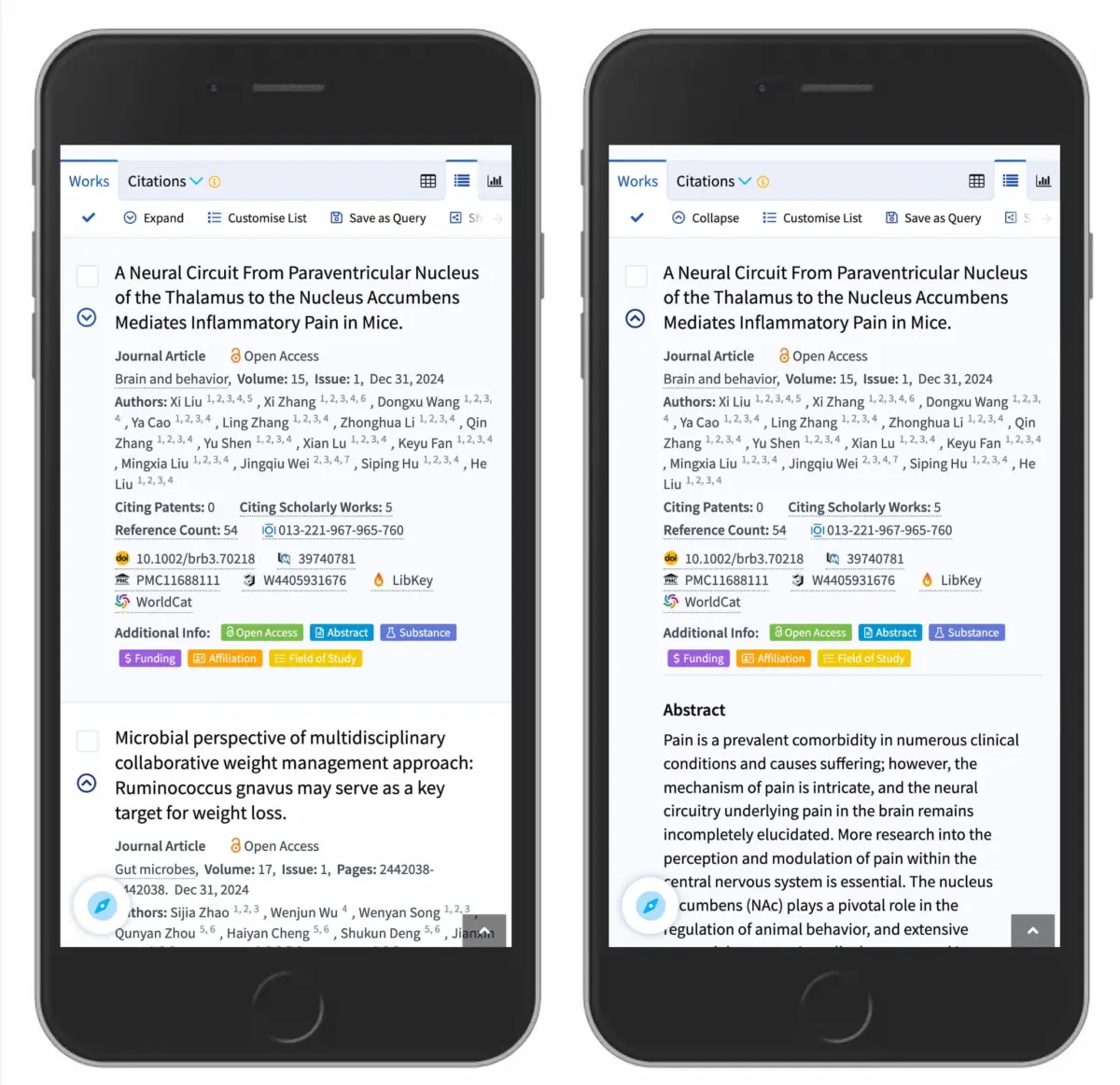
User interface designers face a persistent challenge when structuring digital navigation: how to clearly convey that a menu item expands to reveal hidden content without misleading users into expecting a full page transition. A closer examination of visual signifiers—specifically accordion icons, directional arrows, plus signs, and carets—demonstrates that subtle choices in icon design significantly influence user interaction patterns and mental models.
Recent research into user interface patterns highlights clear differences in how users interpret various navigational symbols. The findings reveal that split menus—interfaces where a text label links directly to a separate page while an adjacent icon opens an expandable accordion—frequently generate confusion and interaction errors. Furthermore, the evaluation establishes the caret as the most reliable visual indicator for expandable content, providing clear guidance for interface designers seeking to optimize user experience across mobile and desktop platforms.
No Icon Means Opening the Page
A fundamental finding in navigational usability is that the absence of an icon creates a strong user expectation of direct page navigation. When presented with a text label lacking any supplementary symbol, users overwhelmingly assume that clicking or tapping the item will load a new webpage rather than expand a list in place.

Custom or non-standard icons often fail to correct this expectation. Because users rely on familiar design patterns to anticipate system behavior, obscure or overly decorative visual symbols frequently fail to signal that an accordion mechanism is present. Usability testing indicates that users struggle to determine the intent of novel icons, leading to accidental page loads or frustration when expected content fails to appear.
The research also highlights critical insights regarding touch and click targets within navigation menus. For most icon types, user interaction is divided relatively evenly between the text label and the icon itself. This equal distribution means that the choice of icon affects the perceived function of the entire interactive region, not just the isolated image. When an icon fails to clearly convey accordion functionality, users who tap the accompanying text label suffer from the same ambiguity.
To streamline navigation visual design, usability experts suggest adhering to established web conventions rather than overcomplicating interfaces with redundant indicators. When a menu item is intended to function purely as a direct hyperlink to a dedicated page, the simplest and most effective treatment is an underline on the text label without any trailing carets, arrows, or decorative shapes. Although an underlined text link represents a traditional visual pattern, usability studies confirm that it reliably communicates direct navigation without confusing users.

Confusing Behavior With Arrows and Split Buttons
Directional arrows introduce distinct challenges when applied to accordion menus. Interface studies indicate that right-facing arrows are not inherently associated with direct page transitions. Conversely, turning an arrow downward does not automatically inform users that an underlying accordion panel will expand upon interaction. Because directional arrows are used across software ecosystems for horizontal scrolling, page pagination, and media playback, their application in vertical accordions can create conflicting mental models.
A particularly problematic interface design is the split menu button. In a split navigation component, clicking or tapping the text label navigates the browser to a category overview page, while clicking an adjacent icon toggles an embedded accordion to show subcategories. Usability testing consistently proves that split buttons are harmful to user experience. Users frequently tap the text label expecting to expand the submenu, only to be unexpectedly navigated away from their current context.
To prevent these interaction failures, digital product designers are advised to eliminate split menu structures entirely. A more reliable design pattern consolidates the entire menu item into a single interaction target that predictably exposes the accordion panel. For organizations that still require a dedicated landing page for top-level categories, optimal implementation involves placing an explicit link—such as an "Overview" or "All Products" link—directly inside the expanded accordion container.

Real-world applications of this pattern demonstrate its effectiveness. Major global logistics and shipping platforms, such as DHL, employ accordion navigation systems that explicitly avoid split controls. By unifying the primary top-level trigger to expand the menu structure and supplying clear internal overview links within the opened section, these interfaces maintain high usability across diverse user bases.
Plus and Arrows Are Understood, But Risk Misinterpretation
While plus/minus symbols (+/−) and vertical arrows (↓/↑) remain widely recognized mechanisms for signaling collapsed and expanded states, both convey multiple meanings across digital environments.
The plus symbol (+) is heavily overloaded across modern digital interfaces. Beyond signaling that an accordion can be expanded, the plus sign is routinely deployed to indicate adding items to a shopping cart, creating a new document, zooming in on an image, expanding tree structures, or saving content to a user profile. In complex, multi-level navigation structures where users may expand several hierarchical tiers concurrently, visual screens cluttered with multiple plus signs can become visually noisy and difficult to parse quickly.

Vertical directional arrows (↓/↑) present similar functional ambiguities. Depending on the broader application context, vertical arrows may signify scrolling down a page, jumping to a specific page section, downloading a file, or advancing through search results. While both plus signs and vertical arrows generally perform better than custom, unconventional icons, their overloaded nature across operating systems makes them less precise signifiers for context-sensitive accordion components.
Wrapping Up
When evaluating icon choices for accordion components, the caret pointing downward by default serves as the safest and most reliable interface signifier. Upon user interaction, transitioning the caret to point upward or to the side provides an intuitive indication of state change without confusing the component’s primary function.
If visual aesthetics or branding requirements necessitate an alternative symbol, standard plus and minus signs represent an acceptable second choice, provided the surrounding visual hierarchy remains uncluttered. However, designers should avoid adding secondary arrows or icons to indicate where external links lead. Eliminating redundant visual elements reduces cognitive load and allows users to process navigation options more efficiently.

The broader imperative for information architecture is clear: interaction controls should perform a single, predictable action. A navigation header should cleanly expand to display child options, allowing users to select their desired destination intentionally. If a direct link to a category landing page is required, placing an underlined text link inside the expanded structure provides clarity while eliminating the usability pitfalls associated with split buttons.
Editor’s Note
The web development and design communities thrive on shared empirical research, open usability insights, and collaborative learning. Understanding the behavioral mechanics of fundamental interface elements—such as accordion controls, touch targets, and visual affordances—remains essential for building inclusive, accessible web applications.
Ongoing education through technical literature, design guides, and online professional workshops continues to support web practitioners in implementing user-centered design patterns. Group learning initiatives and educational programs further ensure that emerging standards for digital usability and accessibility are broadly adopted across the software industry.