In 2010, Steve Jobs delivered a definitive assessment of touchscreen laptops that resonated across the consumer technology industry for more than a decade. Addressing the prospect of bringing direct touch controls to vertical notebook displays, Apple’s late co-founder argued that the physical demands of reaching out to touch an upright screen were fundamentally flawed from a usability perspective. "It doesn’t work. Touch surfaces don’t want to be vertical," Jobs declared at the time. "After a short period of time you start to fatigue, and after an extended period of time your arm wants to fall off. It doesn’t work, it’s ergonomically terrible."
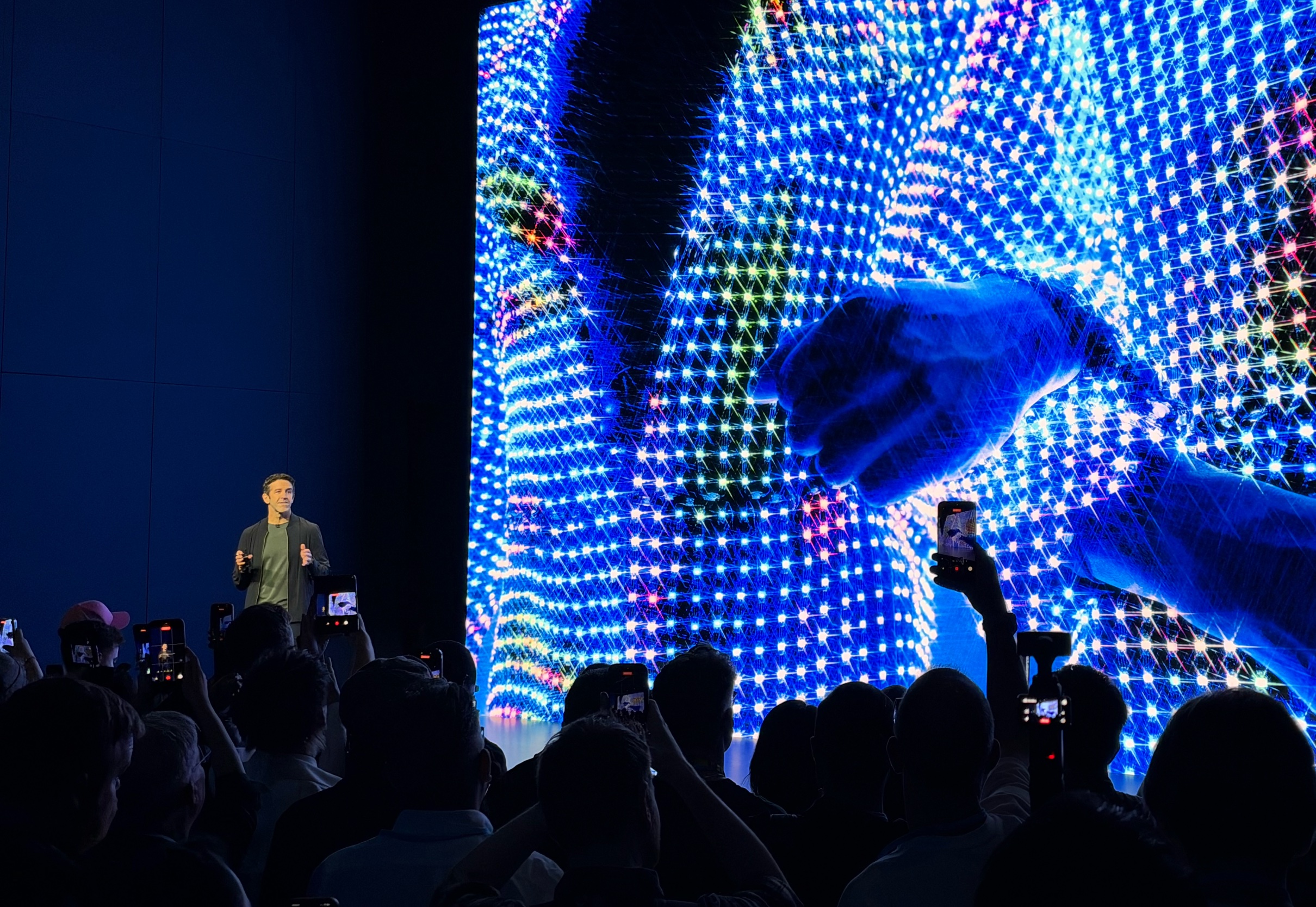
For fourteen years, those comments functioned as Apple’s official stance on laptop ergonomics. They were cited repeatedly whenever competitors launched touch-enabled Windows notebooks or whenever industry analysts questioned why the Mac line remained strictly bound to physical trackpads and keyboards. That long-standing hardware philosophy officially shifted this week as Apple introduced its first-ever touchscreen MacBook Pro during a major press event in Los Angeles, hosted by Apple executive John Ternus.
The arrival of a touch-enabled Mac marks a significant milestone in the evolution of Apple’s personal computing platforms. However, initial hands-on testing of the new hardware at the Los Angeles launch event indicates that Apple’s execution may validate both its historic caution and its modern strategy. Rather than attempting to radically reinvent macOS or frame touch as a mandatory replacement for traditional inputs, Apple has treated touch functionality as an unobtrusive, auxiliary input layer designed to sit comfortably alongside the keyboard and trackpad.
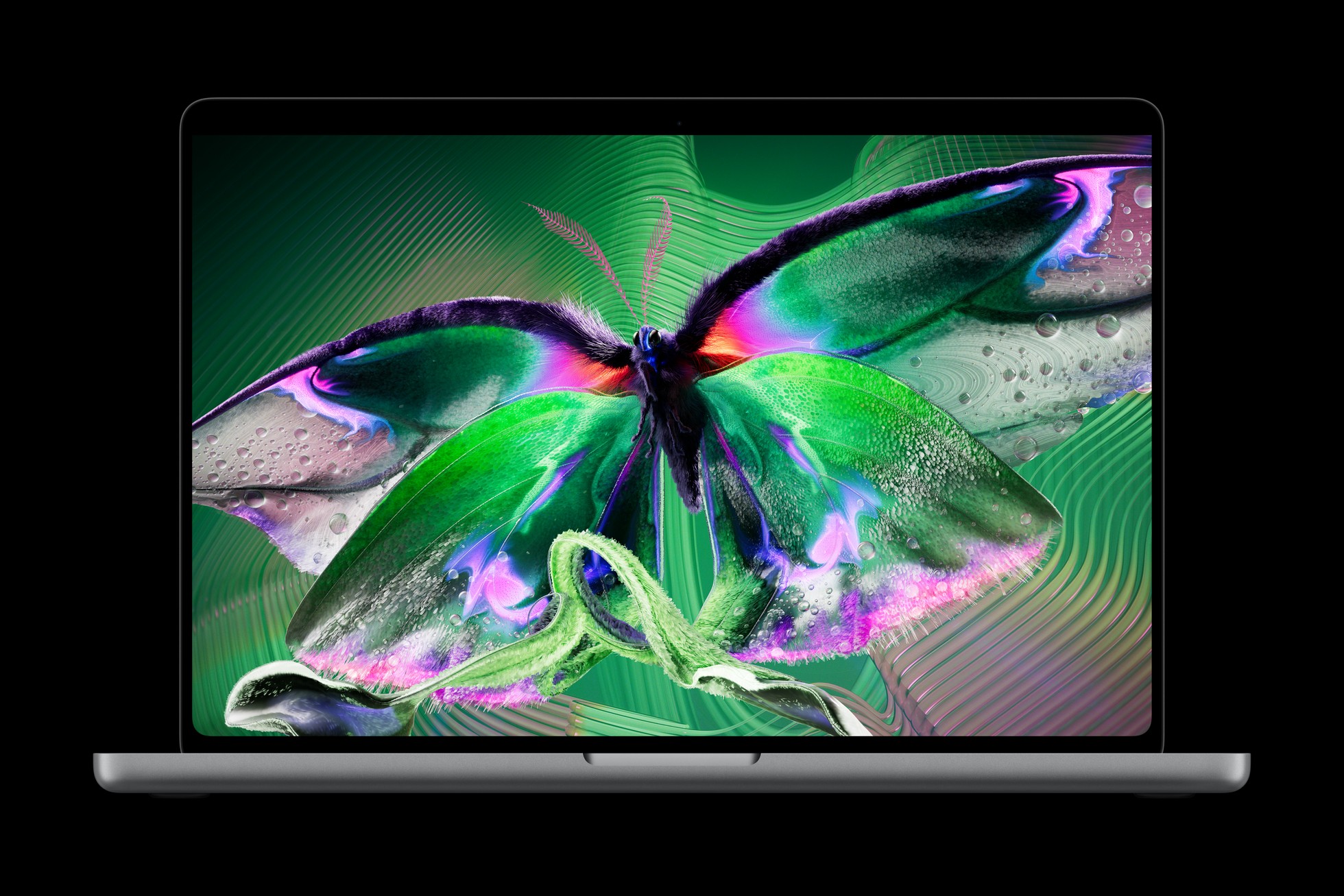
Even before getting hands-on experience with the physical hardware on the demonstration floor, the strategic framing behind Apple’s marketing approach reveals a great deal about how the company views the technology. Officially designated as the MacBook Pro with PROLED XDR Display, the laptop’s primary product branding noticeably omits the word "touch" entirely. The "PROLED" terminology highlights Apple’s ongoing preference for creating custom brand identities for established technical concepts—a naming habit recently exemplified by branding initiatives like "Apple Intelligence."
By choosing not to highlight touch capabilities in the notebook’s primary name, Apple appears intentional in keeping customer expectations grounded. The company is actively avoiding pitching the device as a primary touch-first hybrid or an oversized iPad alternative. In fact, inside the presentation hall in Los Angeles, the loudest audience reaction of the event was not sparked by the screen’s interactive touch capabilities, but rather by the return of a nostalgic design accent: the newly restored illuminated Apple logo on the display enclosure.
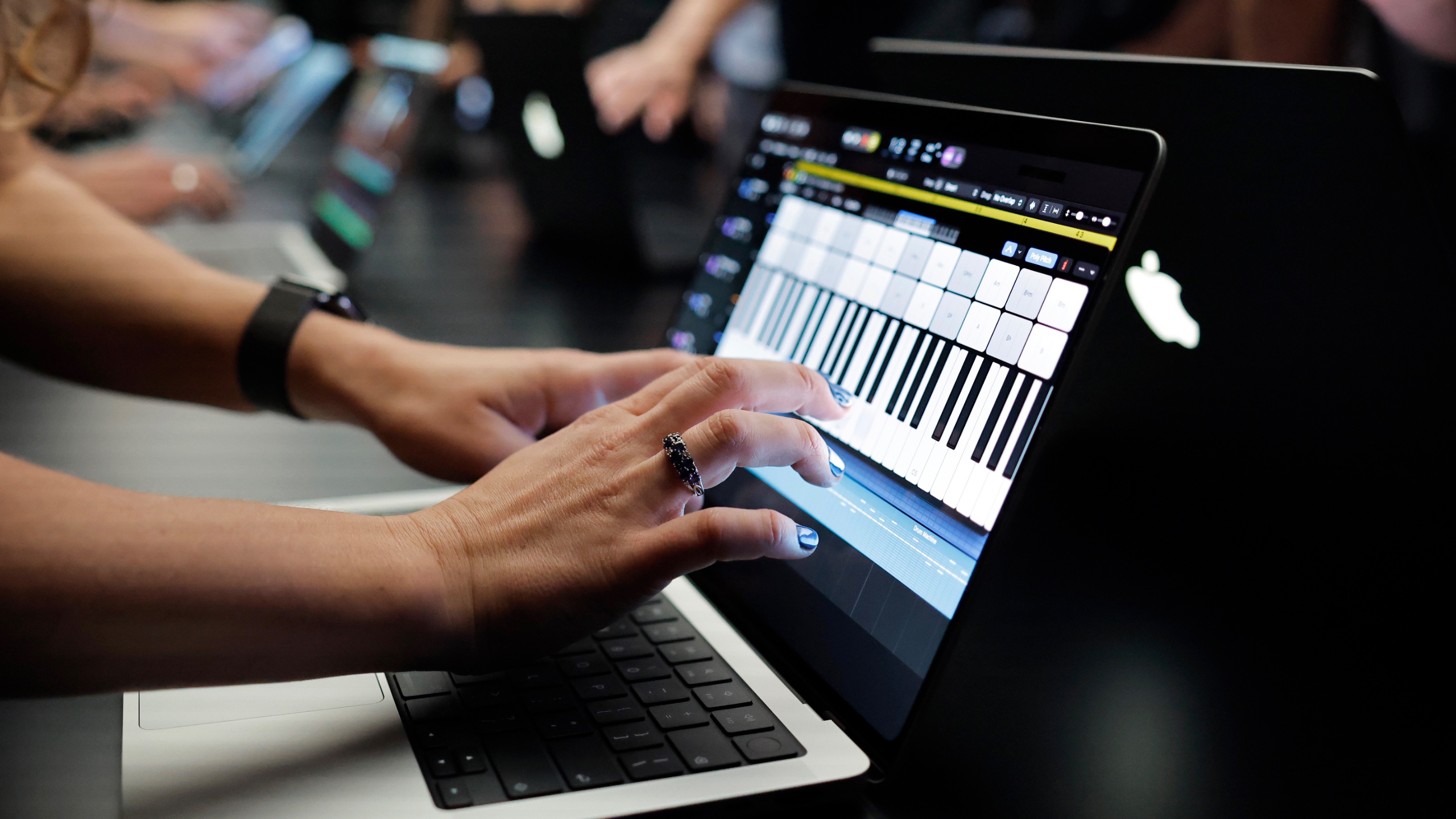
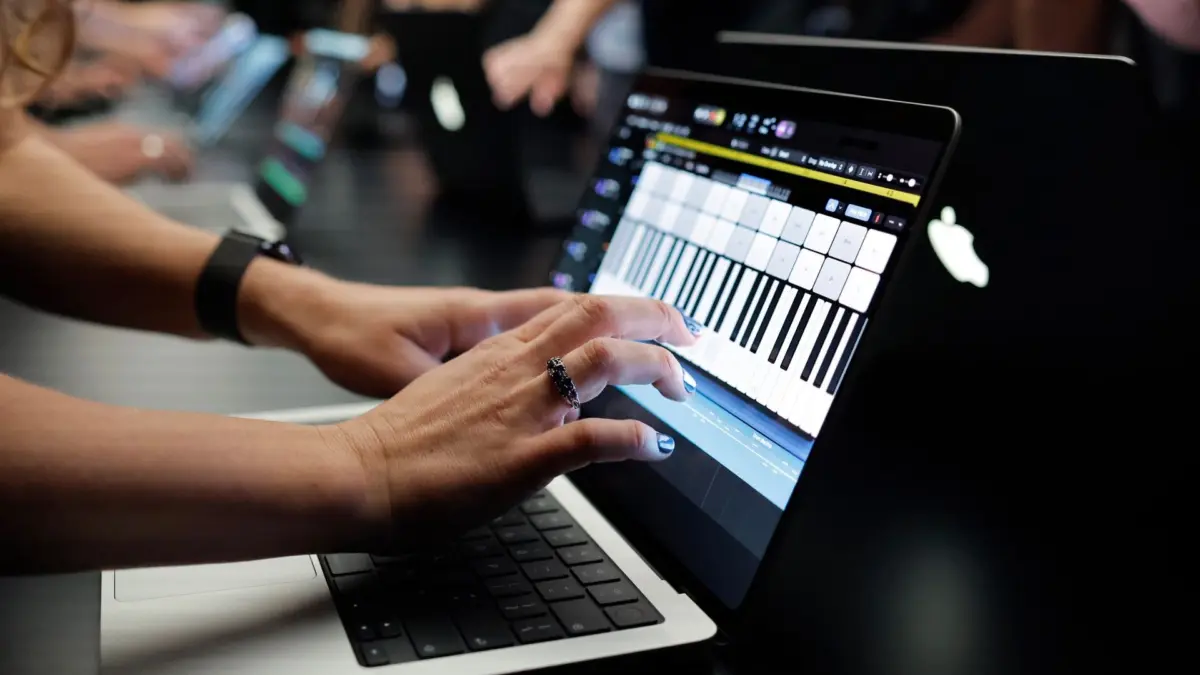
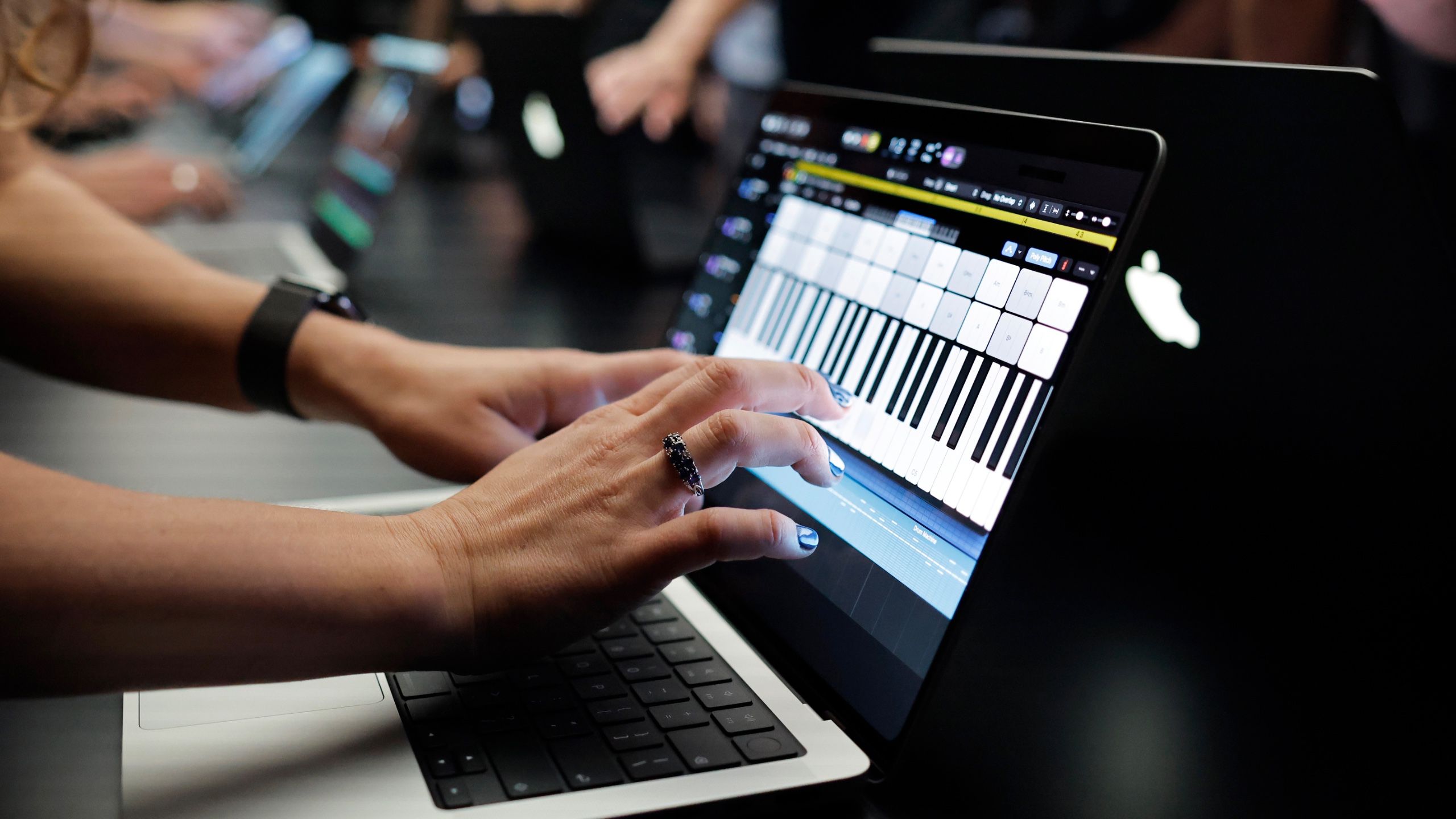
When evaluated as an optional secondary input tool rather than the primary method of operating the system, touch integration on the Mac begins to demonstrate practical utility. During hands-on testing across a variety of professional applications, direct screen interaction provided clear benefits for specific visual and creative tasks. In video editing workflows using Final Cut Pro, scrubbing directly along a multi-track project timeline using a index finger proved fluid and comfortable. In digital audio workstations like Logic Pro, playing an on-screen virtual keyboard delivered exceptional responsiveness, operating with zero detectable touch latency during live playback testing.
Routine navigation tasks within macOS also benefit from the touch layer. Gestures that have long been standard across mobile operating systems, such as pinching to zoom in on high-resolution photography or panning across detailed geographic maps, feel entirely natural on the large display panel. For creative professionals accustomed to working across both iPadOS and macOS ecosystems, having access to tactile interactions directly on the main desktop display adds a flexible layer of control.
To support these interactions without compromising the core desktop interface, Apple has implemented targeted software adjustments throughout macOS. Because desktop operating systems historically rely on tiny target areas optimized for precise cursor movements, direct finger navigation on standard desktop interfaces can often feel clunky or prone to accidental misclicks. Apple addressed this challenge by adding contextual interface adaptations. For example, when a user reaches out toward interactive elements like the traditional close and minimize window control buttons, the software automatically enlarges the target areas upon proximity or contact, ensuring that basic window management feels fluid rather than frustratingly precise.
Despite these thoughtful software adaptations and hardware refinements, the fundamental physical constraints outlined by Steve Jobs in 2010 remain inherently relevant. To combat the persistent stability challenges that affect upright touchscreen laptops, Apple engineered a reinforced display hinge specifically designed to minimize screen movement when force is applied to the glass panel.
In real-world testing, while the updated hinge mechanism offers noticeably firmer resistance than previous MacBook Pro displays, a moderate amount of screen rebound and wobble is still present when tapping firmly against the upper sections of the display. Furthermore, the physical reality of human arm mechanics remains unchanged. Extending an arm forward to interact repeatedly with a vertical screen over an extended period continues to induce shoulder and arm fatigue, confirming that continuous touch interaction remains ill-suited for sustained desktop tasks or prolonged typing sessions.
Furthermore, direct touch interaction does not replace the fine precision provided by Apple’s spacious glass trackpad. When performing detailed editing work, adjusting fine control sliders, or executing precise frame-by-frame cuts in Final Cut Pro, the trackpad consistently offered superior control and accuracy compared to tapping directly on the glass display.
Ultimately, Apple’s debut touchscreen notebook succeeds precisely because of its restrained scope. Had Apple chosen to market this machine under an exaggerated tier like a "MacBook Ultra," expectations for a complete desktop paradigm shift would have been considerably higher. Instead, by integrating touch quietly into a premium laptop chassis, Apple has delivered a well-crafted, functional bonus feature.
The underlying PROLED XDR display delivers exceptional visual quality, featuring vibrant colors, high contrast ratios, and deep black levels that stand out immediately upon viewing. Combined with high touch responsiveness, the display offers a refined visual and tactile experience for users who want the option to tap, swipe, or zoom without sacrificing the traditional Mac desktop experience. Touch on the Mac may never become the primary way professionals interact with their computers, but as a supplementary input tool built into a powerful mobile workstation, it serves as a welcome enhancement to the ecosystem.
The new MacBook Pro with PROLED XDR Display is available for pre-order immediately, with pricing starting at $2,899 for the baseline configuration.