As web standards and browser capabilities continue to advance at a rapid pace, front-end developers are gaining access to increasingly sophisticated tools for layout design, state management, and user interface optimization. The latest edition of the developer roundup, What’s !important (#18), showcases a wealth of recent innovations and technical explorations across the CSS and HTML ecosystem.
From refined user experience patterns and native syntax highlighting to experimental class selectors and advanced grid variable calculations, the front-end community is actively pushing the boundaries of what is possible on the modern web platform. Notably, many of these solutions leverage progressive enhancement, allowing developers to adopt forward-looking features—such as Chrome’s latest additions—while maintaining stability for broader user bases.
Rethinking Tooltip Interaction and the Rise of Interest Invokers
Tooltip behavior has long been a subtle yet critical component of web user experience design. Developer Abhishek Jakhar recently examined the mechanics of tooltip timing, explaining why effective tooltips require an initial display delay followed by an instantaneous exit. The core rationale behind this design pattern is to prevent accidental activations when users move their cursor across a page. Without an intentional delay, hovering over populated interfaces can trigger a barrage of unwanted popups. Conversely, once a user moves their cursor away from an active tooltip, the popover should disappear immediately to avoid obscuring content.
However, Jakhar also highlighted an important edge case: when a hoverable target region is extremely small, an immediate exit strategy can lead to unintentional de-triggering if the cursor slightly strays. In those specific scenarios, maintaining a slight dismissal delay helps preserve usability.
Building upon Jakhar’s analysis, Chris Coyier presented a modern HTML and CSS implementation of this behavior utilizing interest invokers. Interest invokers introduce native timing management through two dedicated CSS properties: interest-delay-start and interest-delay-end. These properties allow developers to define explicit start and end delays directly within style sheets, eliminating the need for complex JavaScript timing scripts. While interest invokers are currently only supported in Chromium-based browsers such as Chrome, the technique serves as a prime candidate for progressive enhancement, enabling enhanced interactive behavior in supporting engines while remaining unobtrusive in legacy environments.
<geolocation> and How to Use It Today
Location-based functionality on the web has historically presented implementation challenges. The traditional Geolocation API relies heavily on underlying device hardware—including GPS satellites, local Wi-Fi networks, and cellular towers—to establish accurate positioning. Furthermore, managing user permission states and dealing with revoked access settings can be frustrating for both developers and users.
The introduction of the proposed <geolocation> HTML element aims to streamline much of this complexity by providing a native declarative element for location access. However, the new element comes with its own operational rules, including specific styling restrictions designed to ensure user privacy and security.
Because native support for the <geolocation> element is currently confined to Chrome, developers face the challenge of implementing it without breaking compatibility for users on alternative browsers. Recent technical breakdowns demonstrate how <geolocation> can be integrated alongside the traditional JavaScript Geolocation API today. By structuring access requests around progressive enhancement, web applications can utilize the new HTML element where supported while seamlessly falling back to standard API calls in non-supporting browsers, allowing engineers to adopt the feature immediately in production workflows.
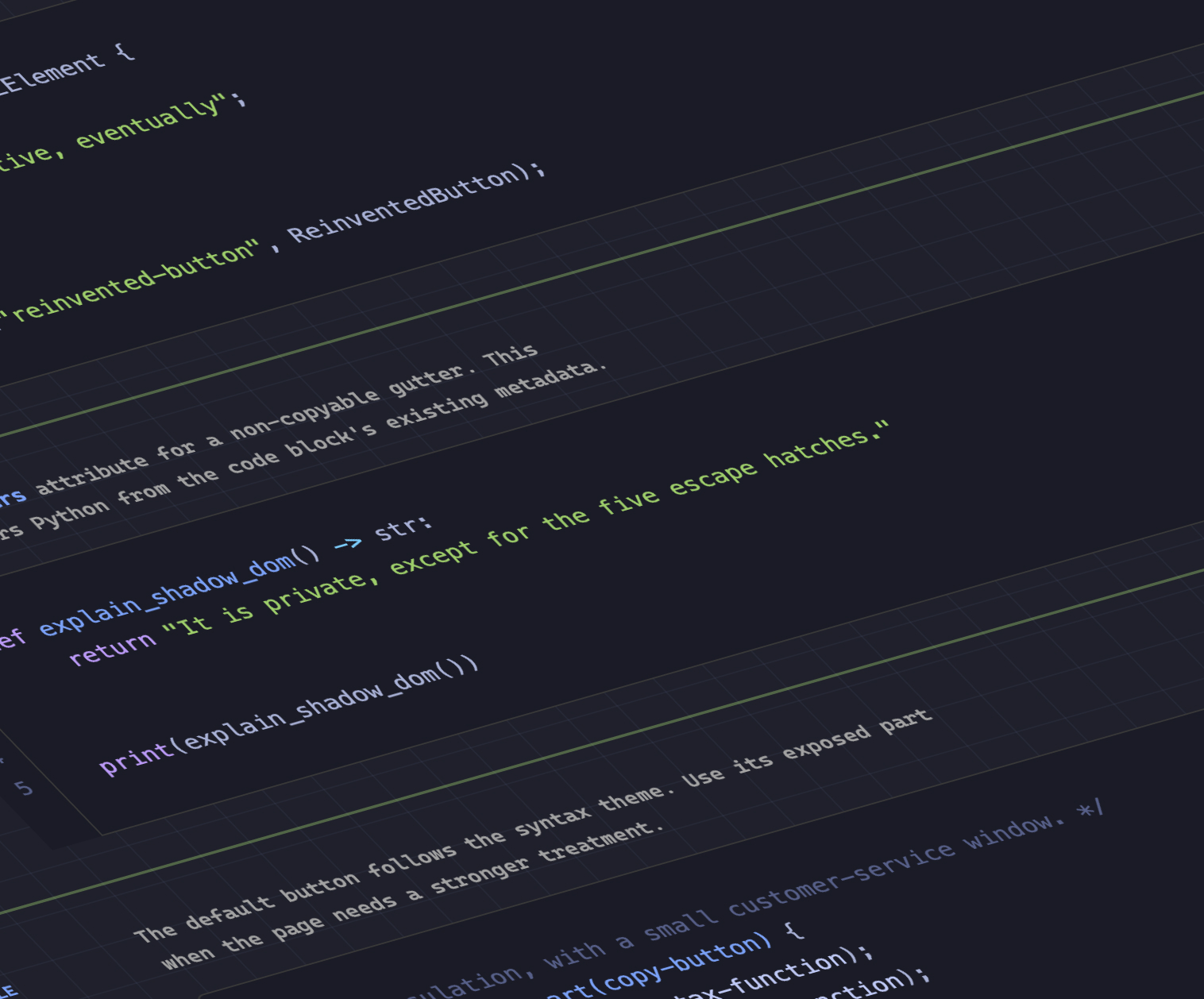
MicroLighter: A ::highlight()-Based Syntax Highlighter
Code syntax highlighting is a common requirement for technical documentation, blogs, and educational web platforms. Traditionally, highlighting source code required wrapping tokenized text in numerous <span> elements, increasing DOM complexity and potentially impacting rendering performance.
Developer Dave Rupert recently introduced MicroLighter, a lightweight syntax highlighter built upon the modern Custom Highlight API and the ::highlight() CSS pseudo-element. MicroLighter demonstrates how code highlighting can be achieved programmatically by registering text ranges and applying styles through CSS, entirely bypassing the need to mutate the DOM with extra inline markup.
Rupert detailed the implementation and usage of MicroLighter, highlighting how the Custom Highlight API provides a performant, low-overhead alternative to classic DOM-heavy highlighting libraries. Front-end commentators, including Geoff Graham on CSS-Tricks, have noted that tools like MicroLighter represent a significant shift toward native document decoration methods, allowing developers to render complex text formatting cleanly and efficiently.
How to Get CSS Grid Information into CSS Variables
CSS Grid has transformed modern layout architecture, but passing layout metadata—such as row counts, column counts, and specific cell coordinates—directly into CSS custom properties has historically been difficult. Developer Temani Afif recently demonstrated a technique for computing and storing this grid information directly inside CSS variables.
Through Afif’s method, developers can automatically calculate the total number of rows and columns within a grid layout, as well as determine the individual x and y index coordinates for every rendered cell. Currently, the primary constraint of this approach is that the target grid columns must feature equal widths. However, given the ongoing evolution of CSS calculation functions and layout specs, future updates may expand this capability to asymmetrical layouts.
One of the most compelling applications of this grid variable technique is calculating hover proximity. By establishing cell coordinates within custom properties, stylesheets can dynamically react to cursor movements across adjacent grid areas, enabling advanced hover effects and context-aware styling entirely through modern CSS.
Dark Mode: Two-State or Tri-State?
The architectural design of dark mode toggles remains a subject of active discussion within the web development community. A central debate centers on whether theme switches should implement a two-state or a tri-state model.
Web standards expert Lea Verou advocates for a streamlined two-state approach (typically toggling directly between Light and Dark), whereas browser engineer Bramus Van Damme makes the case for a tri-state mechanism (explicitly offering Light, Dark, and System Default choices). Adding to the conversation, developer Vale.Rocks outlined a hybrid "auto-until-overridden" two-state model. Under this design, the interface defaults to following the system-level color scheme automatically until the user explicitly toggles a preferred state, at which point the manual selection takes precedence. Each approach presents distinct usability trade-offs regarding user agency, UI complexity, and state persistence.
An Introduction to the Class Prefix Selector
Targeting elements based on shared class naming patterns has traditionally required attribute selectors. Bramus introduced the concept of the proposed class prefix selector, represented by a syntax such as .something-*.
While the class prefix selector is not yet natively supported in mainstream browsers, it offers a considerably cleaner and more performant alternative to existing attribute-matching techniques. Currently, matching class prefixes requires complex attribute selector queries, such as:
[class^="something-"]
  /* Matches class="something-xxx" */


[class*=" something-"]
  /* Matches class="xxx something-xxx" */


[class*="something-"]
  /* Matches class="my-something-xxx" */
The dedicated .something-* class prefix syntax eliminates the syntactic overhead and performance penalties associated with broad string-matching inside DOM attributes. Industry observers, including Geoff Graham, have underscored the practical benefits of this proposed selector, noting that its simplicity makes it a highly anticipated addition to future CSS specifications.
Feature Detection via the named-feature() Function
In another contribution to CSS feature detection, Bramus highlighted the @supports named-feature() function. Supported natively in Chrome, this capability addresses long-standing limitations in feature querying by allowing developers to test for specific browser behaviors that were previously undetectable.
Historically, @supports queries were limited to checking whether a browser recognized specific CSS properties or values. However, property support does not always guarantee that a browser correctly handles complex interactions—such as whether transform properties are respected when positioning elements with CSS Anchor Positioning. The @supports named-feature() function bridges this gap by allowing target queries for named browser capabilities, significantly expanding the power and accuracy of conditional stylesheets.
How to Balance Wrapped Flex Items Across Rows or Columns
Following the introduction of text balancing via text-wrap: balance, Chrome has added support for flex-wrap: balance. This feature brings balancing logic to multi-line flexible box containers.
Ahmad Shadeed published an analysis of flex-wrap: balance, detailing how the property redistributes flex items across wrapped rows or columns to create visual harmony. Rather than leaving a single dangling item on a final row or unevenly distributing elements across lines, flex-wrap: balance evaluates the layout space and balances item counts across active rows or columns. This addition provides layout engineers with finer visual control over dynamic, responsive interface components without resorting to custom JavaScript layout calculations.