Hasselblad’s reputation in the world of photography is built upon decades of meticulous engineering, resulting in polished, professional-grade tools designed for discerning image-makers. From robust body construction that rivals even Leica optics to an unmatched color science and streamlined user interfaces, the brand carries a legendary heritage. It is, after all, the camera that accompanied humanity to the moon for the very first time. Its mobile companion app, Phocus 2, stands out as one of the most refined systems available, earning praise even when compared against industry benchmarks like Leica FOTOS.
Yet, perfection remains an elusive target in hardware design. Victor Hasselblad and his early teams pioneered ergonomic and user experience practices long before those terms became mainstream, creating the iconic V-system that remains a masterclass in mechanical and functional design. But as photography transitioned into the digital age, the question remains whether Hasselblad’s modern product lineage—specifically modular digital backs and advanced offerings like the X2D II and the 907x—fully maintains those soaring UX standards.
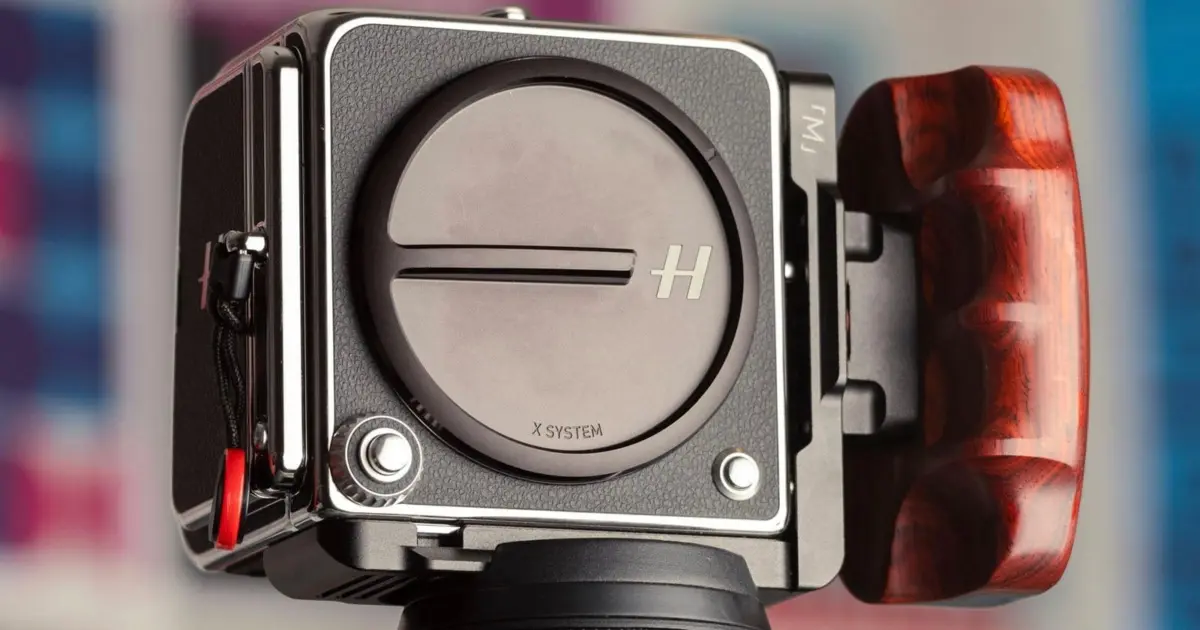
Following a month of extensive, hands-on field use with the 907x and the CFV 100C digital back—where the back acts as the core camera unit and the 907x serves primarily as an interface connecting the lens—a distinct perspective emerges. While the system captures breathtaking image quality, a careful examination reveals several operational areas where Hasselblad could refine the experience. Drawing comparisons with other high-end systems such as the Leica Q series and Fujifilm’s GFX lineup, alongside decades of personal photography and professional design experience, it becomes clear that simplicity does not have to come at the cost of thoughtful customization.
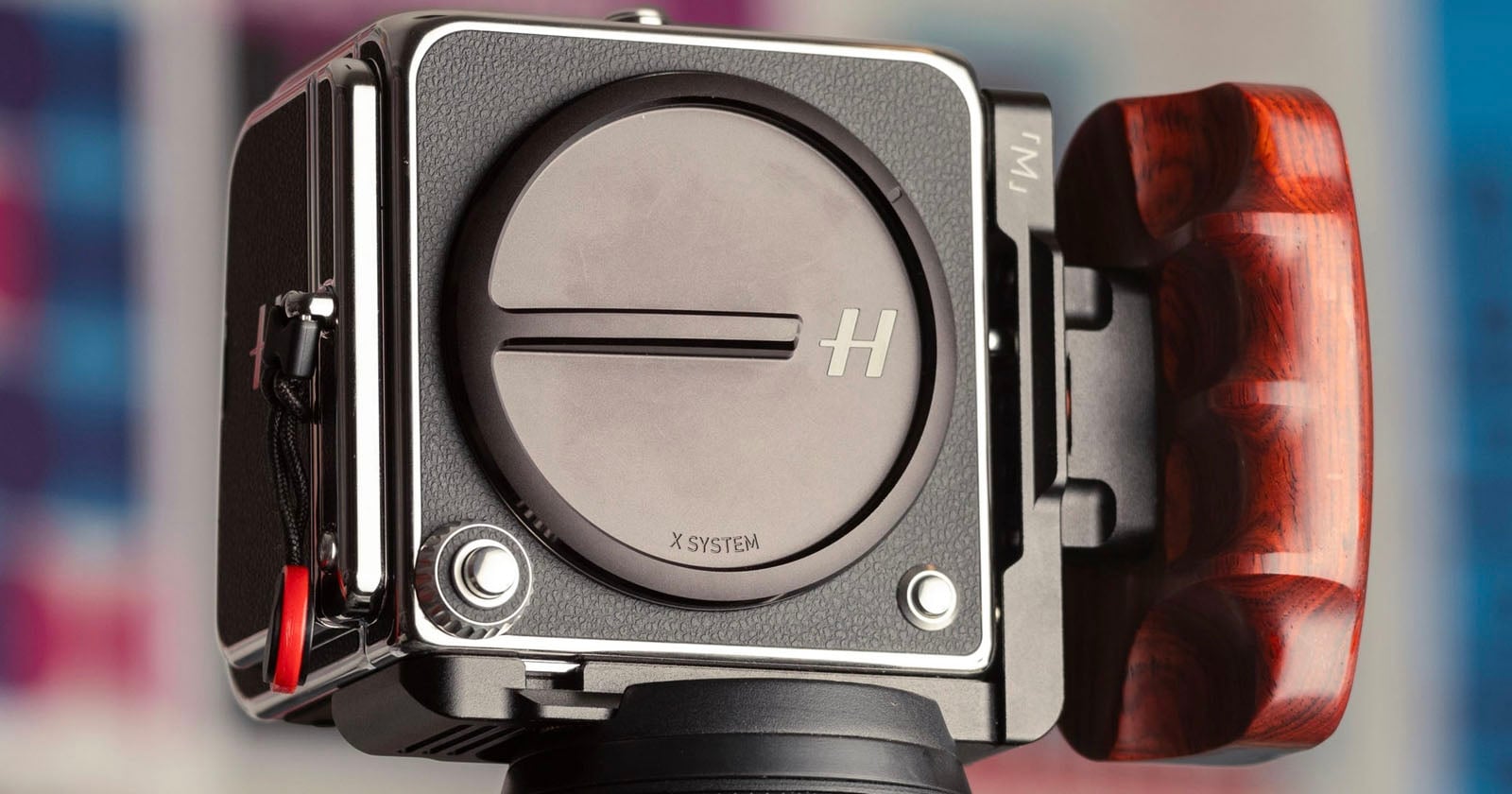
Hasselblad’s overarching product design philosophy clearly favors minimalism, ensuring that the camera does one thing exceptionally well while keeping menus uncluttered. While this focused approach is deeply appreciated, introducing minor, highly targeted configuration options could bridge the gap between pure simplicity and the practical needs of modern photographers.
907x Rotary Dial Customization
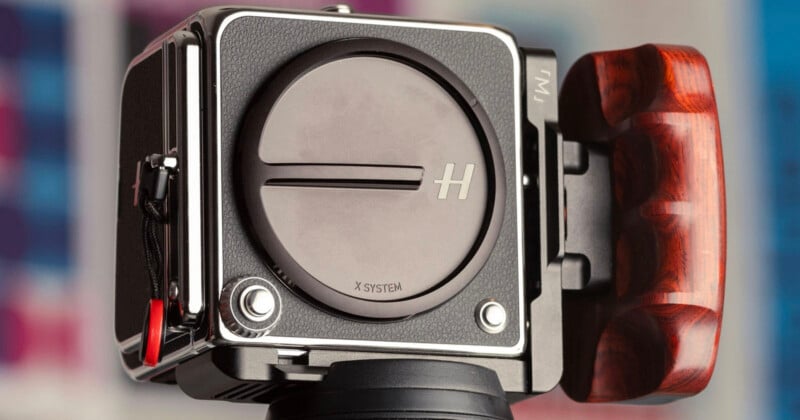
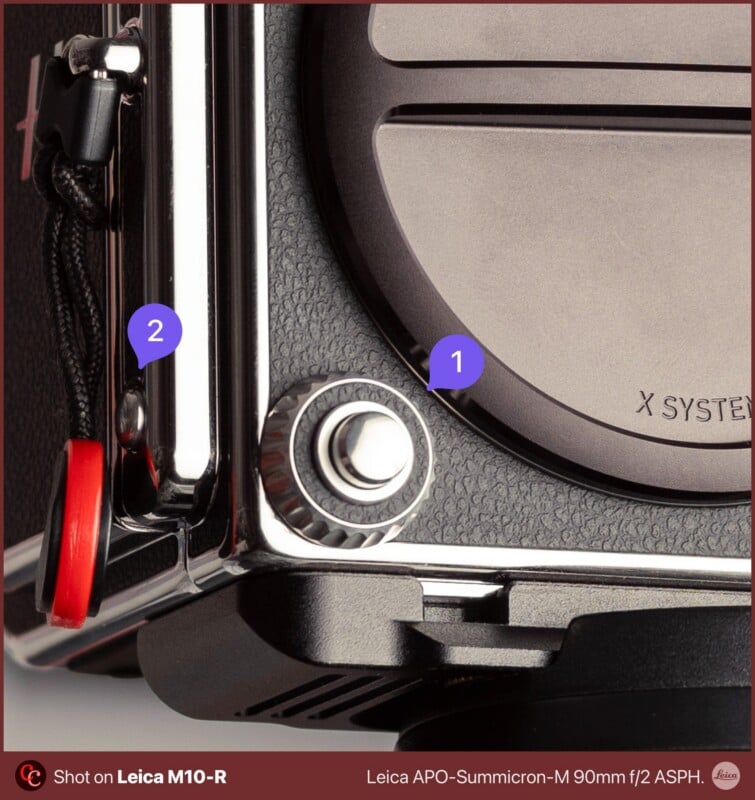
One of the most glaring ergonomic quirks in the 907x system involves the rotary dial positioned conveniently around the shutter button. By default, this dial controls the aperture when shooting in Aperture Priority mode or adjusts the shutter speed when operating in Shutter Priority mode. However, when the camera is switched to manual mode, the rotary dial locks strictly to controlling the aperture, leaving shutter speed adjustments dependent on holding down a secondary function button located on the right side of the camera body.
This operational requirement can feel slow and cumbersome in the field. Ideally, that function button should feature a toggle mode rather than a momentary hold, allowing photographers to alternate between the dial’s assigned functions with a single press instead of simultaneously holding a button and spinning a dial. Furthermore, if the rotary dial could be defaulted to control shutter speed when paired with high-end XCD lenses equipped with physical aperture rings, photographers would gain two parallel, highly tactile controls. Allowing users to customize the clockwise and counterclockwise rotation direction of the dial would represent another major, straightforward usability upgrade.
Haptic Feedback and Audio Cues for Leveling
Hasselblad cameras have long been favored for landscape and architectural photography, disciplines where precise horizontal and vertical alignment is paramount. In the analog era of the V-system, photographers relied on physical crosshairs etched onto focusing screens to ensure absolute alignment with horizons or architectural lines. Modern digital counterparts utilize an electronic accelerometer referred to as the "Spirit Level."
However, operating under bright, direct sunlight often makes reading an electronic bubble level on an LCD screen difficult. Introducing an audio beep or subtle haptic vibration when the camera reaches a perfectly horizontal or vertical orientation would significantly streamline the workflow for landscape and architectural shooters. Similar feedback mechanisms implemented in other consumer and professional devices prove that hardware already embedded within modern bodies can easily support such intuitive cues without interrupting creative focus.
Default Leaf Shutter Behavior with XCD Lenses
The shutter mechanism in native XCD lenses—and when utilizing them across vintage V-system setups—resides within the lens barrel rather than the camera body itself, utilizing a leaf shutter design that remains closed until the moment of exposure. While photographers occasionally opt to use the camera’s electronic shutter, doing so introduces significant rolling shutter artifacts under certain conditions.
To optimize performance, the camera firmware ideally should default to utilizing the lens’s mechanical leaf shutter whenever an XCD lens is attached, requiring users to explicitly opt-in if they prefer the electronic alternative. Such a default setting would protect users from unwanted artifacts, reserving the electronic shutter primarily for specialized scenarios like mounting adapted third-party lenses, such as those from Leica.
Customization of Aperture Ring Direction
For a system that prides itself on tactile, traditional photographic controls, the inability to customize the rotational direction of the lens aperture ring is a surprising limitation. Allowing users to invert or override the default behavior of the aperture ring through software settings would ensure seamless integration for photographers transitioning between different lens systems and muscle memories.
Customization of Focus Rings for P-Lenses
Hasselblad’s "P" series lenses feature a minimalist single-ring design dedicated exclusively to manual focus control. Discovering that this fly-by-wire electronic ring cannot be reassigned via software to control aperture can be disappointing for users seeking versatile control schemes. Because these lenses operate electronically rather than through mechanical helicoids, software-based reassignment should be entirely feasible, opening up the possibility of maintaining shutter speed control on the body’s rotary dial while adjusting aperture directly from the lens ring.
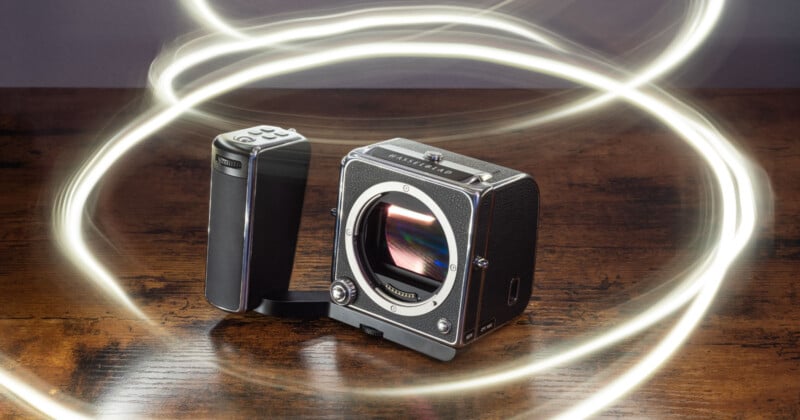
Integration of Lossless RAW Compression
Medium format imaging yields immense file sizes, with uncompressed RAW files for the CFV 100C hitting the roughly 200-megabyte mark per frame. Managing storage demands careful consideration, especially since the CFV 100C lacks in-body image stabilization. To counteract potential micro-blur or camera shake in the absence of IBIS, photographers frequently capture multiple consecutive frames of a single composition to ensure at least one sharp result, quickly accumulating gigabytes of data.
While medium format shooting inherently encourages a deliberate, measured pace, the inclusion of a robust lossless compression algorithm would drastically reduce file footprints without compromising image fidelity. Although the system currently offers HEIF as an alternative format, many professionals prefer the security and flexibility of compressed RAW workflows.
Gyro AF Lock Implementation
Advanced features found in competing high-end systems often point the way toward innovative workflow enhancements. Systems like the Leica Q utilize a gyro autofocus lock, leveraging internal gyroscope data to maintain focus tracking even when the photographer recomposes the shot after locking an initial focus point.
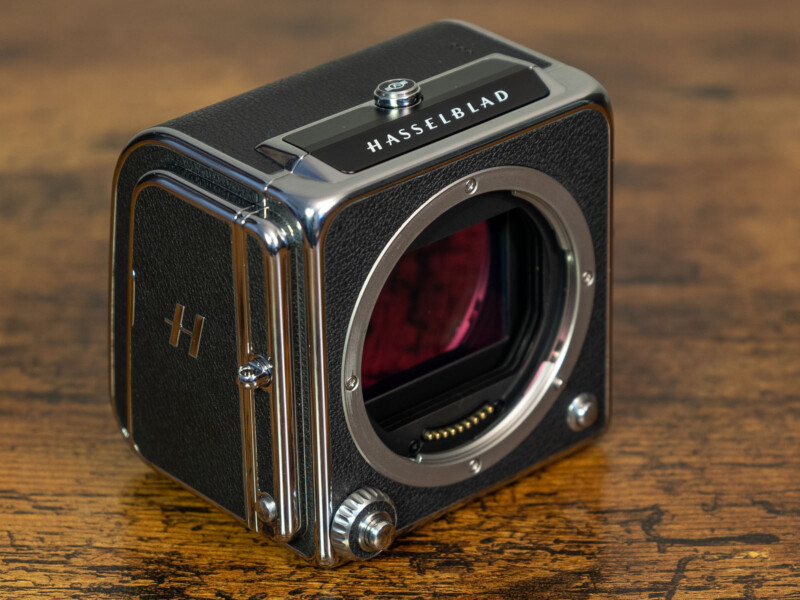
Because Hasselblad bodies already house internal gyroscopes—as evidenced by the functioning virtual spirit level—the necessary hardware is already present to support a gyro AF lock feature. Implementing such functionality would eliminate the constant need to interact with touchscreen focus points or physical joysticks between successive exposures.
Enhanced LCD Display and Preview Controls
When pairing the CFV digital back with traditional V-system mechanical camera bodies, the rear LCD automatically displays a bright image preview following every single exposure. For photographers seeking a purely analog, LCD-less shooting experience while utilizing vintage equipment, the inability to completely disable this automatic post-shot review mode can break the immersion.
Current menu options under the display settings are notably sparse, primarily limited to brightness adjustments, variable refresh rate settings, and overexposure warnings. While connecting the back to a 907x body allows for preview disabling, utilizing the back on a classic 500-series body strips away that control. Providing a straightforward toggle to disable post-shot previews entirely would greatly benefit traditionalists.
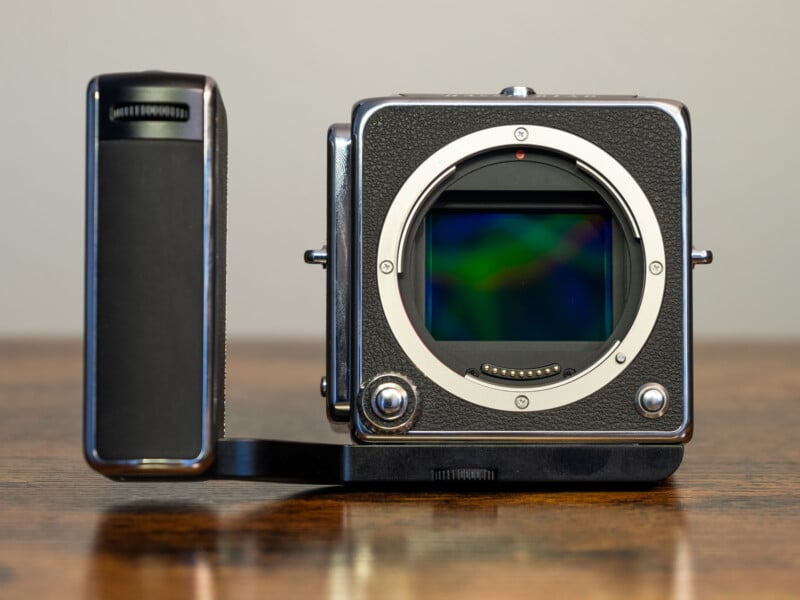
While Hasselblad’s design philosophy purposefully avoids the overwhelming menu complexity seen in some competing digital ecosystems—keeping the focus squarely on the act of photography—incorporating these targeted refinements could add valuable agility to a legendary system.