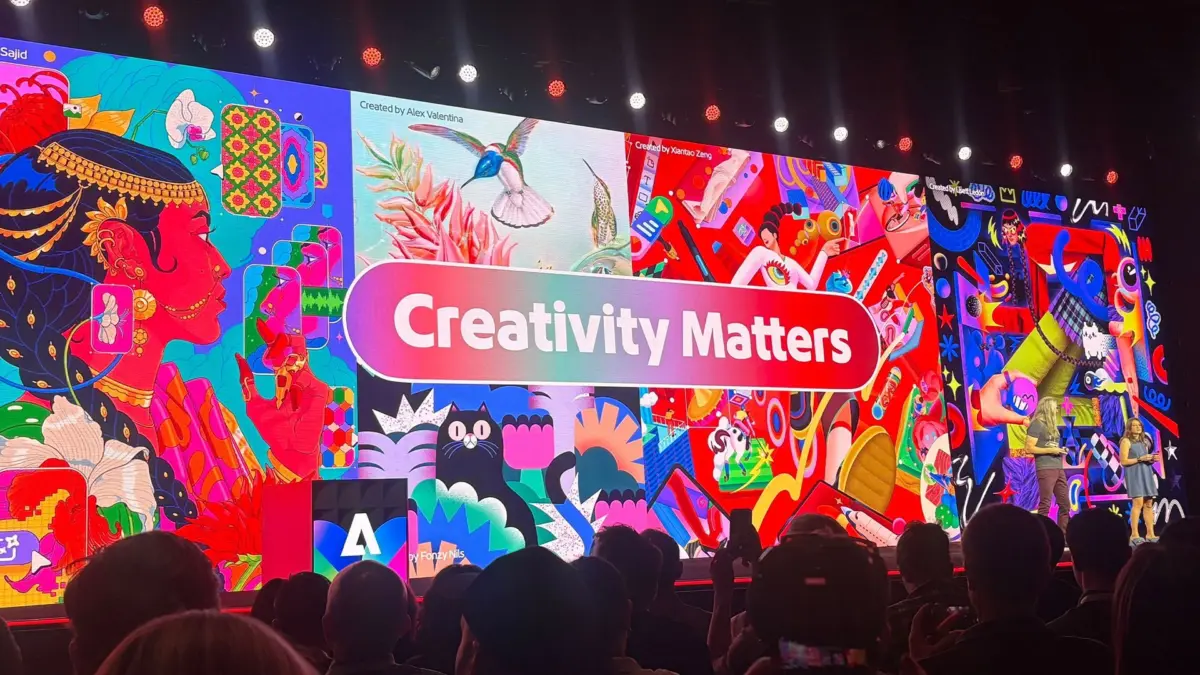
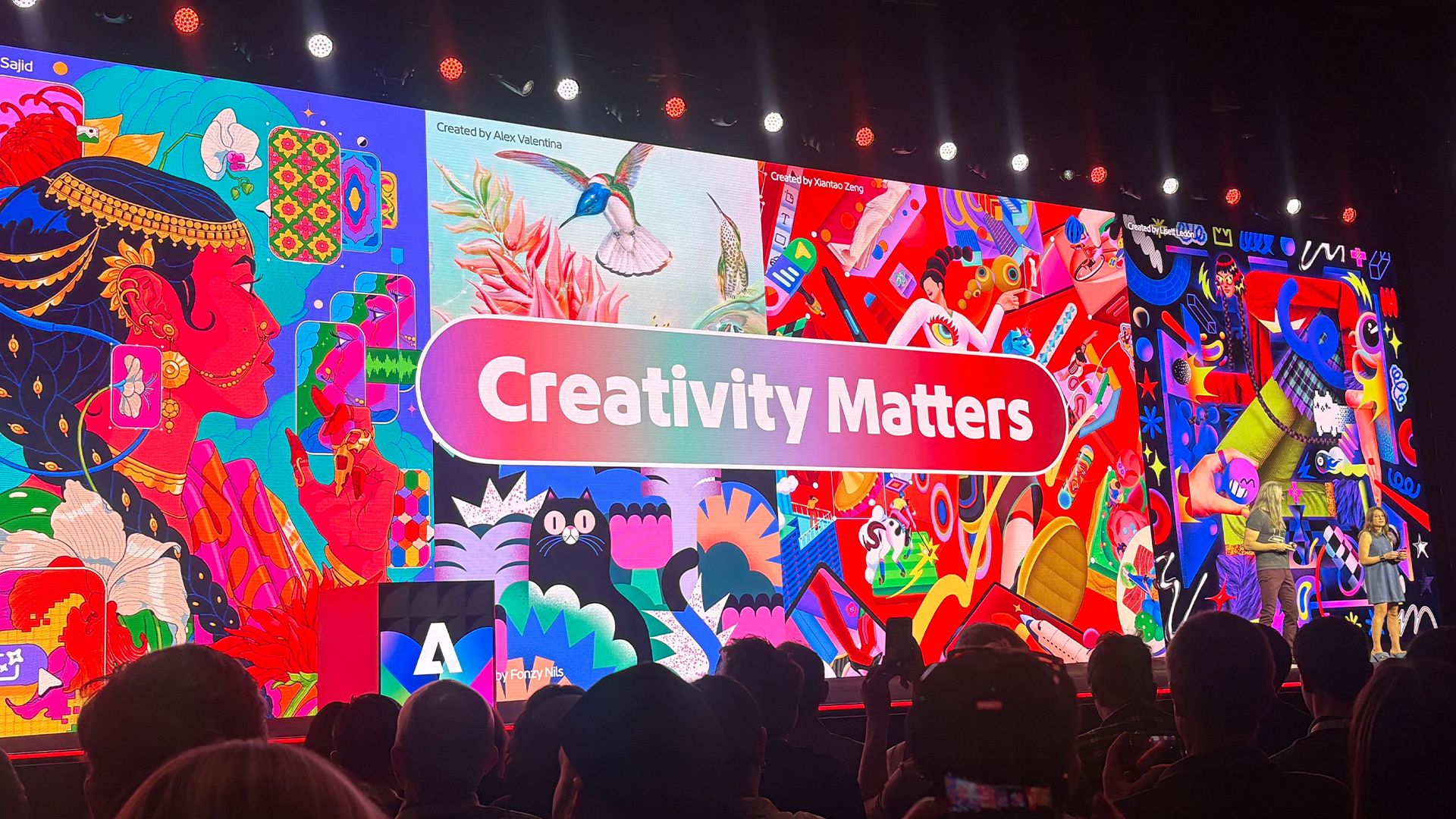
At the annual Adobe MAX conference, few sessions generate as much excitement among digital artists and visual designers as Sneaks. The showcase offers a rare look inside Adobe’s research laboratories, highlighting experimental prototype technologies that push the boundaries of creative software. Among the latest batch of concepts unveiled on the Sneaks stage, one project in particular has caught the attention of illustrators, concept artists, and graphic designers: Project Link Up.
Vector graphics have long been the gold standard for scalable, precise design work, powering everything from iconography and typography to complex digital illustrations. However, integrating separate vector elements into a cohesive scene has traditionally required significant manual labor. If an artist wants to place a pre-drawn vector object into an existing scene with a distinct perspective or lighting setup, they often have to redraw the asset entirely or painstakingly adjust its anchor points, foreshortening, scale, and styling to match the environment.
Project Link Up aims to change that dynamic by re-imagining a fundamental user action: the simple drag-and-drop gesture. Rather than treating drag-and-drop as a basic command to change an object’s visual coordinates, Project Link Up introduces context-aware fusion. As an artist drags a vector graphic onto a canvas, the tool automatically analyzes the surrounding scene, adapting the incoming object’s perspective, scale, and overall aesthetic in real time—all while preserving fully editable vector paths.
To better understand the technology, the creative philosophy behind it, and its potential impact on daily design workflows, research lead Hailin Jin shared insights into how Project Link Up was developed and where context-aware creative tools are headed.
What inspired the creation of Project Link Up? What was the specific designer frustration or “aha!” moment that sparked this project?
The concept for Project Link Up originated from a close examination of how artists naturally interact with digital canvases, led by researcher Mohit and the team at Adobe. While conventional design applications view dragging an asset as a purely mechanical placement instruction, the team realized that the gesture carries far deeper creative intent.
"Mohit and the team started with an observation about an everyday gesture: dragging an object," explains Hailin Jin, senior principal scientist and research lead for imaging and design at Adobe. "Design tools usually interpret that as an instruction about placement, but there’s much more intent in what a designer moves, where they move it and how they move it."
In traditional vector workflows, placing an element into a scene—such as fitting an illustrated vehicle into an angled parking spot—demands multiple repetitive steps. An artist must manually skew the perspective, alter the proportions, calculate foreshortening, and update lighting or line work to prevent the object from looking out of place.
"Placing an illustrated car into a parking space, for example, can involve separately adjusting its perspective, scale and style," Jin notes. "The team asked whether the gesture itself could communicate more of that creative direction and help adapt the object to its surroundings, while keeping the result editable."
By transforming the drag interaction into an intelligent, context-sensitive operation, Project Link Up allows the software to infer how an asset ought to sit within a target composition, reducing the friction between initial idea and visual execution.
Will the designer have parametric control, such as a slider, over how subtle or intense the visual adaptation is?
Automation in creative tools can sometimes feel restrictive if it forces artists into a single aesthetic outcome. To address this, the team designed Project Link Up to give artists granular parametric control over the transformation process, ensuring that artificial intelligence acts as an assistant rather than a dictator.
"Yes," Jin confirms regarding the inclusion of direct user controls. "In our current prototype, a creativity slider lets the designer guide how subtle or expressive the adaptation should be, from preserving more of the original form to exploring a more dramatic transformation."
This adjustable threshold means artists can choose whether an object strictly adopts the background’s visual environment or retains its original geometry and look. Crucially, the technology does not flatten or rasterize the graphic during transformation.
"The goal is to combine the ease of a gesture with explicit creative control," Jin emphasizes. "The resulting vector artwork remains editable, so designers can continue refining it."
Because the output consists of standard, clean vector paths, designers retain full freedom to manually adjust individual nodes, alter strokes, or refine colors after the initial automated adjustment takes place.
How does Project Link Up handle two vector elements that are fundamentally opposed in style?
Combining disparate visual styles is a common challenge in digital art. When placing a flat, minimalist vector character into a detailed, textured background, a context-aware system must determine whether to reconcile the styles or preserve their contrast.
According to Jin, Project Link Up is built to respect artistic variance rather than enforcing uniform blending across every element.
"Two contrasting styles don’t necessarily need to become one," Jin says. "The key is understanding the creator’s intent: should the object match the scene, retain its own personality, or create a deliberate contrast?"
To guide these decisions, Project Link Up pairs intuitive mouse gestures with descriptive prompt guidance and contextual controls, allowing creators to explicitly define how elements should interact.
"Project Link Up explores combining the drag gesture and scene context with creative controls and prompt guidance," Jin explains. "A designer could specify ‘match the scene’s illustration style’ or ‘keep this character’s style, but adapt its perspective and lighting.’"
By offering these options, the tool aims to support diverse artistic approaches—whether a designer wants seamless environmental integration or a striking, stylized contrast—while ensuring the output remains fully editable vector geometry.
What’s the creative philosophy behind Project Link Up?
At its core, Project Link Up reflects a broader shift in how creative software approaches iteration and exploration. In traditional design software, testing a visual concept often requires significant manual setup before an artist can even evaluate whether an composition works.
"The philosophy is to make creative exploration more immediate," Jin shares. "When combining two elements requires substantial adjustment before you can judge whether an idea works, that effort can interrupt the process of discovery."
When artists spend excessive time tweaking technical parameters just to mock up a layout, it can break their visual train of thought. By lowering the technical barrier to composition, Project Link Up aims to protect the fast-paced "flow state" crucial to early ideation.
"Link Up explores how a familiar gesture could let designers try different relationships between objects, see what happens and develop the ideas they find interesting," Jin notes. "Keeping the result editable as vector artwork matters: a promising combination becomes something the designer can continue shaping."
If a designer incorporated this into their daily routine, what is the single most time-consuming, tedious chore it could remove?
For vector artists and concept designers, perspective alignment is notoriously time-consuming. Because vector graphics rely on mathematical curves and anchor points rather than pixels, redrawing an object from a new viewing angle typically means starting the line work from scratch.
When asked about the single biggest manual hurdle Project Link Up could eliminate in daily workflows, Jin pointed directly to this redrawing tax.
"A strong example is manually reworking an asset to fit a new scene, particularly redrawing it from a different perspective," Jin explains. "The team is exploring how that adaptation could happen as the designer places the object."
By automating perspective, lighting, and scaling adjustments upon placement, the prototype reduces the setup overhead required to test compositions.
"That could reduce the preparation needed to evaluate a composition and give designers more time to refine the creative decisions that make it work," Jin adds.
Looking five years ahead, how could tools that “understand what they hold” change what it feels like to work inside Adobe apps?
Project Link Up represents a step toward an ecosystem of design software that possesses spatial and structural context about digital canvases. Looking toward the future, Jin sees context awareness as a fundamental evolution in human-computer interaction for creative applications.
"A major direction in our research is helping tools understand creative content and the relationships within it," Jin says. "That understanding can make interactions more meaningful: moving an object into a scene could communicate an intention about perspective or composition, rather than simply a new position."
Rather than requiring designers to execute sequences of manual adjustments to express a single structural idea, future applications could interpret simple gestures as high-level visual instructions.
"For experienced designers, the opportunity is to express their judgment more directly and retain precise control over the result," Jin highlights. "Link Up explores one part of that future. We want to learn what creators expect a gesture to mean and how tools can respond in ways that feel useful and predictable."
As experimental concepts from Adobe MAX Sneaks continue to mature, projects like Link Up offer a clear view of the future of digital asset manipulation—one where intuitive user gestures and context-aware intelligence work together to keep artists focused on creative intent.