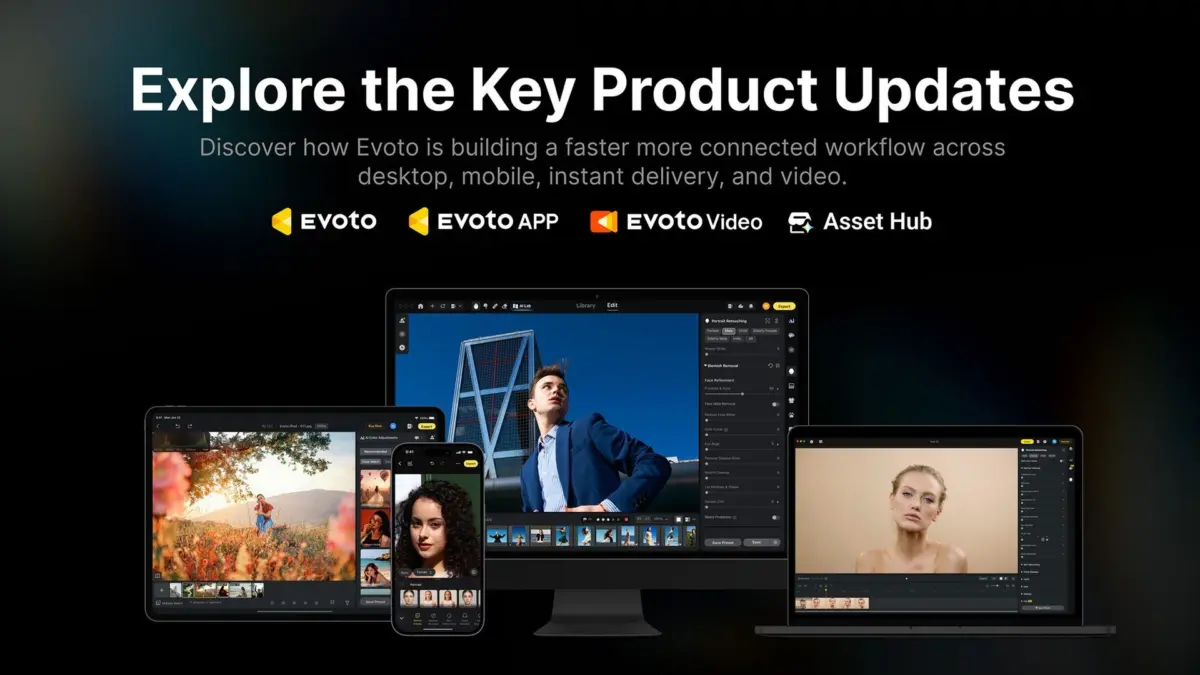
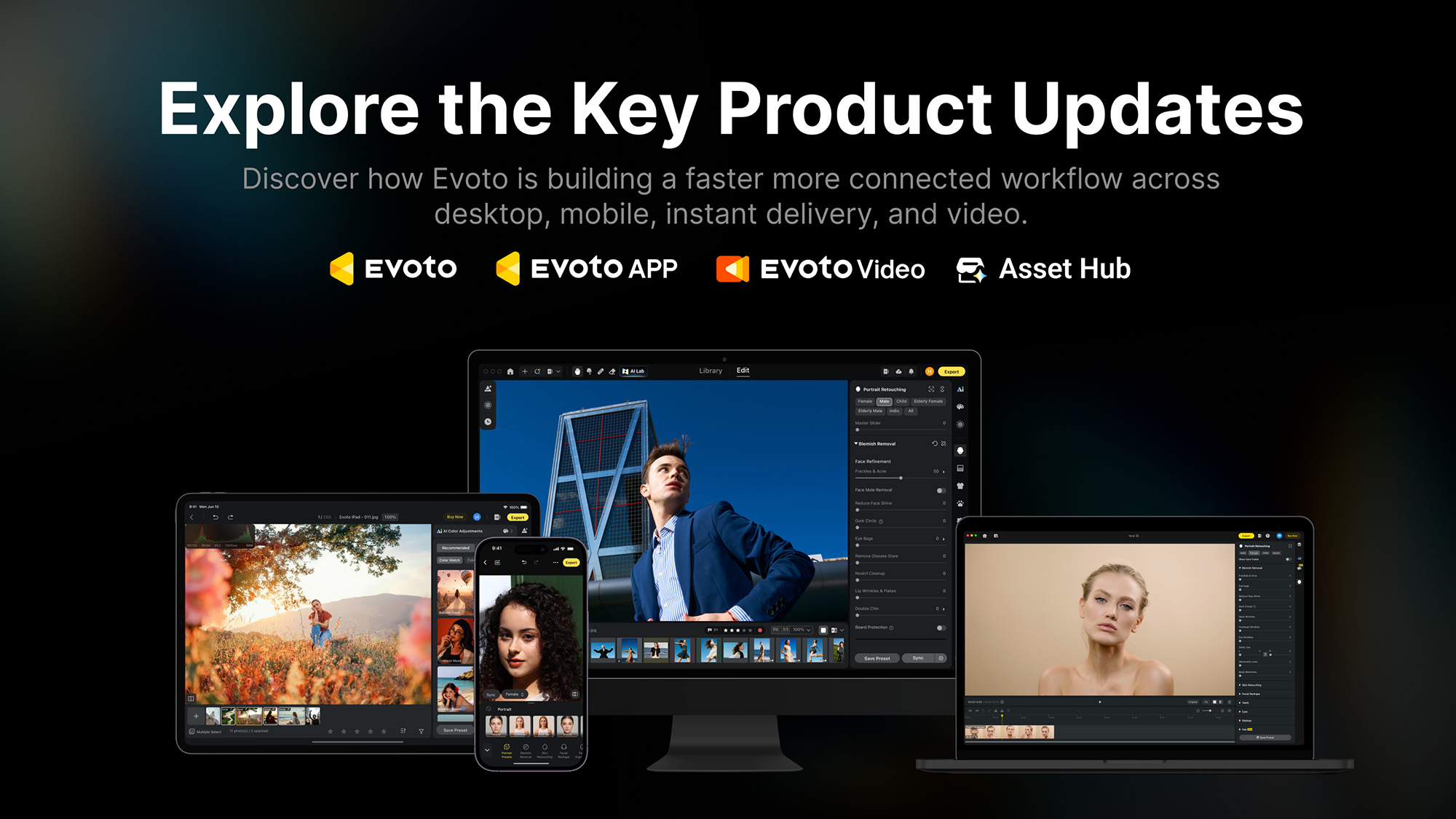
Evoto has officially rolled out the next generation of its AI-powered retouching and editing software, bringing significant upgrades to its entire ecosystem. Evoto Version 8.0 arrives as the platform reaches a major industry milestone, having processed more than 1.2 billion images for 1.2 million professional photographers operating across more than 200 countries worldwide.
The latest software release focuses heavily on practical tools designed for working photographers, videographers, and creative professionals. Alongside a robust suite of feature updates for both stills and video editing, the company introduced the Asset Hub, a new creator marketplace supported by a $500,000 community rewards pool. Company leadership emphasized that the ecosystem updates are tailored specifically to streamline professional production pipelines rather than dabble in controversial consumer-facing gimmicks.
Evoto 8.0: Retouching Stills
The core of the Version 8.0 update for still photographers centers around expanding Evoto’s AI-powered retouching capabilities and workflow efficiencies. According to US Revenue and Marketing Director Jay Peterson, the flagship desktop application’s architecture is built around four fundamental pillars: more precise retouching, more flexible framing, smarter culling, and repeatable workflows.
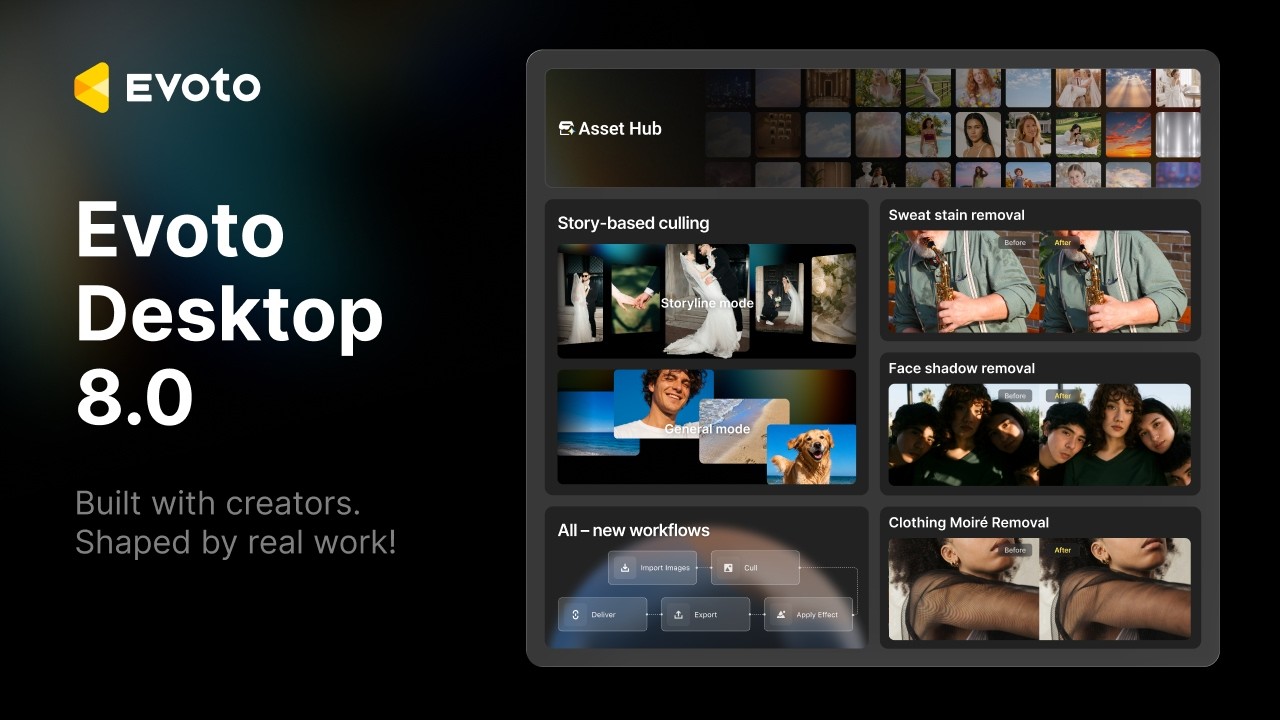
These pillars translate into significant upgrades across various features. Among the most notable additions is Story-Based Culling, which introduces a fresh approach to organizing massive volumes of images captured during high-pressure events such as weddings. In Storyline Mode, the software groups photographs into distinct chapters to construct a narrative of the event. Rather than automatically deleting potential outliers or useful alternatives, the software leaves unassigned images available for manual rejection or integration. For traditional workflows, users can utilize General Mode, which groups images visually regardless of when they were captured.
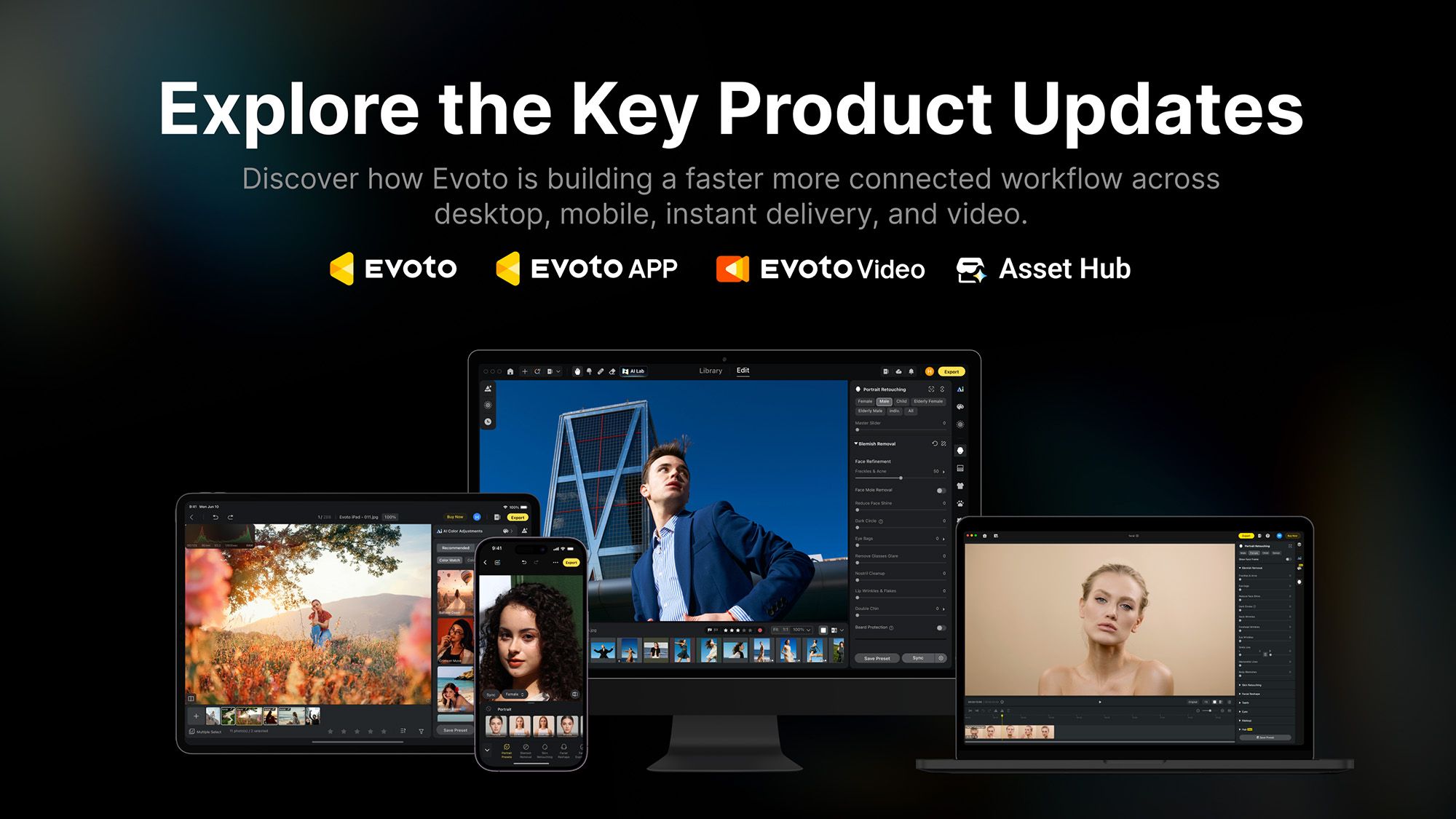
To reduce repetitive tasks, the new Workflow feature enables users to save an entire production sequence from import and culling to applying effects, exporting, and final delivery. Peterson noted that these automated processes handle the mechanical overhead while leaving creative decision-making firmly in the hands of the photographer. Additionally, Evoto has introduced SDK integration, specifically targeted at larger commercial production teams seeking to script and scale their workflows.
Evoto 8.0 also delivers an expanded toolkit for precision retouching. New capabilities include Precision Freckles & Acne Retouching, Face Shadow Removal, Clothing Moiré Removal, Liquify Background Repair, Sweat Stain Removal, and Generative Expand. Furthermore, Background Extraction has been enhanced and is now paired with an orientation-aware AI Crop function.
The overall user experience has been streamlined through a redesigned Home interface. From the central screen, users can directly access project creation, tethered shooting, workflow management, and the newly established Asset Hub, alongside the platform’s built-in AI assistant, Evobot.
Tether to a Smart Device
For photographers who work on location and require immediate review cycles, Evoto 8.0 introduces robust tethering capabilities. Users can now capture images directly to an iOS or Android device in the field using the Evoto App. The mobile application has likewise received performance enhancements, including Hot Presets, Color Match, Motion Blur, and Relight tools to maintain consistency during mobile shoots.
Evoto 8.0: Retouching Video
Expanding beyond still photography, Evoto has brought its AI-powered retouching technology into the motion picture and video production space. The headline feature in Evoto Video is the ability to perform detailed portrait retouching directly on video footage, eliminating the laborious, frame-by-frame keyframing process traditionally required for video cleanup.
To integrate seamlessly into existing editing environments, Evoto is introducing its In-Workflow Retouching Plugin for DaVinci Resolve and Adobe Premiere Pro. This plugin allows video editors to access Evoto’s sophisticated retouching suite directly from their native editing timelines.
Version 8.0 video features include Hair Shine, Teeth Whitening, Facial Fullness, and Color Match. The Hair Shine tool tracks individual strands of hair so that highlights and reflections remain natural and consistent as a subject moves across the frame. Teeth Whitening applies targeted masking to reduce yellow hues without washing out the natural texture and color of the teeth. Facial Fullness is designed to add subtle volume to subjects whose faces may appear overly flattened due to harsh or direct studio lighting. Meanwhile, Color Match allows editors to analyze a single reference image, extract its color profile, and apply that look uniformly across an entire video clip or sequence.
Evoto Asset Hub
In a move that caught many industry observers by surprise, Evoto announced the launch of the Asset Hub, a dedicated creator marketplace. The platform allows photographers and digital artists to buy and sell professional assets, including AI looks, custom backdrops, digital skies, and Masters’ Signature Presets created by established working professionals.
Explaining the rationale behind the marketplace, Peterson stated that a photographer’s distinct style is often the primary reason clients book them, and the Asset Hub provides a secondary avenue for that aesthetic to generate revenue.
The marketplace operates with creator-friendly terms, featuring no listing fees and allowing creators to retain 60 percent of net sales while setting their own prices within predefined bands. To kickstart the community, Evoto has allocated a $500,000 rewards pool for creators who join the platform between now and December 31, 2026. Participating creators receive a $50 reward once their first asset is approved and published live. Additionally, the top 20 creators ranked by total sales during the campaign period will share an extra $100 in bonus incentives.