For years, digital photographers navigating
the macOS ecosystem have faced a persistent dilemma when managing and processing their RAW image files. On one hand, industry giants like Adobe Lightroom offer a comprehensive, highly refined suite of organizational and editing tools, but they require a continuous financial commitment through subscription models that many hobbyists and independent creators prefer to avoid. On the other hand, long-time Mac users have mourned the loss of Apple’s beloved Aperture, a native application celebrated for its seamless performance, elegant workflow, and deep integration with the macOS environment.
A new open-source application called PixelLoupe is now stepping into this space, pitching itself as the spiritual successor to both Lightroom and the defunct Aperture. Built natively for macOS 27 and later, PixelLoupe is currently sitting at version 1.4.2 and is entirely free to use. Designed to provide a robust alternative for photographers seeking subscription-free asset management and RAW processing, the app attempts to bridge the gap between powerful modern editing features and the smooth, operating-system-level optimization that Mac users have missed for years.
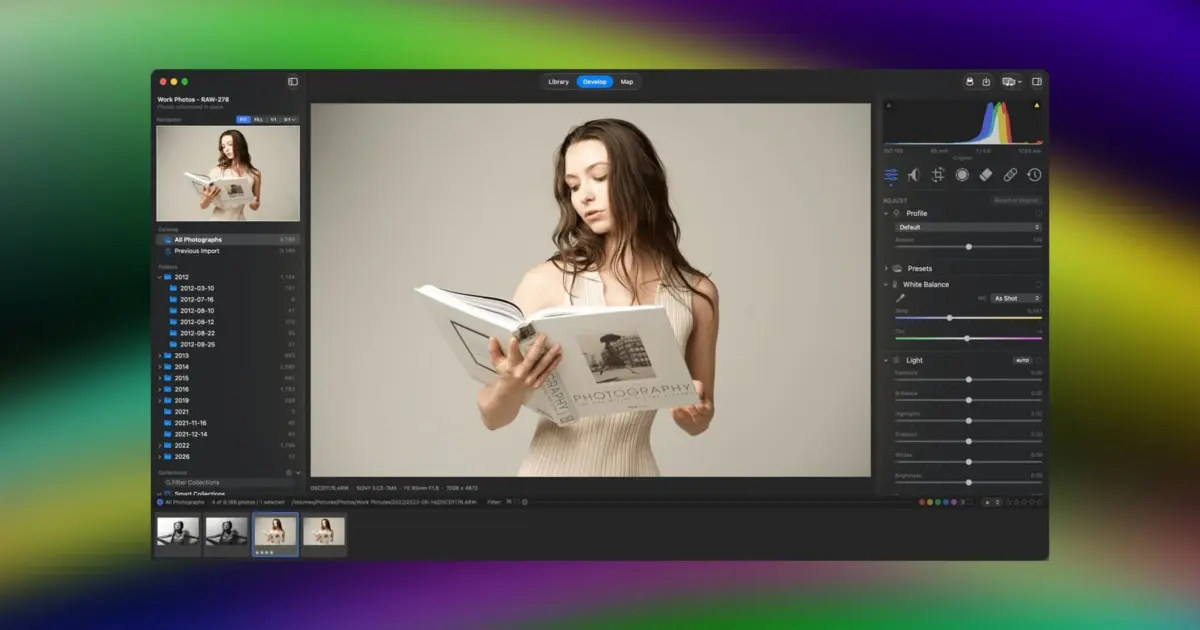
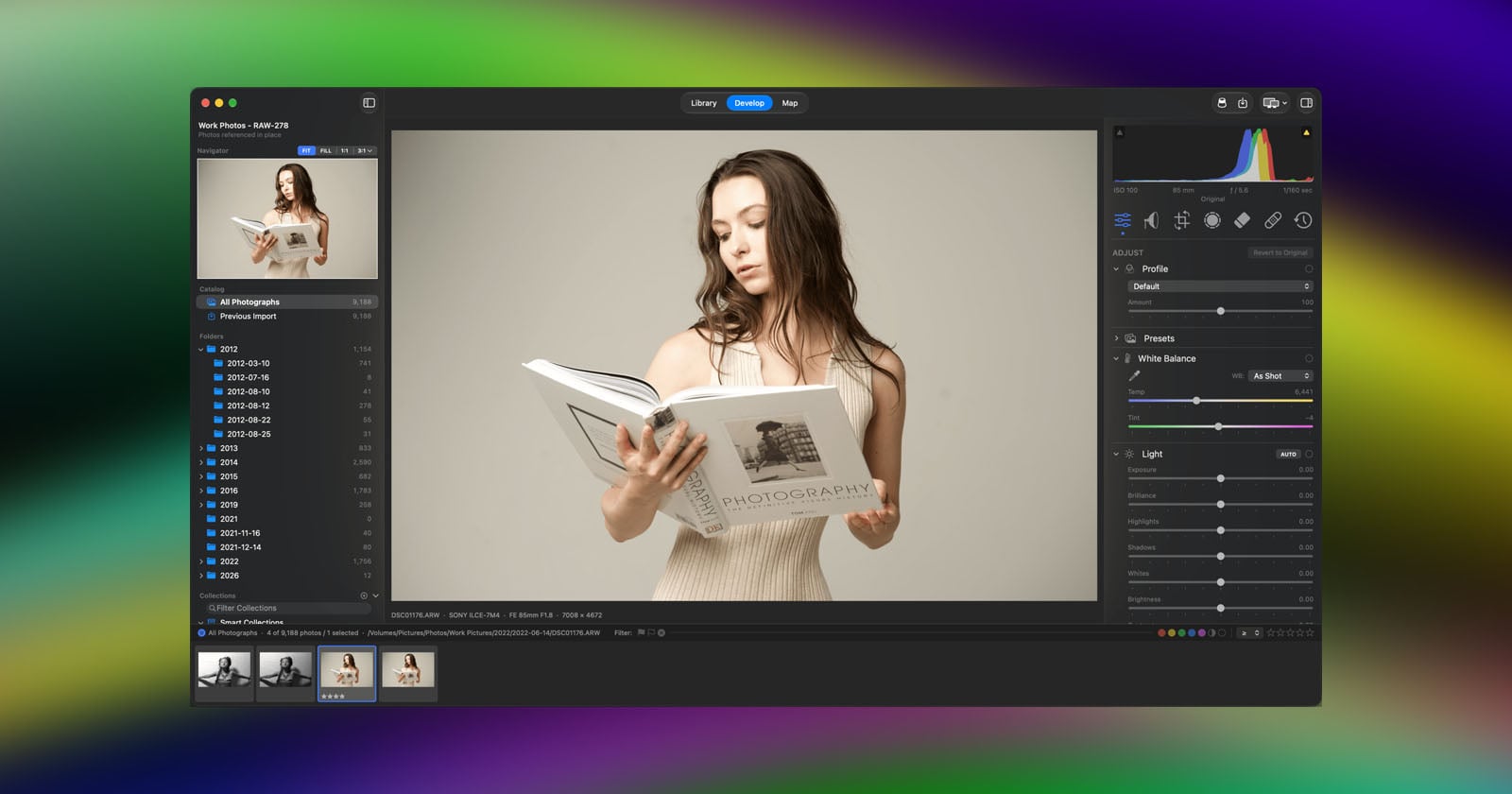
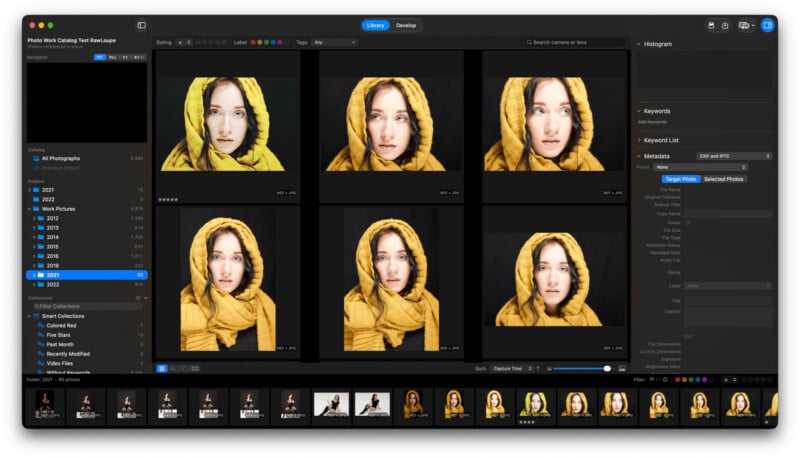
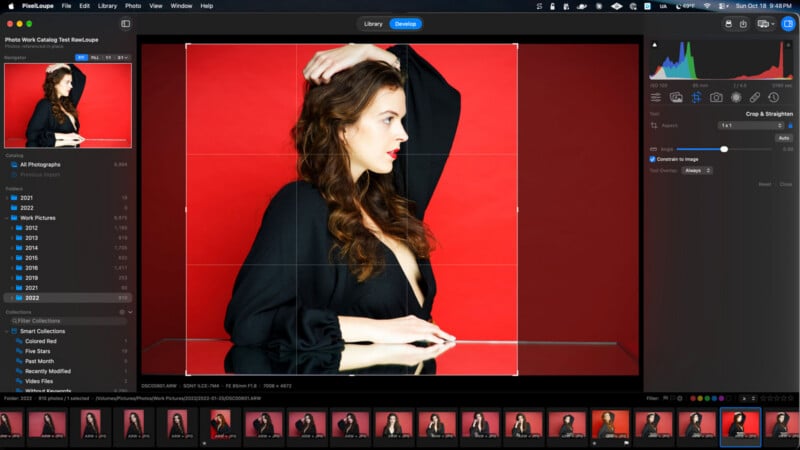
Billed by its creators as a comprehensive workflow solution, PixelLoupe mirrors the familiar architectural layout popularized by Adobe Lightroom Classic. Upon launching the application, users are greeted by a dual-module interface separated into a Library module for asset management and organization, and a Develop module dedicated to image processing. Under the hood, the application leverages Apple’s proprietary RAW image processing engine, Core Image, alongside the company’s Metal graphics and compute API, ensuring that hardware acceleration is baked directly into the editing experience.
The feature set included in PixelLoupe is surprisingly extensive for a completely free and open-source project. The software offers non-destructive RAW processing, ensuring that original image files remain untouched while edits are recorded separately. For organization, photographers can utilize traditional folder-based hierarchies, catalogs, collections, ratings, flags, and comprehensive keyword and IPTC metadata support. Furthermore, the application accommodates users transitioning away from Adobe’s ecosystem by allowing them to import existing Lightroom Classic catalogs. When importing, PixelLoupe preserves valuable user assets such as presets, camera profiles, and smart collections. If accompanying sidecar files are present, basic image adjustments carry over as well, and users will find that PixelLoupe retains Lightroom’s standard keyboard shortcuts to minimize the learning curve.
Beyond basic organizational tools, PixelLoupe equips photographers with a wide array of editing controls. In the Develop module, users will find standard adjustments including exposure sliders, tone curves, and HSL controls, alongside local adjustment tools and customizable presets. Capitalizing on modern software trends, the latest iterations of the app also integrate artificial intelligence capabilities. These features include AI-powered assisted culling to help photographers rapidly sort through large volumes of images, one-click subject selection and masking for precise local edits, and AI-driven relighting tools that offer advanced control over illumination in portraits and landscape scenes.
The application also addresses specialized photographic needs by incorporating advanced composite tools. Photographers can utilize built-in photo merging capabilities for focus stacking to increase depth of field, generate expansive panoramas, and process high dynamic range exposures. Additionally, the software features a built-in web gallery builder, allowing creators to easily format and export their work for online presentation and sharing. Because the project is entirely open-source, users who possess the technical know-how are free to inspect, modify, and tinker with the underlying code to suit their specific workflow requirements.
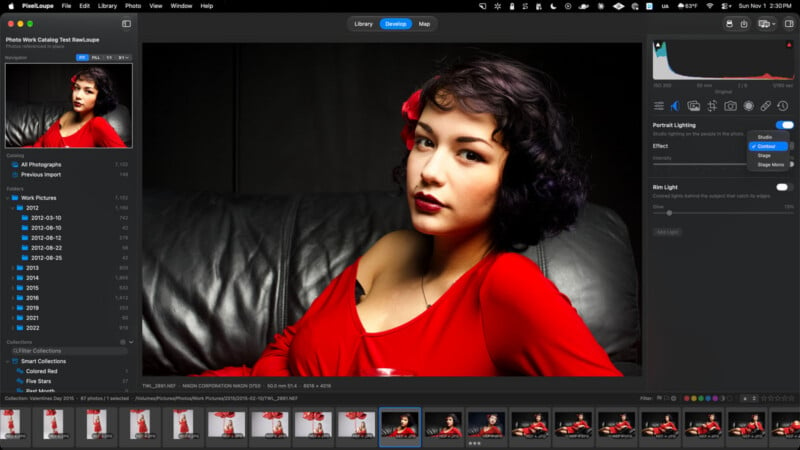
Despite its impressive capability and zero-cost barrier to entry, PixelLoupe comes with certain caveats that prospective users should consider. The application is a solo-developer project that launched recently, meaning its rapid development timeline was almost certainly heavily accelerated by modern AI coding assistants. Specifically, the project’s public repository on GitHub references Claude, a prominent artificial intelligence tool frequently utilized by independent developers to write and debug code. While AI-assisted software development has become increasingly commonplace across the tech industry—utilized by independent creators and major software corporations alike—some professionals remain naturally cautious about adopting upstart applications built on heavily automated development pipelines.
The relative newness of the project also implies that certain features may occasionally behave unpredictably or require further refinement as the software matures. However, because the application is entirely free to download and use, testing it within an existing workflow carries no financial risk. The landscape of free, open-source RAW processing software on macOS has a long history, featuring established alternatives such as Darktable and RawTherapee, both of which cater to photographers looking to bypass proprietary subscription models.
For Mac users currently operating on macOS 27 who are searching for a native, subscription-free editing environment reminiscent of classic desktop workflows, PixelLoupe offers an intriguing alternative worth exploring. The application is available for download directly through Pixegen and its public repository on GitHub.