Even as players continue to marvel at the visual fidelity of Grand Theft Auto 6, a segment of the PC gaming community is already looking for ways to push the envelope further. Thanks to community-driven modding tools, clever hardware routing, and PC streaming technology, enterprising gamers are finding ways to experience Rockstar Games’ latest blockbuster with advanced neural rendering and higher frame rates than what is natively available on current-generation consoles.
By leveraging PS5 Remote Play or video capture cards, players are streaming the console version of GTA 6 directly to their gaming rigs. Once the video feed is established on the PC, modders are applying experimental tools like Veyra to introduce DLSS 5 neural rendering, while simultaneously using frame generation techniques to target a smoother 60 frames per second. While the game already runs at a stable, highly optimized 30 frames per second on high-end console hardware like the PS5 Pro, the desire for higher frame rates and enhanced graphical enhancements has driven developers to experiment with external upscaling solutions.
The technical workflow required to achieve this involves a combination of video capture hardware or Remote Play integration, PowerShell commands, and specialized executable files developed by the modding community. Modders such as Phosphen and creators of the Veyra-NRVideo tool have shared open-source solutions that allow PC users to intercept the video stream and apply real-time post-processing effects. However, the process is far from plug-and-play. Early adopters note that successfully linking the tools to a console stream requires robust PC hardware capable of handling the
demanding computational overhead of DLSS 5, and even then, technical hurdles—such as connection drops or software handshake failures between the Remote Play client and the console—can prevent the setup from working smoothly on the first try.
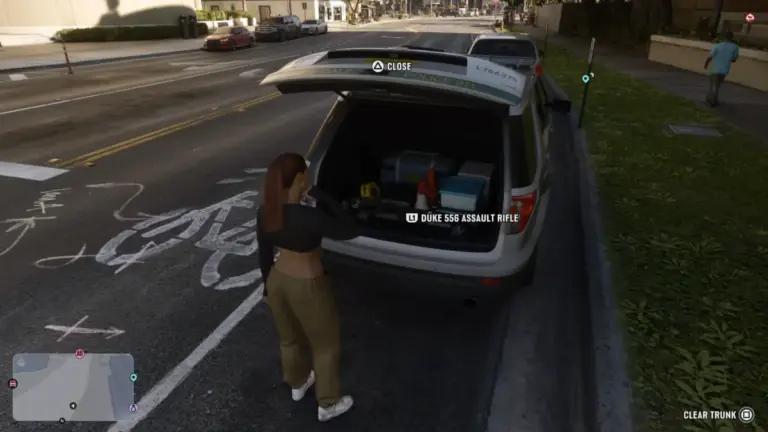
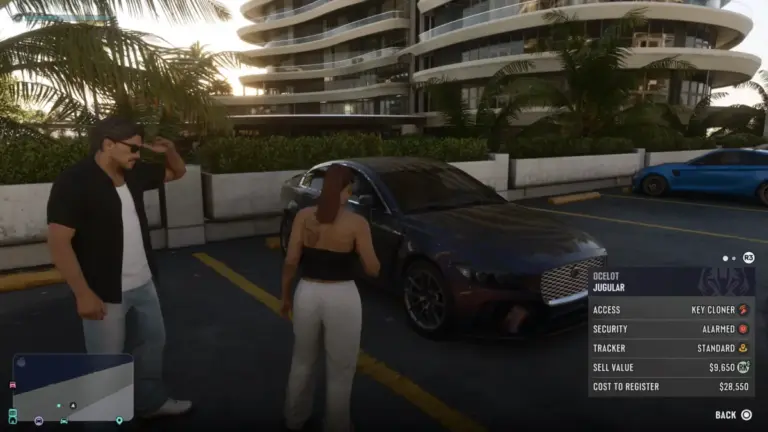
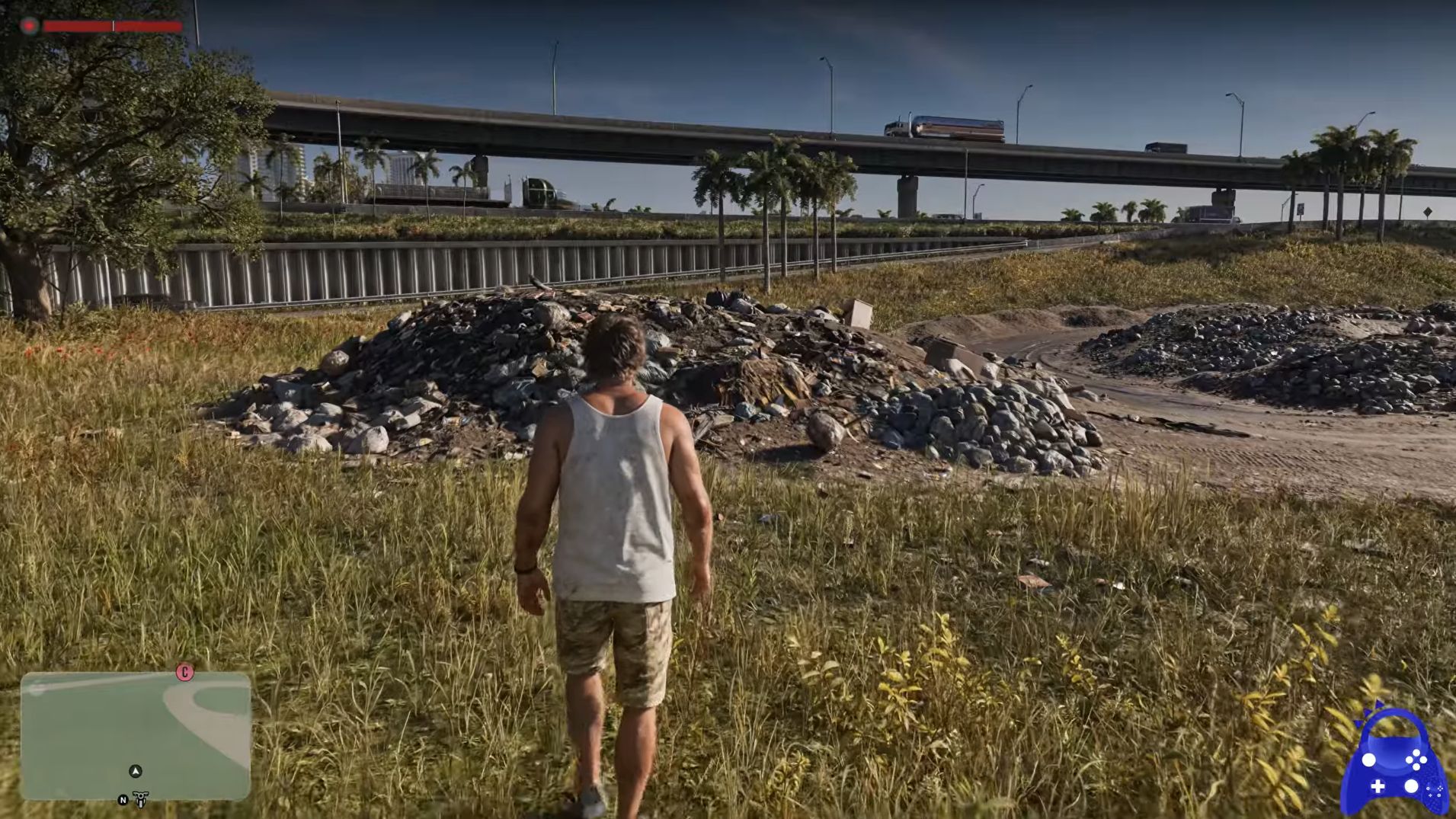
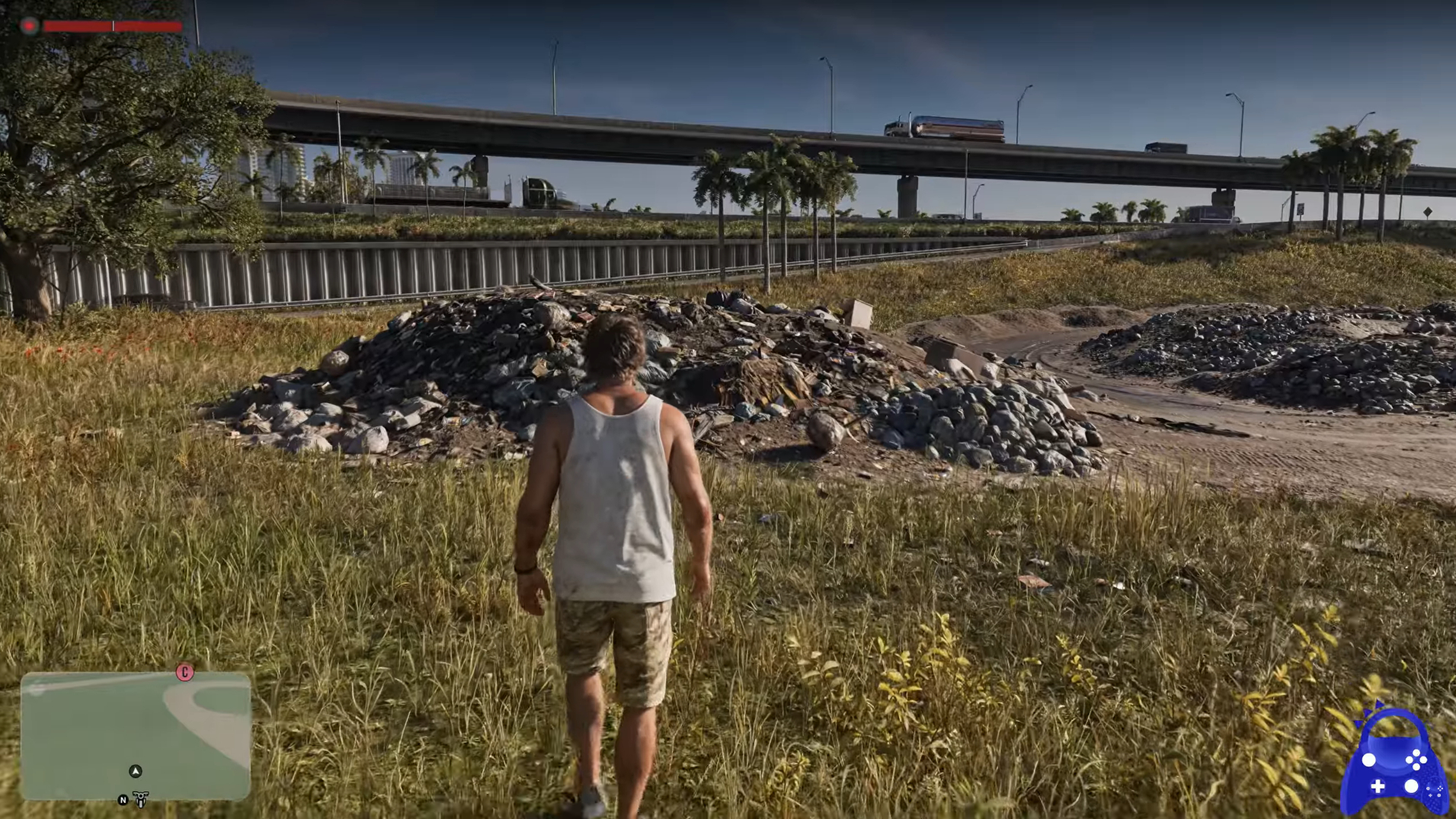
Footage captured and shared by early testers demonstrates striking visual improvements when the neural rendering is successfully overlaid onto the video stream. The enhancements are immediately noticeable across both open-world environmental details and character models, sharpening textures and adding an extra layer of visual clarity to the sprawling, sun-drenched landscape of the game. For PC enthusiasts who are accustomed to pushing graphics options to their absolute limits, seeing these advanced rendering techniques applied to GTA 6 offers an exciting glimpse into what official PC versions might eventually look like when they are developed natively for the platform.
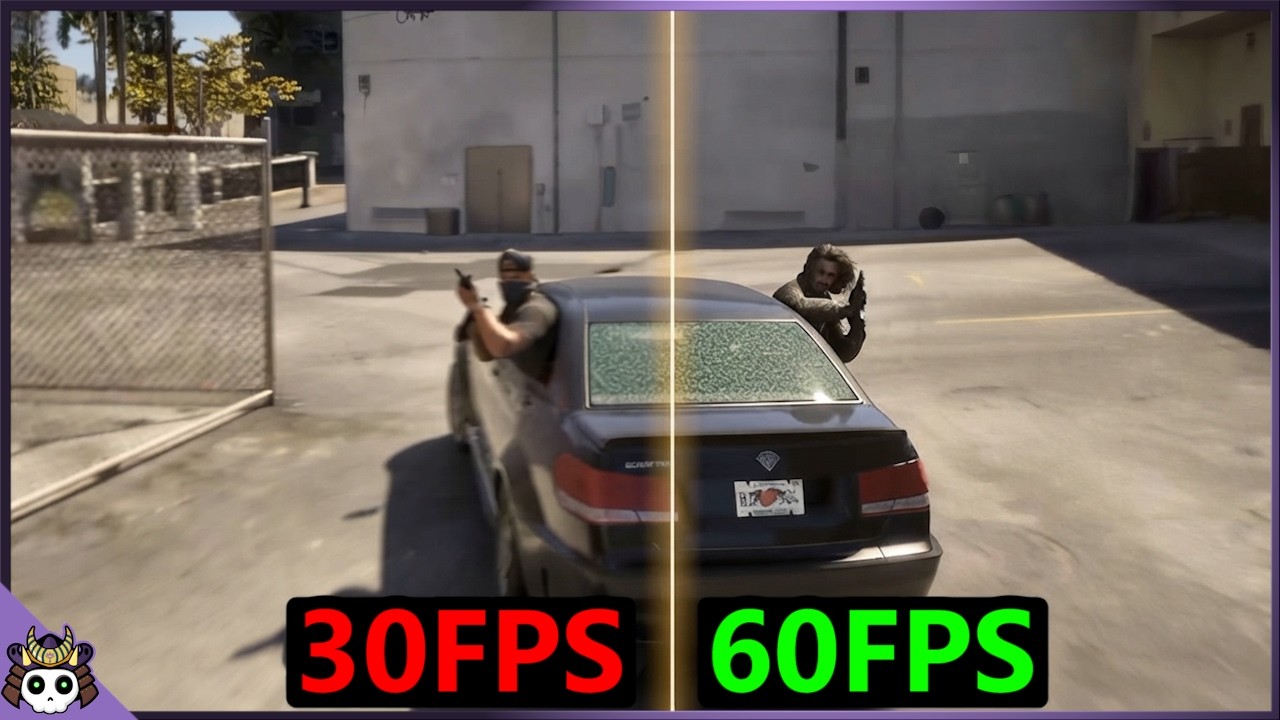
Beyond graphical fidelity, a major focus for these modding experiments has been addressing the game’s native 30 frames per second cap on consoles. Achieving a genuine 60 frames per second through these external tools involves a clever workaround for how frames are processed and displayed. Because standard capture methods or Remote Play streams often duplicate frames to match output targets, traditional display methods can still feel sluggish. The newly developed tools strip away these duplicated frames and apply modern frame generation algorithms, interpolating brand-new frames between the natively rendered ones to produce a true 60 fps output.
Despite the visual smoothness provided by frame generation, this method comes with inherent technical trade-offs. Introducing frame generation to a low base frame rate inevitably increases input latency, a side effect that becomes much more noticeable when the starting point is 30 frames per second rather than a higher baseline. Because the extra frames are synthetically generated rather than natively simulated by the game engine, players may notice a slight disconnect between controller inputs and visual responses on screen.
Alternative methods are also being explored by the community, including commercial software solutions like Lossless Scaling available on Steam. This utility allows users to apply upscaling and frame generation across various windows and video streams, making it a popular choice for wrapping over a Remote Play session of GTA 6. However, modders have highlighted potential pitfalls with this approach. Because streaming feeds often rely on frame pacing that duplicates content to maintain stability, feeding a frame generation algorithm with already-copied frames can introduce noticeable stuttering rather than smooth motion. Consequently, community developers suggest that users relying on tools like Lossless Scaling might achieve better results by sticking exclusively to upscaling features rather than attempting full frame generation over a streamed feed.
While Grand Theft Auto 6 remains a visually stunning achievement even when experienced entirely unmodified on standard console hardware, the willingness of the PC modding community to experiment with neural rendering and frame interpolation highlights a persistent demand for higher performance standards. Whether players are willing to navigate the technical complexities of PowerShell commands, capture cards, and third-party software executables to achieve these enhancements largely depends on their hardware setup and tolerance for input latency. As the gaming community continues to dissect and experiment with the boundaries of console streaming and PC-based post-processing, these early innovations provide a fascinating look at the lengths enthusiasts will go to tailor their gaming experiences.