CSS-Tricks, one of the web development community’s most influential resource platforms, has officially rolled out its Version 20 (v20) theme update. The release marks the site’s first comprehensive theme overhaul in five years, retiring an aging architecture that had remained largely intact since its last major redesign push.
Rather than undergoing a complete ground-up rebuild—an approach often fraught with deployment risk and broken workflows—the update represents an extensive iterative rollup. While incremental features and functional updates have been deployed continuously over the years, particularly since 2024, the v20 release consolidates years of technical debt cleanup, modern front-end styling techniques, performance optimizations, and redesigned navigational indexes into a unified major version bump.
Excavating Ghosts
A primary focus of the v20 development effort involved auditing and purging legacy code accumulated across the website’s 19-year history. Over nearly two decades of continuous publishing, the theme directory retained numerous outdated scripts, dead database tables, and unneeded template files.

Among the removed assets were global compiled JavaScript routines previously used to manage embedded newsletter content prior to self-hosting efforts. The audit also eliminated custom toggle scripts created for the site’s original Flexbox Guide before native HTML <details> elements gained broad browser support. Additionally, legacy jQuery lazy-loading scripts were removed in favor of native WordPress core image handling, and third-party ad delivery scripts were removed following the site’s transition to self-hosted advertising.
As a result of these front-end cleanups, the site’s primary compiled JavaScript bundle was trimmed from 151.6 KB (55.3 KB gzipped) down to 133.8 KB (48.1 KB gzipped).
The optimization effort also formally decommissioned the CSS-Tricks Forum, which had been placed in archive mode in 2018. By deactivating the underlying bbPress plugin and purging decade-old forum data from the database, the site freed approximately 400 MB of database storage and allowed developers to remove multiple legacy template files from the theme directory. Build processes were simultaneously modernized, replacing an outdated and error-prone Gulp configuration with a cleaner, faster local development pipeline.
Security Pass
Alongside performance refactoring, the theme underwent a comprehensive security review designed to align its codebase with current WordPress core standards. The review addressed minor vulnerabilities, such as unescaped custom field outputs scattered across older page templates.
To assist with the security audit, development leveraged artificial intelligence tools—specifically Anthropic’s Claude—to review recent WordPress security release notes and flag potential hardening opportunities within the theme. The AI-assisted review acted as an automated research tool, enabling the developer to focus on implementing specific code patches and front-end security compliance upgrades directly.
Sass Rewrite
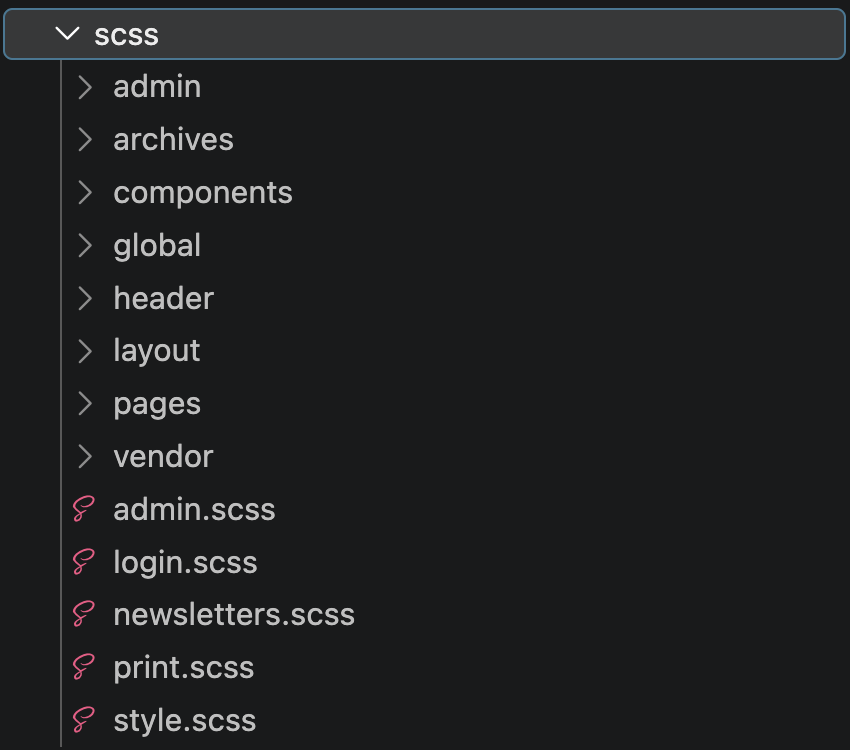
The theme’s stylesheet infrastructure was reorganized to improve maintainability while reducing overall asset weight. Although modern CSS has introduced native features that reduce reliance on preprocessors, the v20 theme continues to utilize Sass primarily for modular file organization through partials.
The prior theme structure relied on a largely flat file layout, where most source files resided in a single top-level directory. The v20 rewrite introduces a systematic directory structure that categorizes partials by component, layout, and utility functions.
Through this reorganization, total compiled CSS dropped from 180 KB (31.7 KB gzipped) to 169 KB (24.6 KB gzipped). To achieve these size reductions, component-specific styles for plugins such as WooCommerce, Restrict Content Pro, and Gravity Forms were extracted from the main stylesheet bundle into a standalone forms.css file, which is enqueued conditionally only on pages containing those specific plugins.
A Sort-of Design System
To address visual inconsistencies resulting from years of ad-hoc style additions, v20 implements a standardized system of semantic design tokens. These tokens replace isolated magic numbers, hardcoded margins, and disparate color values with central variables for typography scales, spacing units, and color palettes.
This token-based architecture introduced immediate visual and accessibility improvements across the site. Hyperlink styles were standardized into a consistent set of maintained variations, establishing uniform visual indicators that comply with web accessibility standards by not relying solely on color hue or opacity changes.
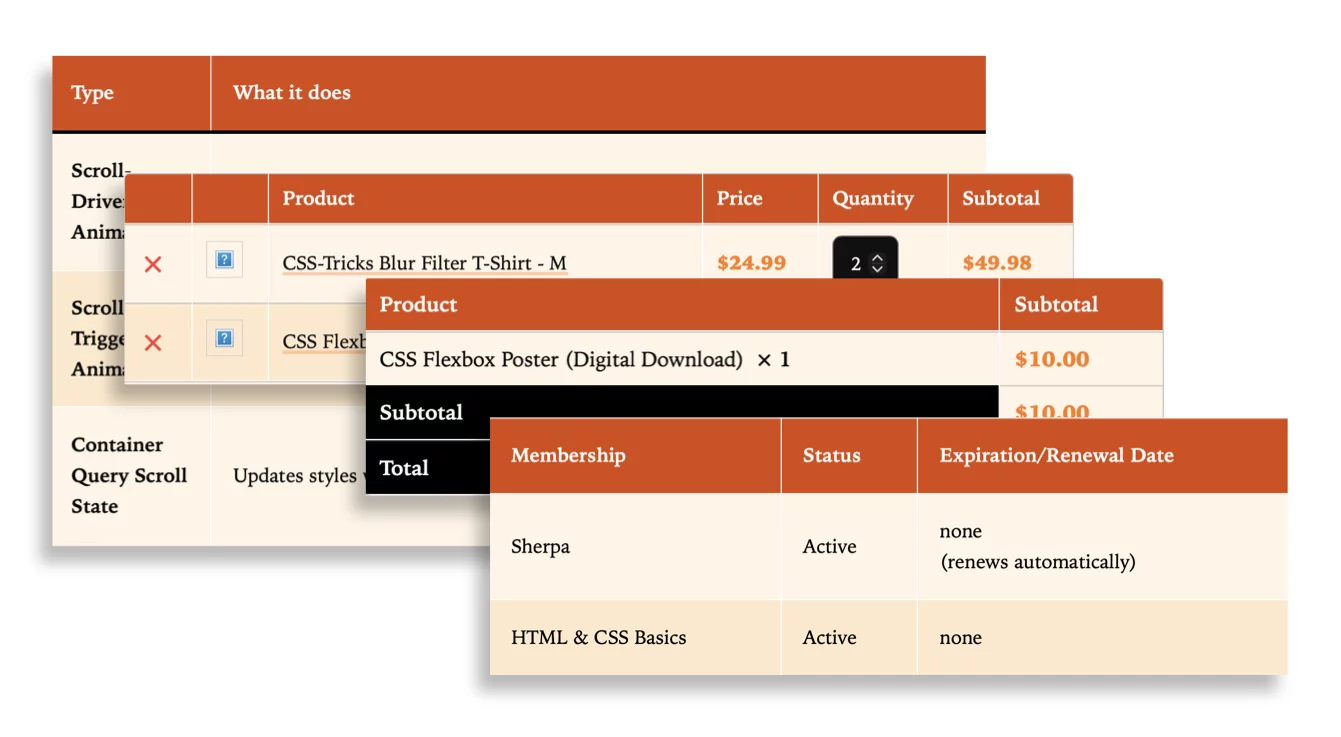
Form inputs and data tables were similarly overhauled. Because form components on the site originate from multiple WordPress plugins—each shipping with default stylesheets—custom reset styles were applied across WooCommerce, Gravity Forms, and Restrict Content Pro elements to establish visual parity across all user interaction points.
Theme Toggle
For the first time in its history, CSS-Tricks features an integrated color scheme toggle. Historically, the site relied on a hybrid aesthetic that paired dark chrome and layout elements with a light content reader. The v20 theme formalizes this structure by treating the legacy aesthetic as the baseline dark mode while introducing a newly designed light theme utilizing warmer, neutral background tones.

The theme toggle consolidates system preferences, light mode, and dark mode controls into a single interactive element. To preserve reading comfort, the central article content container maintains a bright background across all theme variants. The switching mechanism is enhanced visually using the native View Transitions API, which smoothly slides new color variables across the viewport upon activation.
Jawbreaker Texture
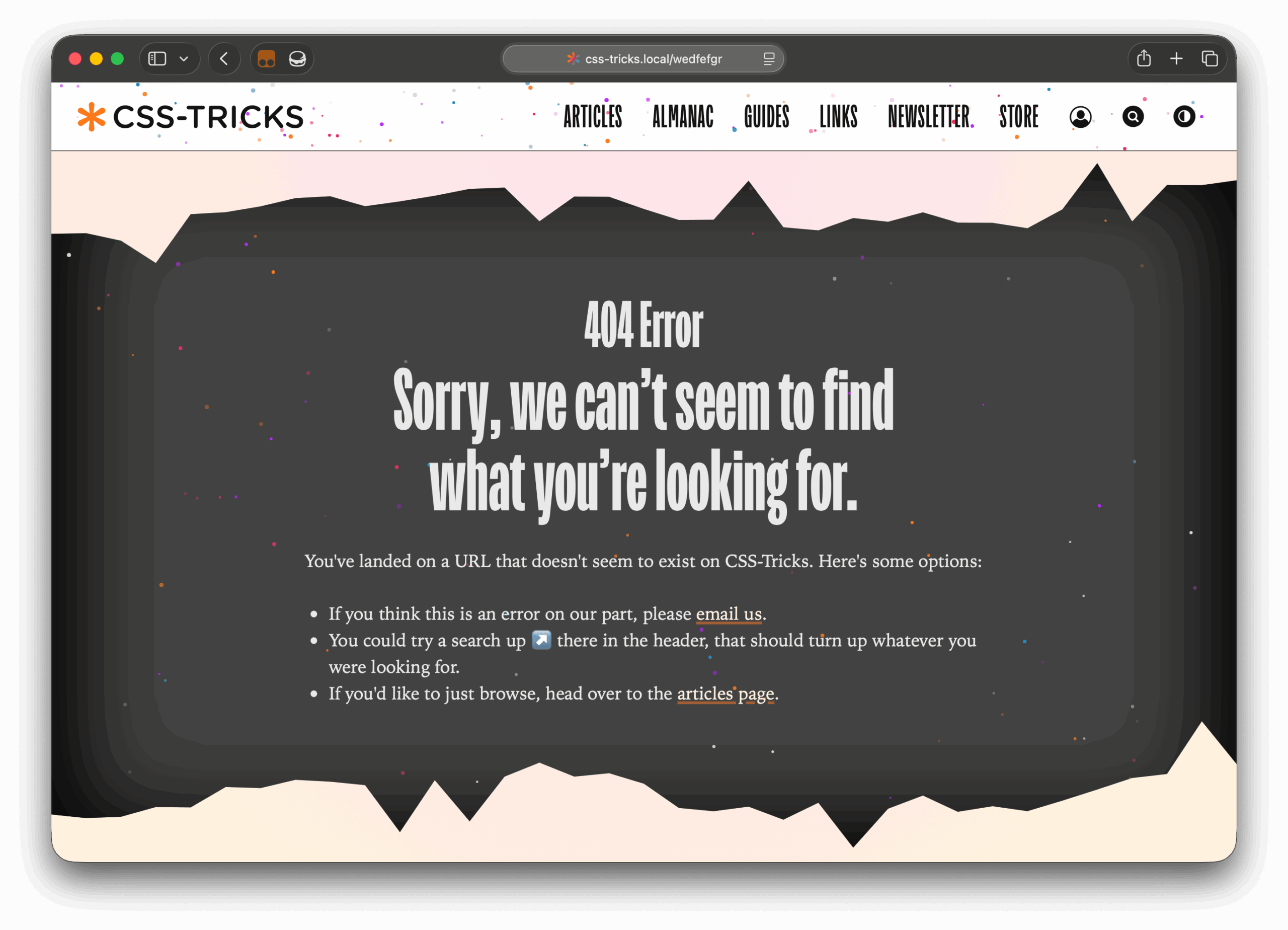
Visual framing elements in the header, footer, and 404 error page received a new decorative aesthetic titled "Jawbreaker." The design features a multi-colored array of floating circular nodes rendered directly as inline Scalable Vector Graphics (SVG).
Rather than populating the DOM with empty HTML elements to handle positioning, the background graphics are procedurally generated server-side using PHP. A dedicated function (csstricks_jawbreaker_svg) accepts parameters for point count, minimum and maximum node dimensions, and pseudo-random seed values to output <circle> elements with inline coordinates, fill colors, and custom CSS animation variables. These variables drive subtle, asynchronous twinkling effects via CSS keyframes.
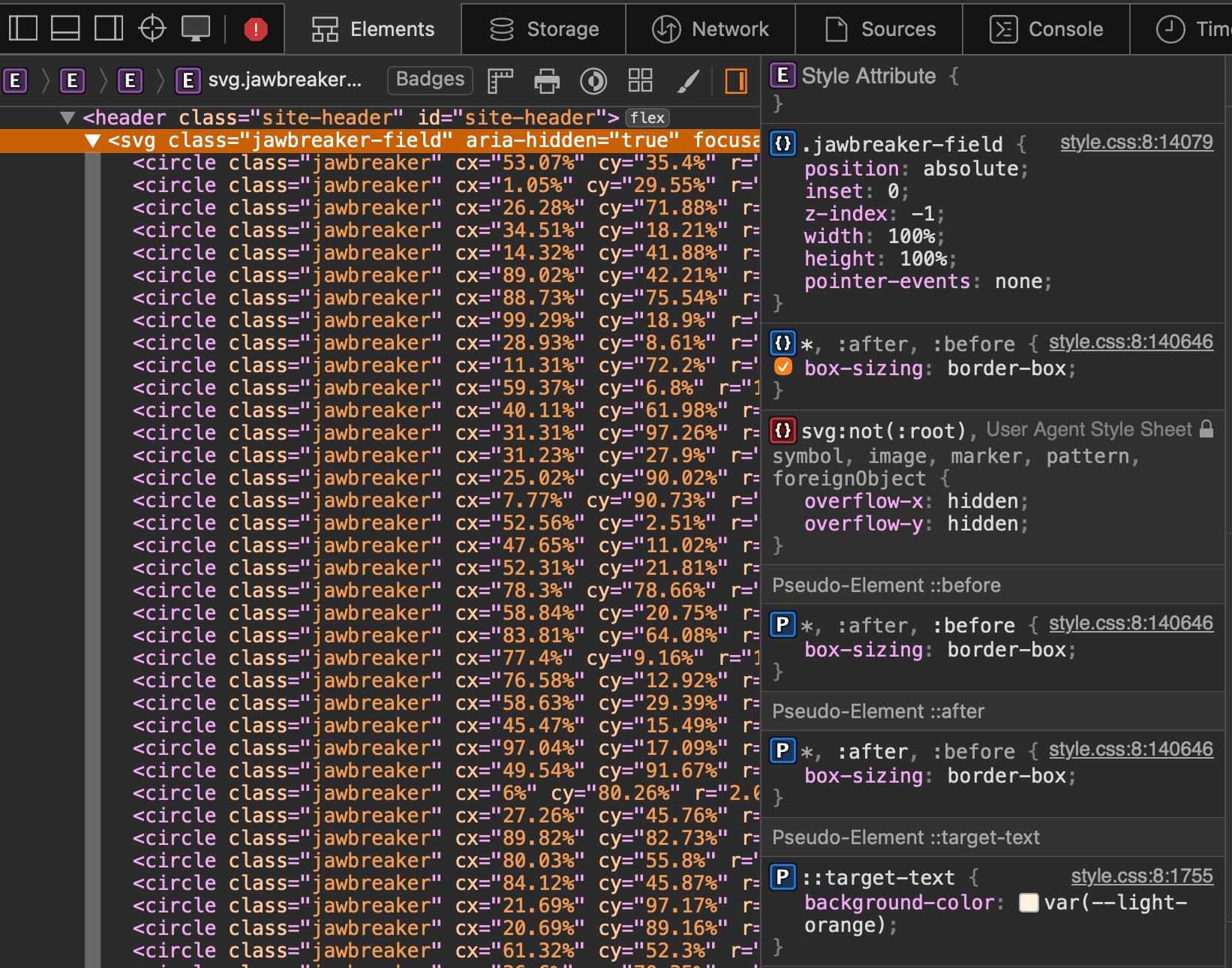
The updated 404 page incorporates this SVG generation method as a vector-based replacement for legacy raster background images.
Blobs, Blobs, Blobs
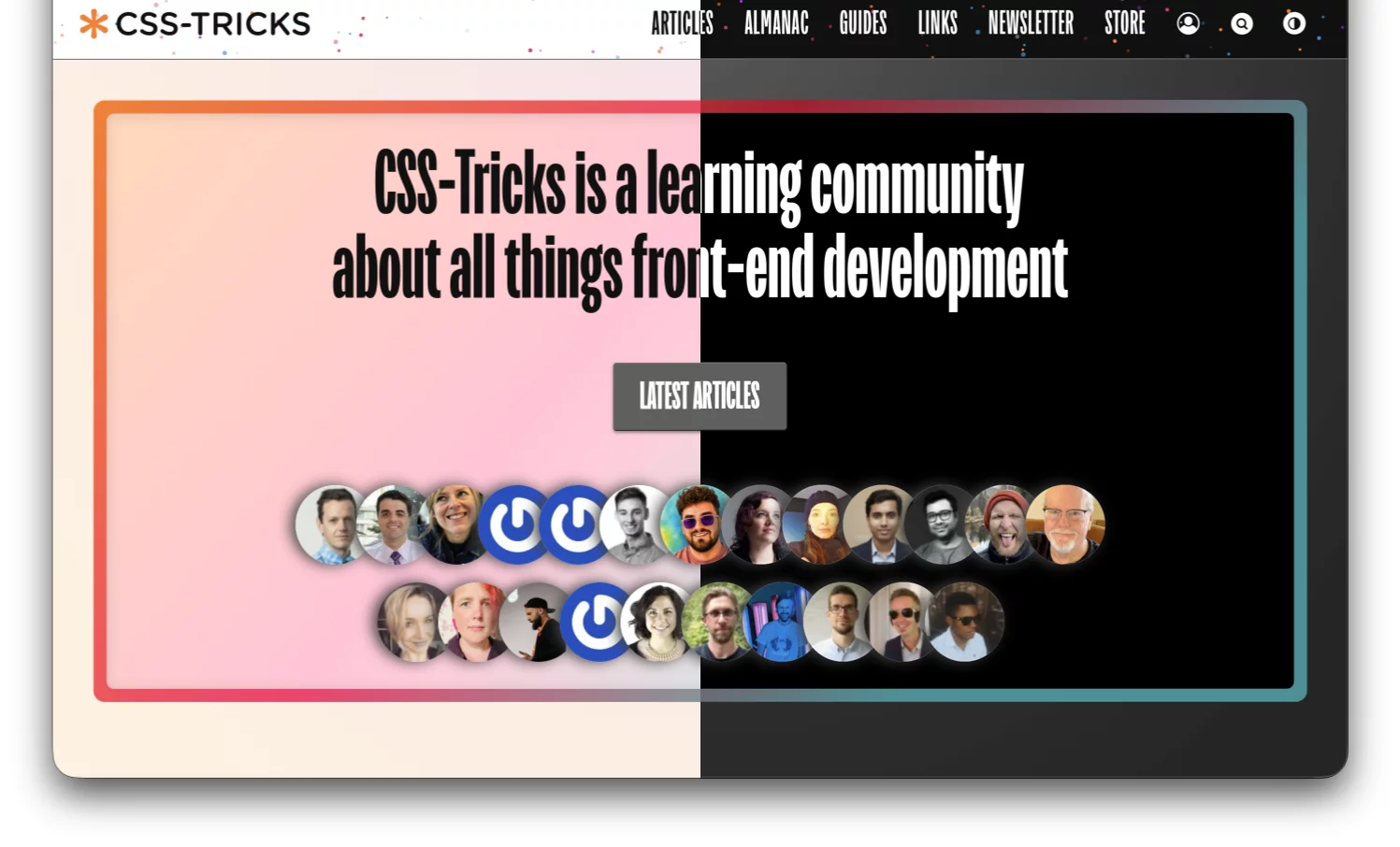
The homepage avatar grid features experimental layout techniques utilizing modern CSS shape specifications. On supporting browser engines—primarily Chromium-based browsers—the author grid backdrop applies dynamic shapes using the experimental border-shape and shape() CSS properties alongside clip-path and native random() functions.
The component relies on a structured .gradient-card pattern. A :before pseudo-element generates a multi-stop linear gradient utilizing native light-dark() color functions. Positioned directly above it, an translucent :after pseudo-element applies inset box shadows and dynamic background opacity calculated via CSS color-mix().
When users hover or focus on the component, custom CSS variables dynamically re-map boundary control points using native random() functions. This creates an animated, organic morphing effect that shifts shape coordinates dynamically on each page load and user interaction.
New Almanac Index
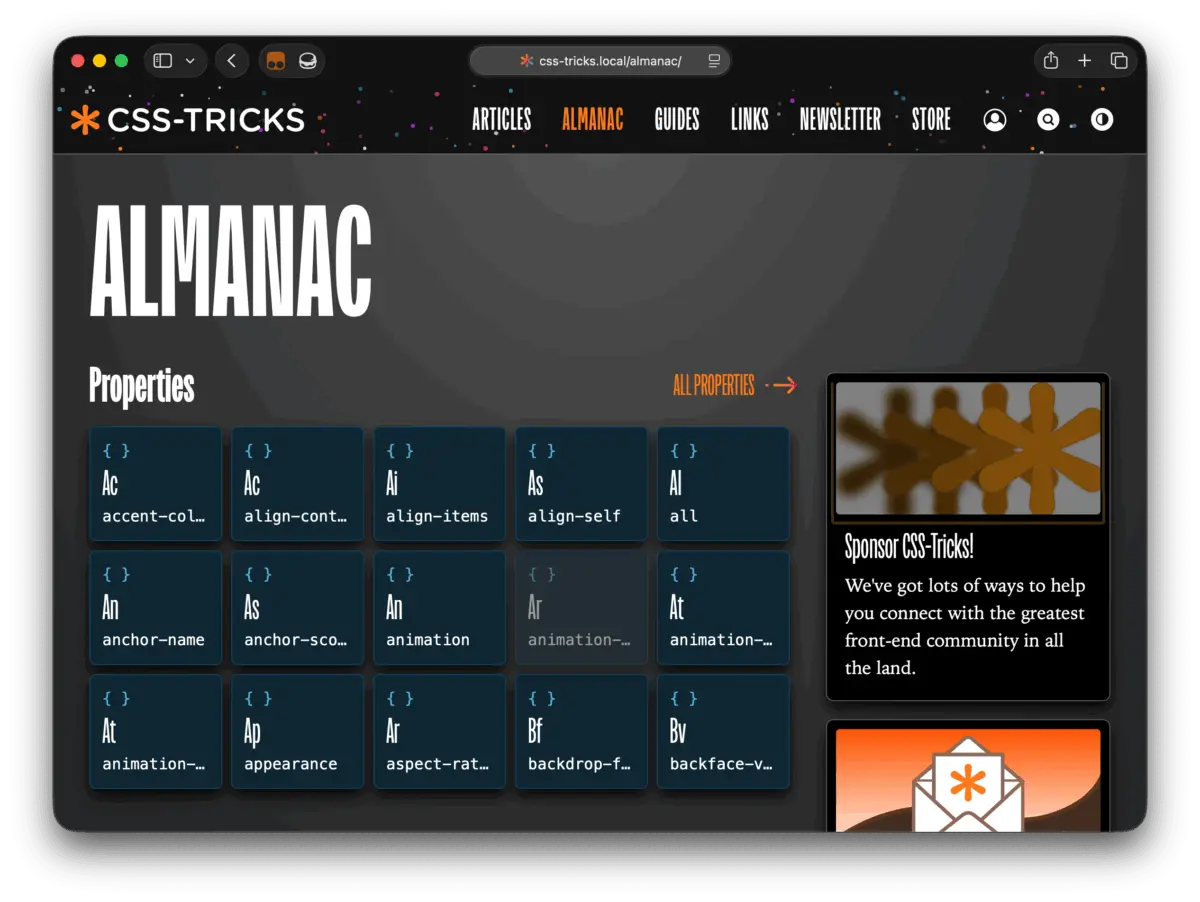
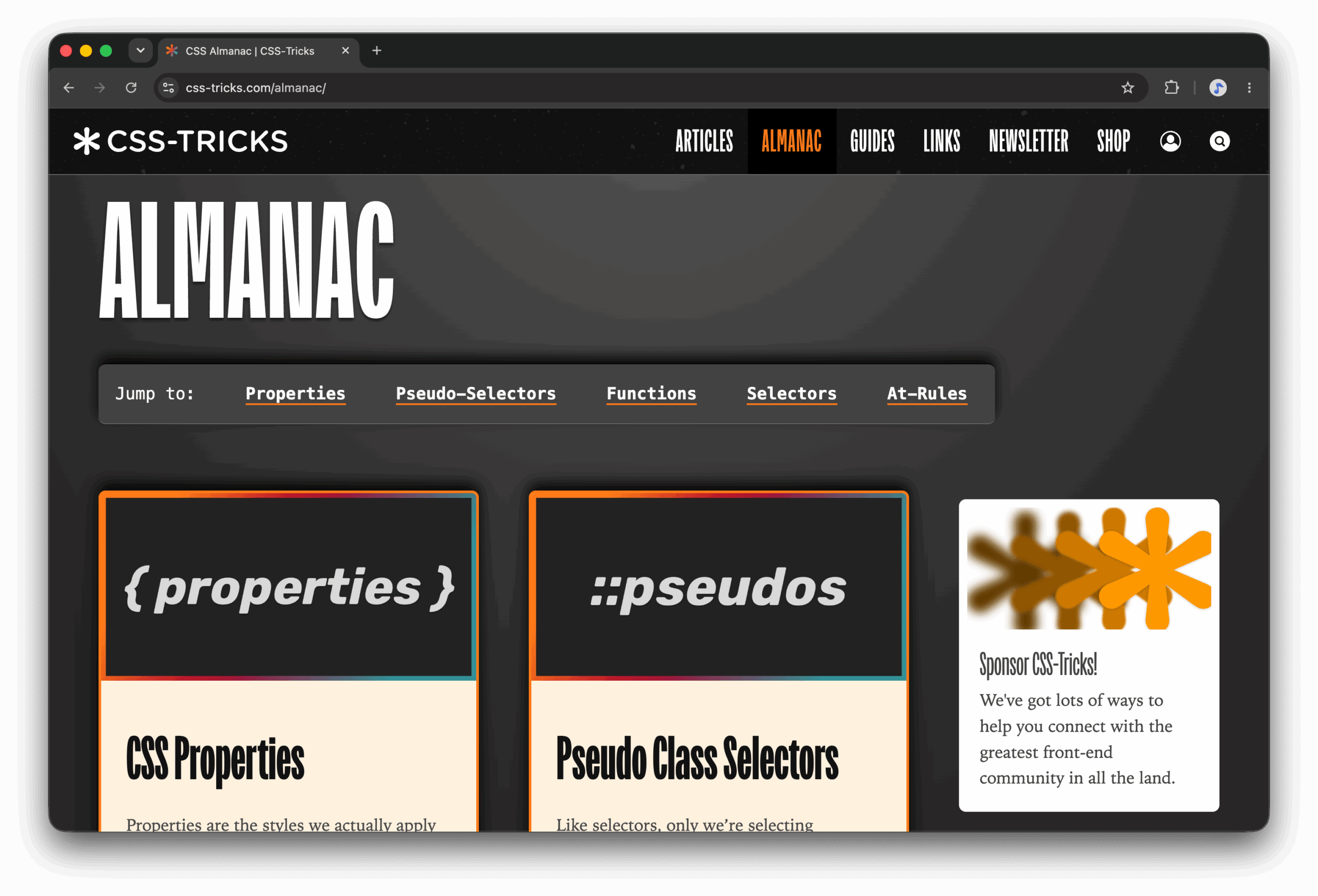
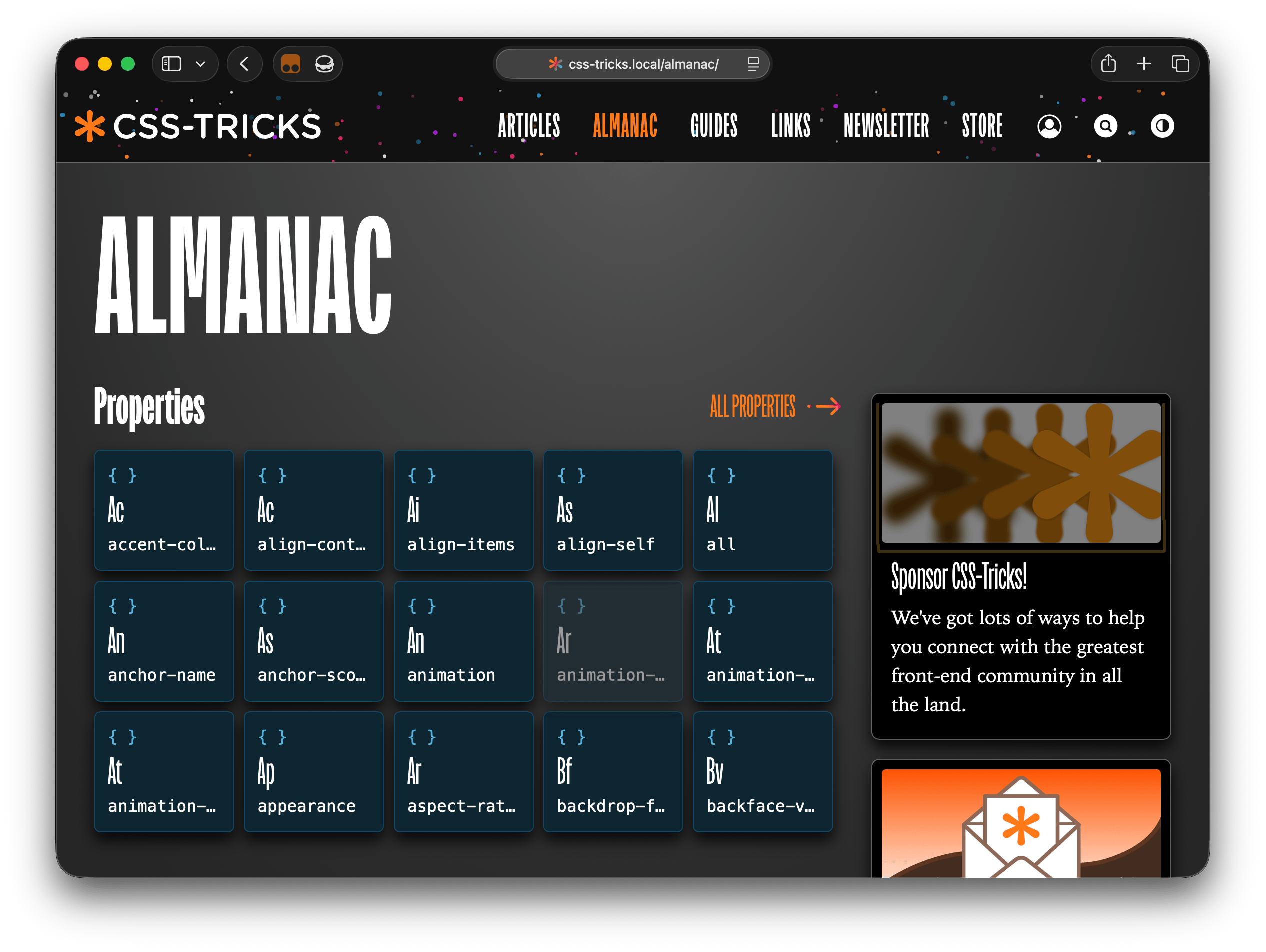
The main landing page for the site’s CSS Almanac (/almanac) received its first major architectural layout update in several years. Previous iterations relied on static visual cards that required extensive scrolling to navigate distinct CSS properties and selectors.
The v20 release replaces the card layout with a high-density, categorized index inspired by periodic table structures. The new layout organizes hundreds of CSS properties, data types, and pseudo-selectors into a compact layout designed to facilitate rapid reference lookups and cross-navigation.
New Guides Index
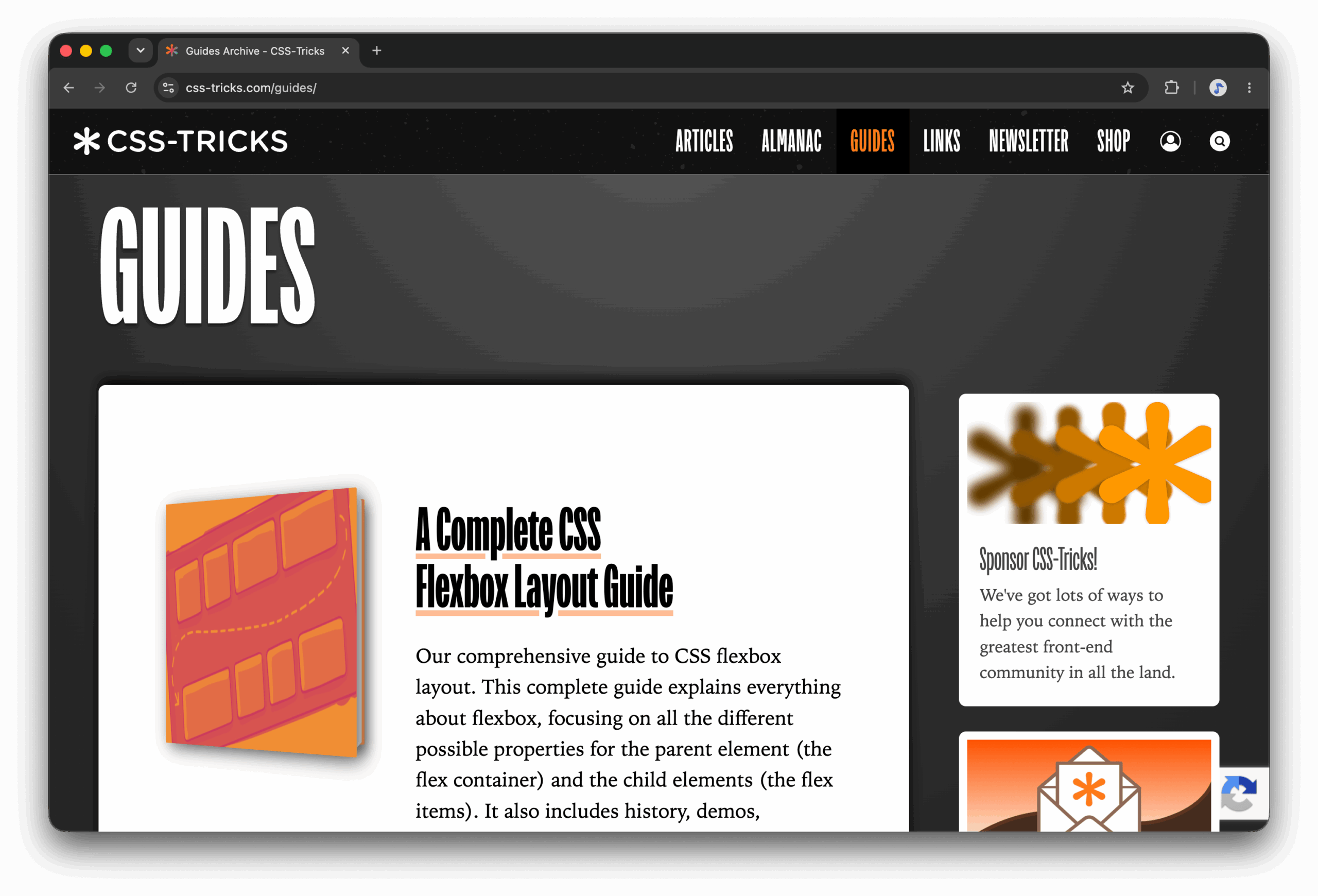
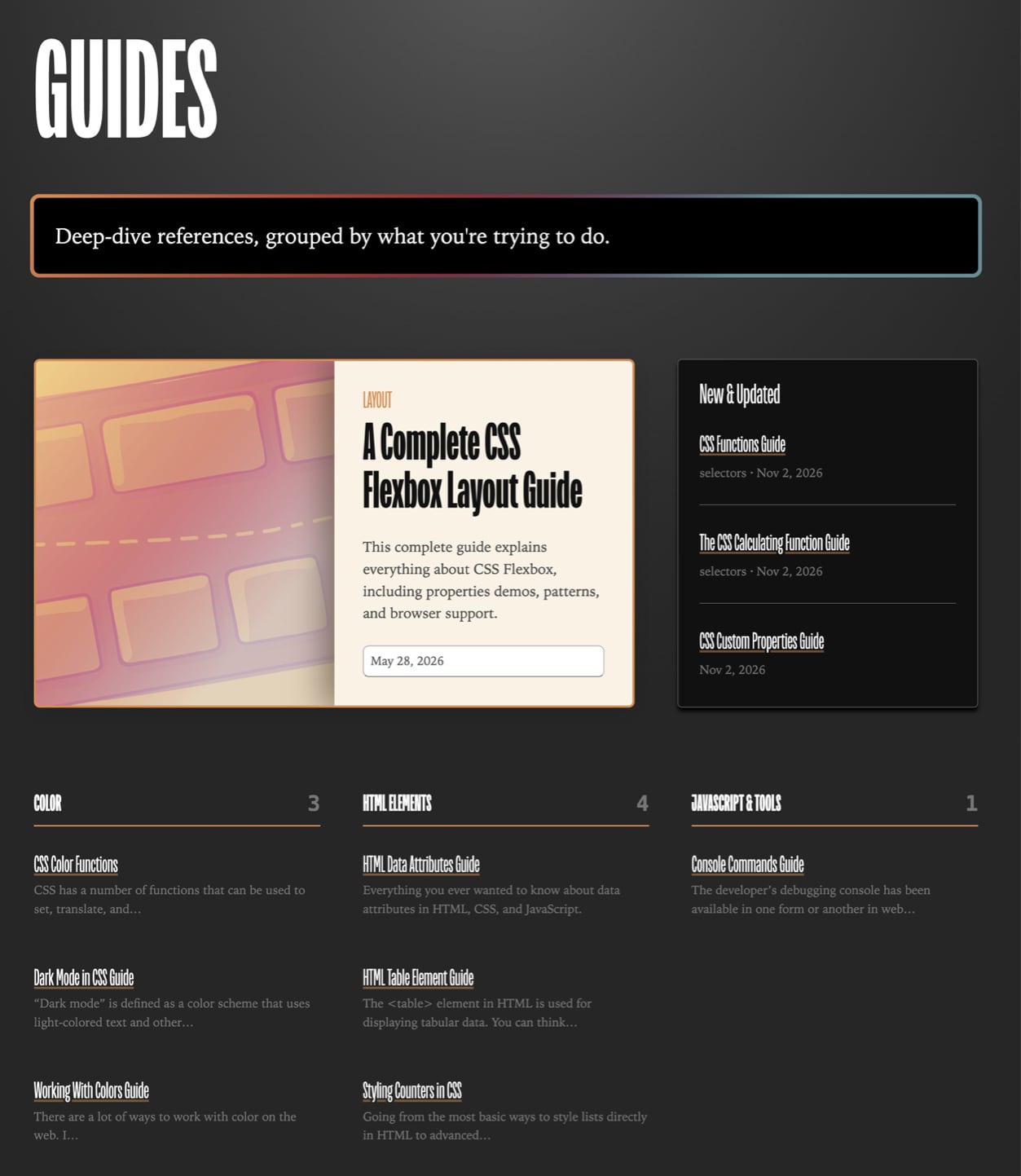
The site’s dedicated Guides section (/guides) was similarly restructured to improve content discoverability. The legacy layout presented all 27 custom guides in a single, vertical scrolling column styled like book covers, offering limited visibility into subcategories or recent updates.
The updated landing page replaces the single-column list with a functional editorial layout. The top of the page highlights a primary featured guide, flanked by a dedicated module tracking newly added and recently updated content. Below the header module, the remaining guides are distributed across a categorized multi-column grid.
Author Pages
Individual author landing pages received structural modifications to prioritize article feeds. The right-hand sidebar was shifted to the left margin, integrating author portrait images, biographical details, and metadata into a consolidated column.
This structural move allows published article lists to align with the top of the viewport, reducing vertical whitespace and improving readability on desktop displays.
WordPress Admin Styles
To streamline the editorial process for site contributors, the v20 theme extends front-end styling rules directly into the WordPress block editor (Gutenberg). Custom administrative stylesheets map site typography, font sizing scales, code block formatting, and content boundaries directly within the editing interface, offering writers an accurate preview of published layouts during composition.
Comparing v19 to v20 Performance Metrics
Performance, accessibility, and site efficiency were benchmarked by comparing v19 to v20 using Google Lighthouse automated audits. While performance metrics on production websites are subject to network variances and third-party script overhead, the comparative testing revealed measurable improvements across key categories.
In overall Lighthouse category scoring, Performance increased slightly from 71 in v19 to 72 in v20. Accessibility scores saw a substantial gain, moving from 86 up to 91 due to standardized link indicators and improved contrast rules. The Best Practices rating reached a perfect 100, up from 75 in the previous theme version, while SEO scores shifted slightly from 92 to 90.
Field metrics and page loading speeds showed notable structural efficiency gains:
Largest Contentful Paint (LCP) improved from 8.5 seconds in v19 to 7.2 seconds in v20. Cumulative Layout Shift (CLS) was reduced from 0.032 to 0, completely eliminating visual layout instability during page rendering. First Contentful Paint (FCP) improved from 2.6 seconds to 2.5 seconds, while Total Blocking Time (TBT) experienced a negligible shift from 10 milliseconds to 13 milliseconds. Speed Index adjusted slightly from 3.2 seconds to 3.5 seconds.
The most substantial performance gain occurred in Time to Interactive (TTI), which dropped by more than half, moving from 8.6 seconds in v19 down to 4.0 seconds in v20. Overall page transfer size was drastically reduced, with total page weight dropping from 2.03 MB down to 1.24 MB.
Ongoing Development
The v20 deployment establishes a streamlined baseline for ongoing maintenance and future iterative releases. Additional administrative cleanups—including query optimizations, revised breadcrumb logic, and theme function consolidation—were deployed alongside the visible front-end changes.
Further updates to author index listings and cascading style layer integration remain on the project roadmap as development continues under the updated theme architecture.